

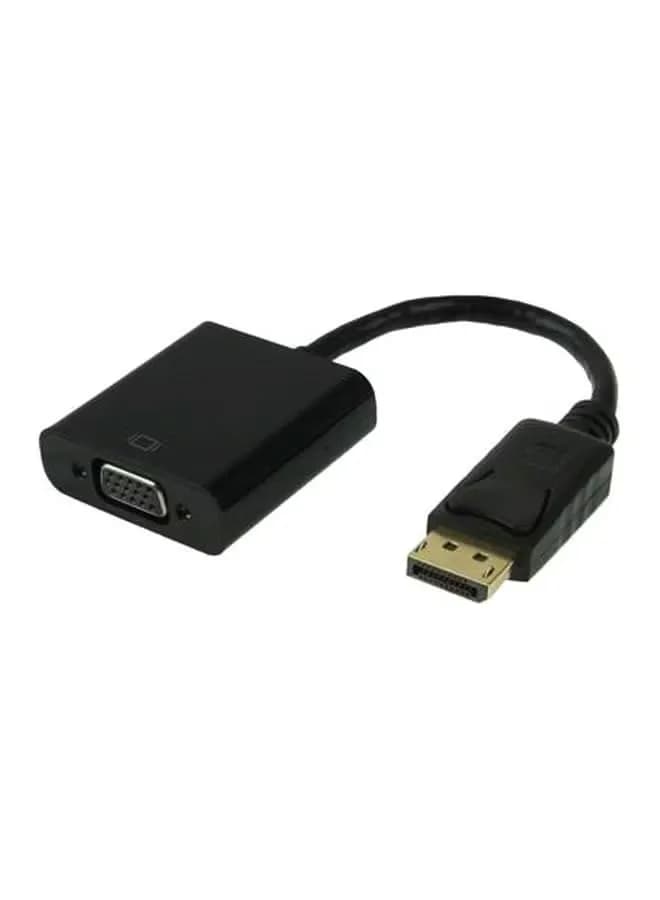
DisplayPort to VGA: keep an older screen in your setup
An older monitor can still be useful as a document screen or secondary display. This adapter connects a computer’s DisplayPort output to a VGA display connection, so the connector types no longer prevent you from putting that screen to work.
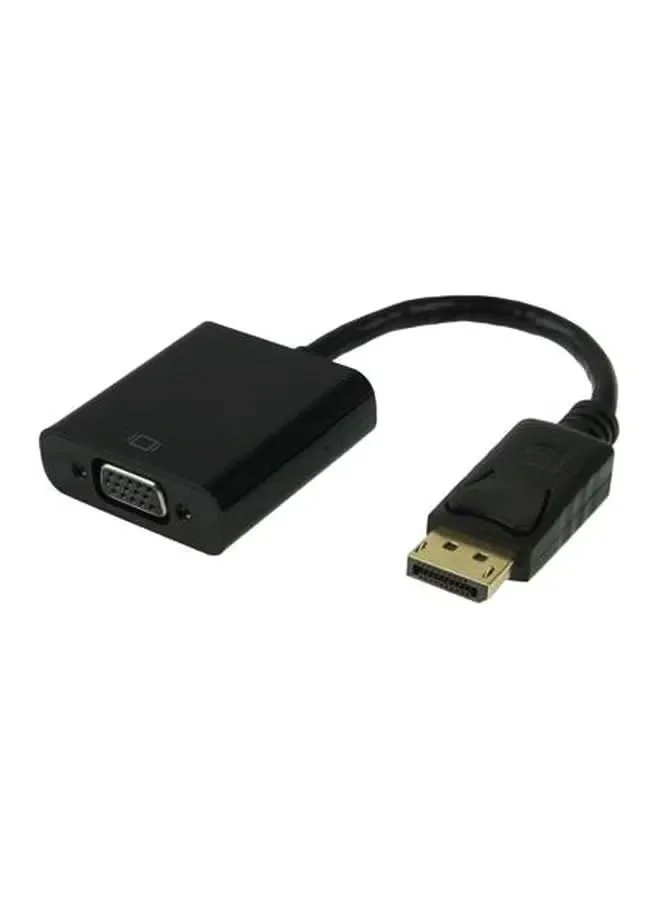
Connect in the right direction
The DisplayPort end goes into the source computer. A VGA cable connects the adapter’s socket to the monitor or projector. This conversion is directional: it is not an adapter for sending a VGA computer output into a DisplayPort monitor.
Video through VGA, audio separately
VGA carries analogue video and does not transmit sound. Use the computer’s audio output or a separate audio device if your setup needs speakers. The adapter does not add audio to a VGA cable.
Match the display mode to the equipment
Choose a resolution and refresh rate that the source, adapter and display all support. The exact maximum video mode of this generic stock is not verified, so it should not be bought on an assumed high-resolution or high-refresh specification.
A useful second-screen connection
Route the cable without pulling on the adapter and secure the VGA screws gently. Select the VGA input on the monitor, then choose duplicate or extend in the computer’s display settings. It is a practical connection for compatible legacy office screens and projectors.