

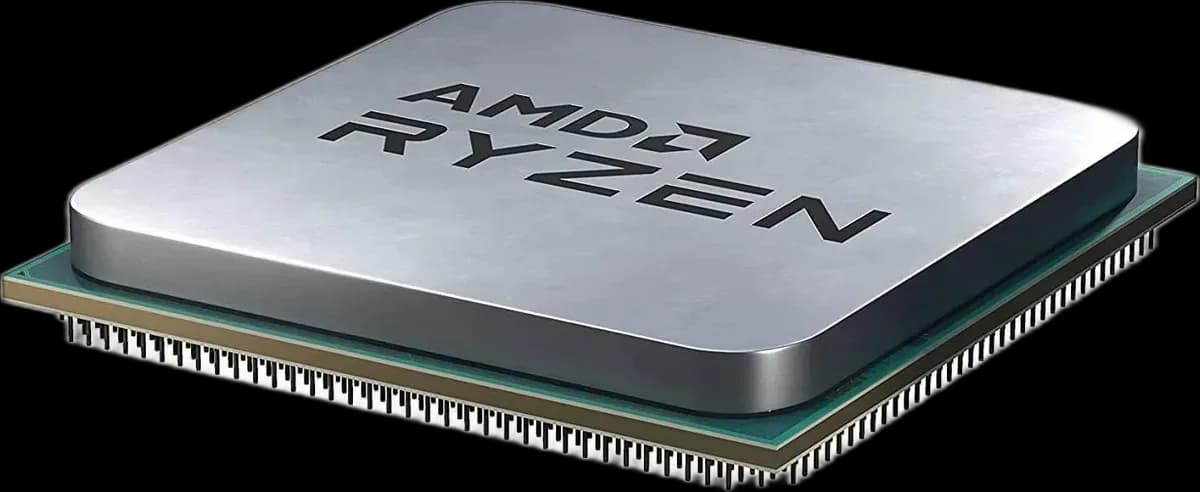
Ryzen 5 5500 Tray: choose the cooling to fit your PC
Already have a suitable AM4 cooler, or want to choose one around your case and noise preferences? This tray version of the Ryzen 5 5500 lets you make that choice separately. It is supplied without a cooler, so cooling must be included in your parts plan.
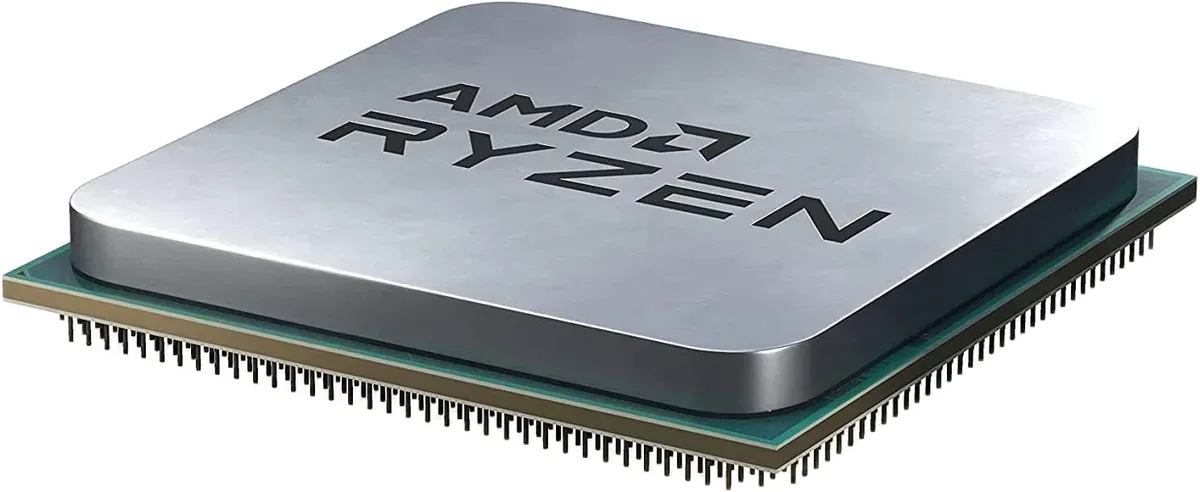
The same 5500 processor, a different package
Six Zen 3 cores and twelve threads handle the processing side of the build. The base frequency is 3.6GHz, with boost up to 4.2GHz. Tray packaging does not turn it into a different performance tier; the practical difference here is what you need to supply during assembly.
An upgrade starts with the existing hardware
The 5500 uses socket AM4, DDR4 and PCIe 3.0. Before reusing a motherboard, look up its exact model and supported BIOS version. The socket name is the starting point, rather than a substitute for the CPU support list.
List the parts you can keep, then compare the complete upgrade cost with a new platform. Include the cooler, any missing mounting hardware and the graphics card in that comparison.
Reuse a cooler only when the mount fits
Check that your cooler has its AM4 mounting kit and fits the case. Follow its installation instructions and replace the thermal compound when remounting. A large heatsink is useful only if it clears the RAM and side panel.
This CPU requires a separate graphics card. The monitor belongs on that card’s display output, even if the motherboard also has HDMI or DisplayPort.
Before you place it in the socket
- Verify motherboard and BIOS support for the 5500.
- Have an AM4-compatible cooler and thermal compound ready.
- Choose suitable DDR4 and a separate graphics card.
This version is a practical choice when you are deliberately selecting your own cooling or reusing a complete, compatible cooler.