

AMD Ryzen™ 5 5600X 6 Cores 12 Threads 3.7Ghz Turbo 4.6 Ghz
17.000 L
In stock

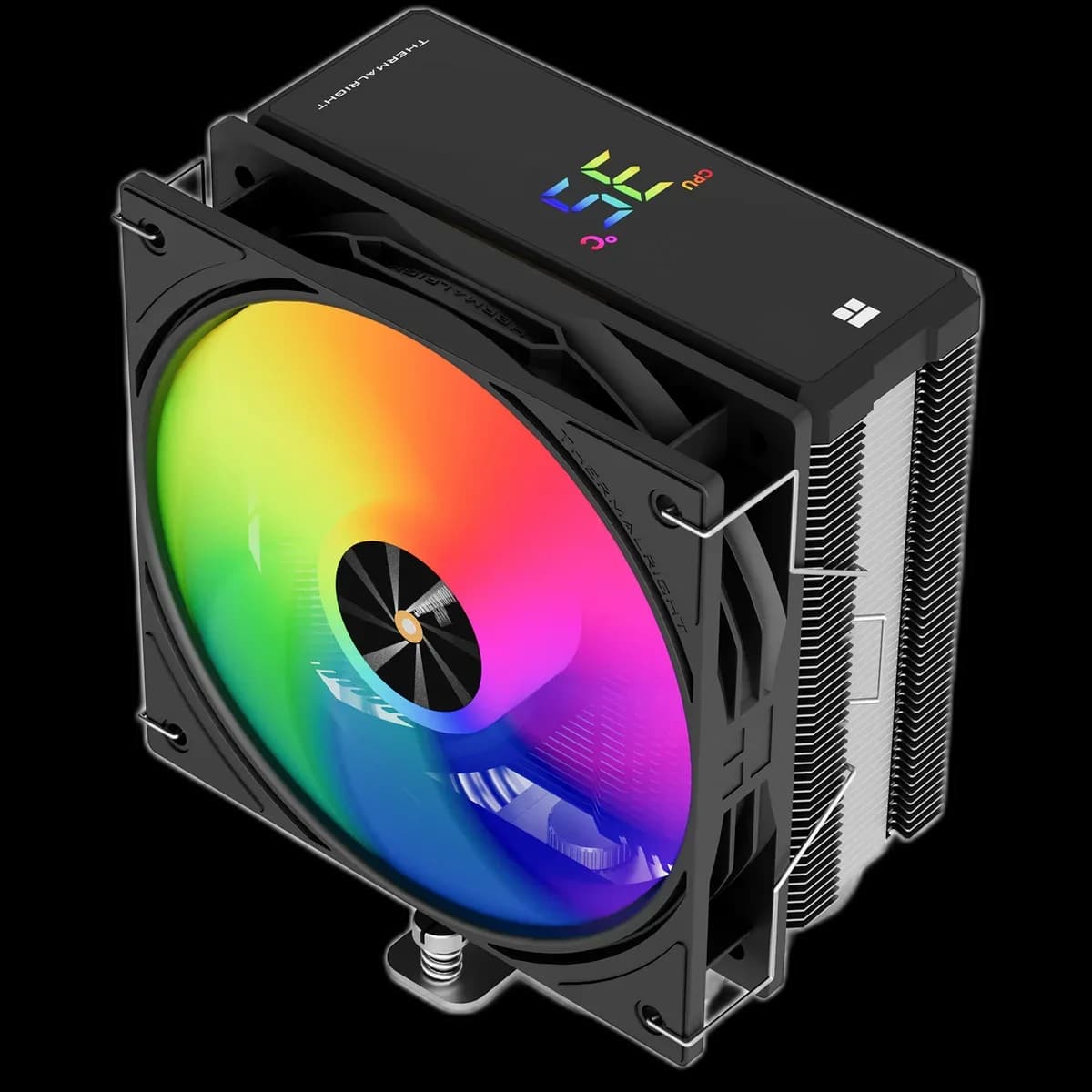
A black 151mm single-tower cooler with four heat pipes, a digital status display and a 120mm PWM ARGB fan. Internal USB is required for the display.
Estimated courier delivery: 24–48 hours after dispatch.
The same rate applies to every city in Albania.
For 1 of this product. The final fee is recalculated at checkout for your full basket.
Cash on delivery, or pay in store when collecting.
Collect in Durrës with no delivery fee. Wait for confirmation that your order is ready.
36 months warranty
Optional extras, sold separately.
17.000 L
In stock
11.000 L
In stock
6.000 L
In stock
Extras total: 0 L
One of each selected item. Add the main product separately.
This black Assassin X 120 R Digital combines two visible details: colour from the ARGB fan and a compact display above the fin stack. It keeps them within the layout of a single air tower, making it an option for a windowed build with limited room around the CPU.
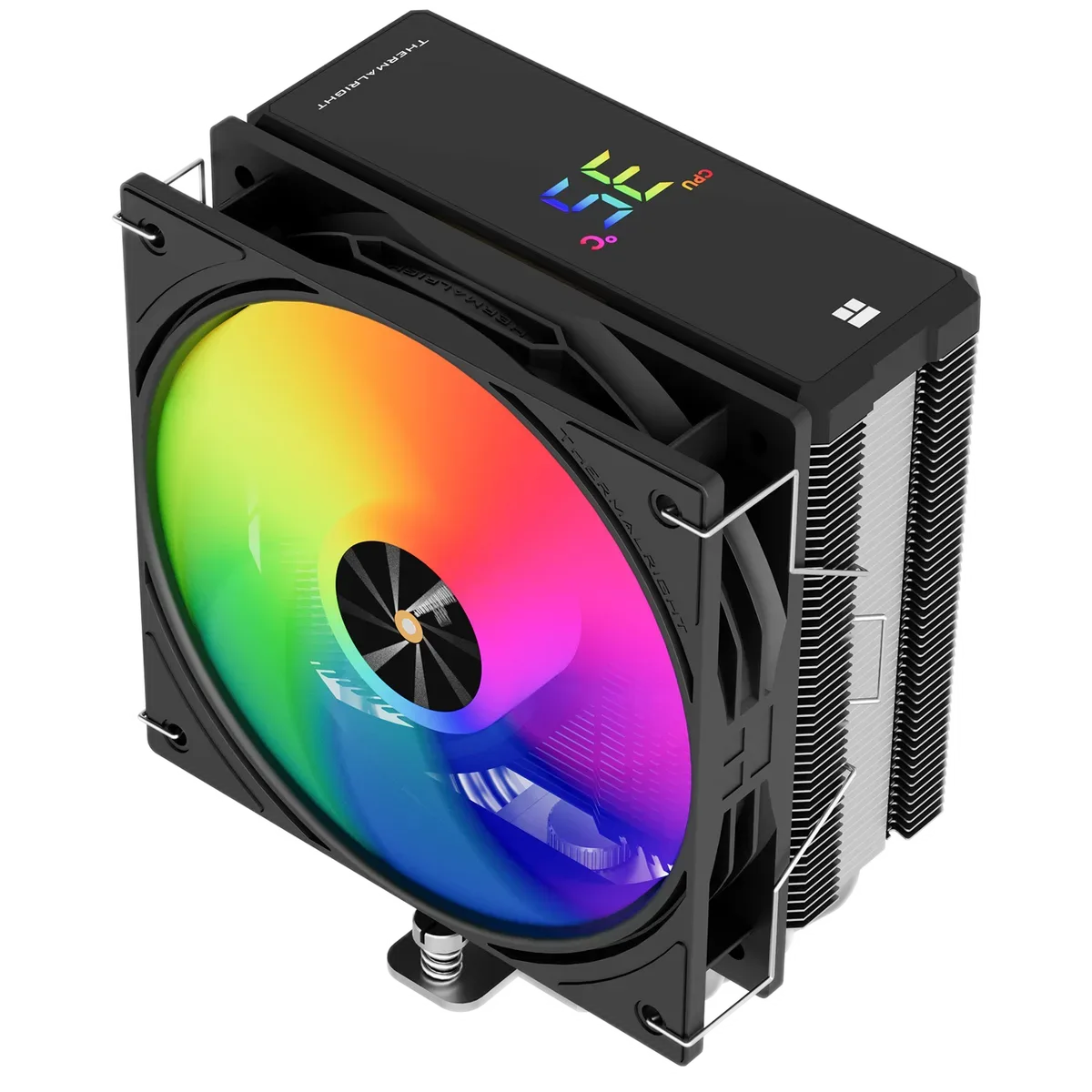
A cooler display is most useful when the case sits where you can actually glance at it. Check the viewing angle through the side panel before choosing a digital model for this feature.
The display uses an internal USB connection and Thermalright software. Leave the header accessible during assembly and install the software before expecting the screen to show system information.
The cooler uses four 6mm heat pipes and a 120mm fan. Its specified height is 151mm; check that against the case limit and leave room for the fan clips.
Although the layout is compact, RAM and motherboard heatsinks still deserve a look. Arrange the fan and case exhaust to move air along a consistent route.
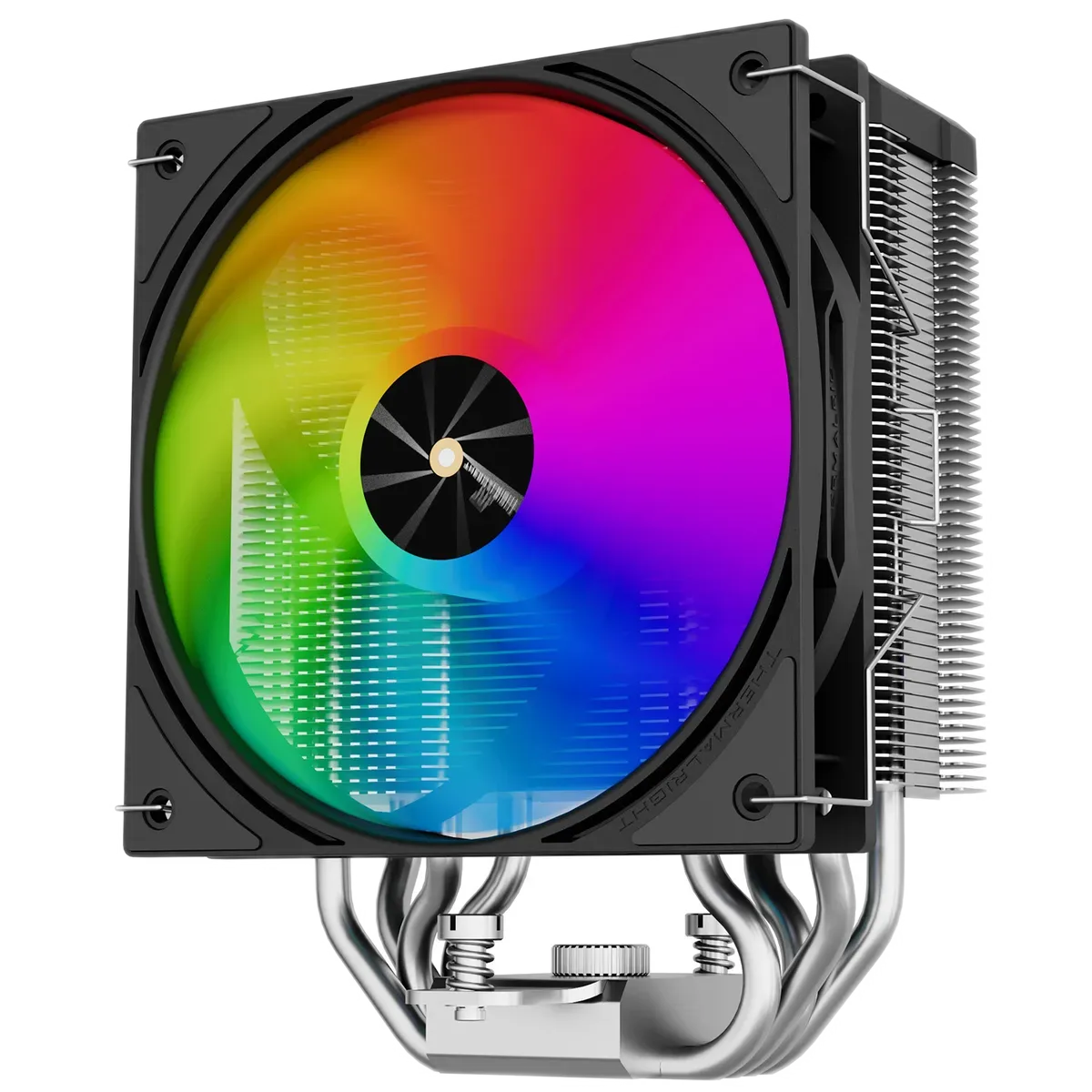
The fan’s 4-pin PWM connection controls speed. Its separate 3-pin 5V ARGB connection controls the colour, while USB serves the display. Keep those three functions separate when tracing cables or troubleshooting.
Choose a moderate fan curve first, then adjust it after checking temperatures in your usual applications.
This model suits a build where a small display is useful and a single tower is the right physical fit.