
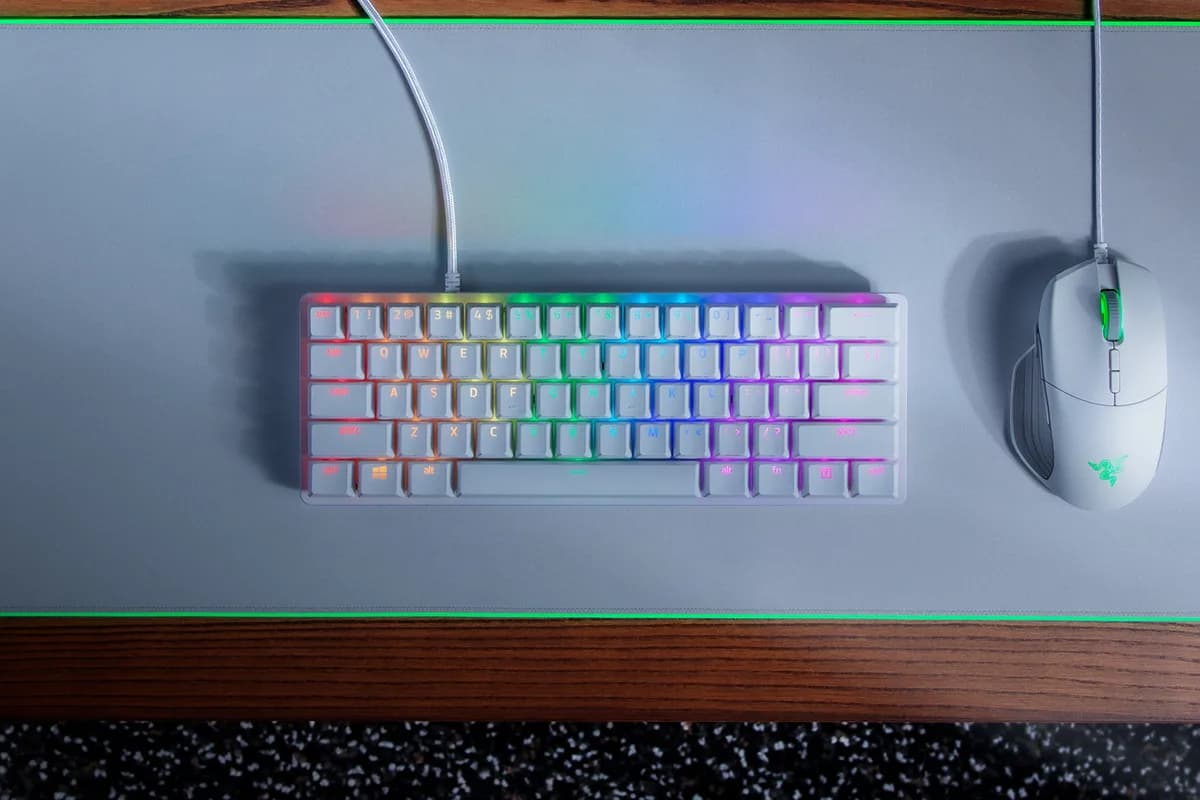
Razer Huntsman Mini Mercury Edition
15.000 L
In stock

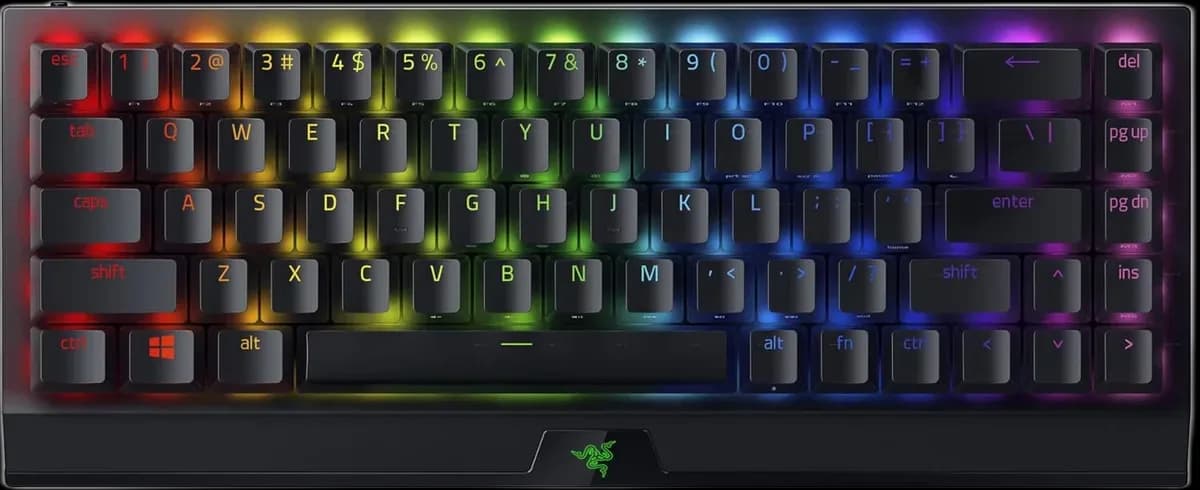
A 65% keyboard with linear Yellow switches, dedicated arrows and Chroma RGB. Connect through HyperSpeed wireless, Bluetooth or a USB-C cable.
Delivery is currently unavailable for this product.
Cash on delivery, or pay in store when collecting.
Collect in Durrës with no delivery fee. Wait for confirmation that your order is ready.
24 months warranty
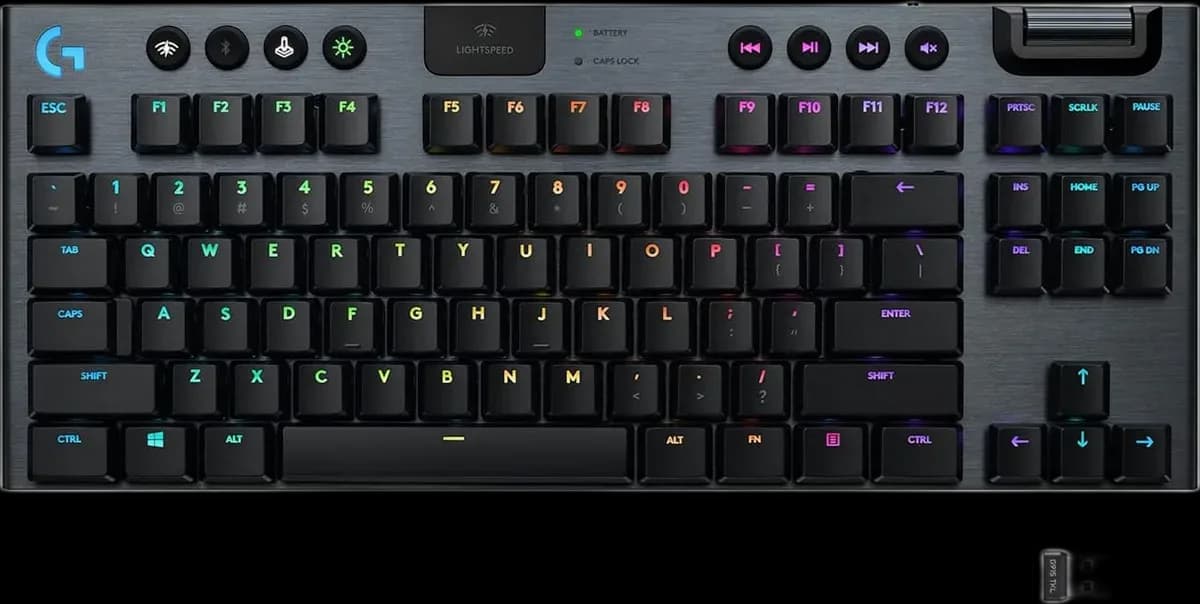
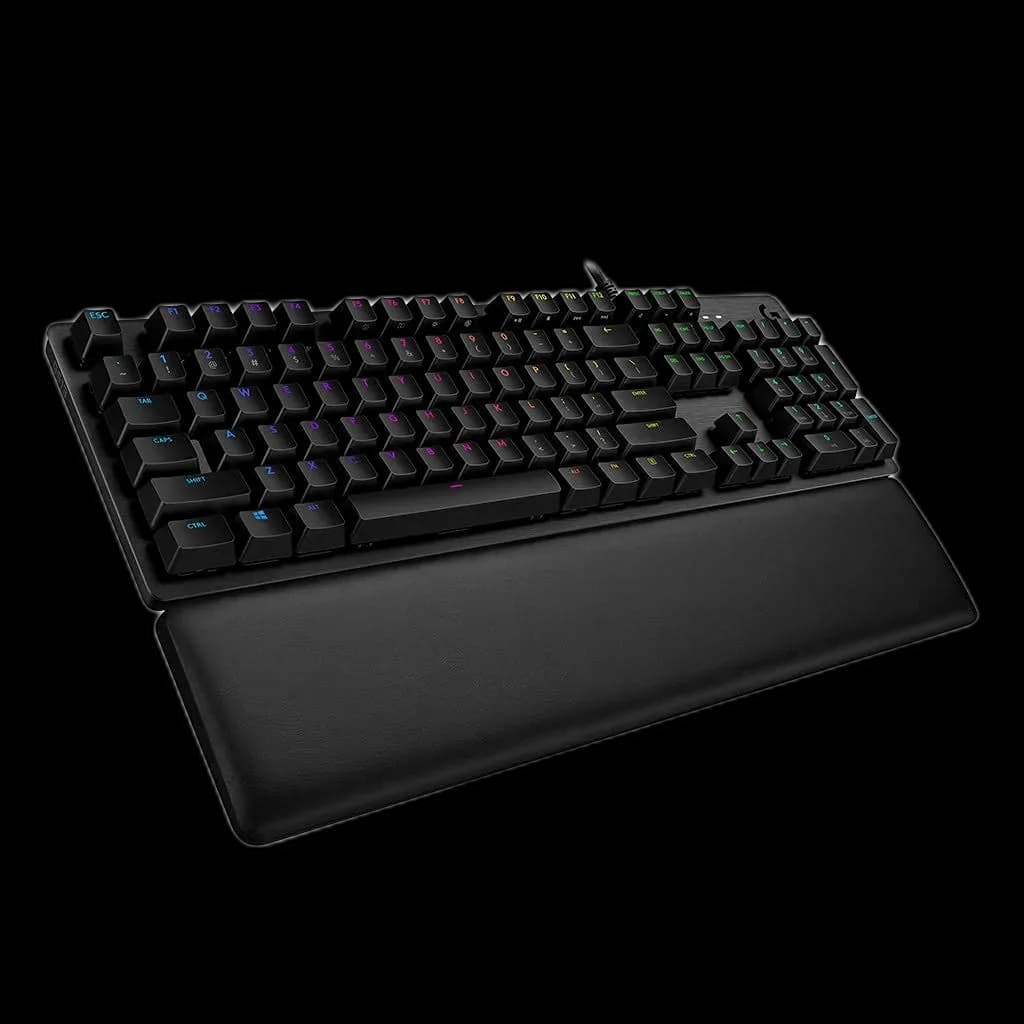
Different available models, each with its own price and specifications.
15.000 L
In stock
25.000 L
In stock
25.000 L
In stock
The BlackWidow V3 Mini HyperSpeed suits a desk where you want a small keyboard without giving up separate arrow keys. Its 65% US layout keeps those navigation controls beside the main typing area. This version uses Razer Yellow linear switches and offers three connection methods for different parts of your day.
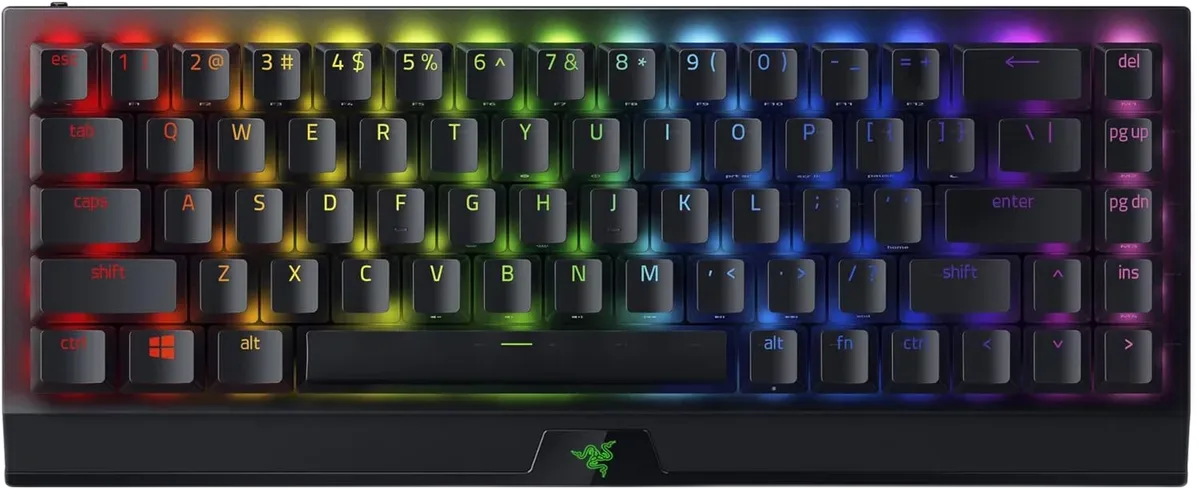
Removing the number pad and separate function row gives your mouse more room. The arrow keys remain immediately available for menus and text editing. Functions that no longer have a dedicated key use secondary combinations, so take a little time to learn the shortcuts you use most.
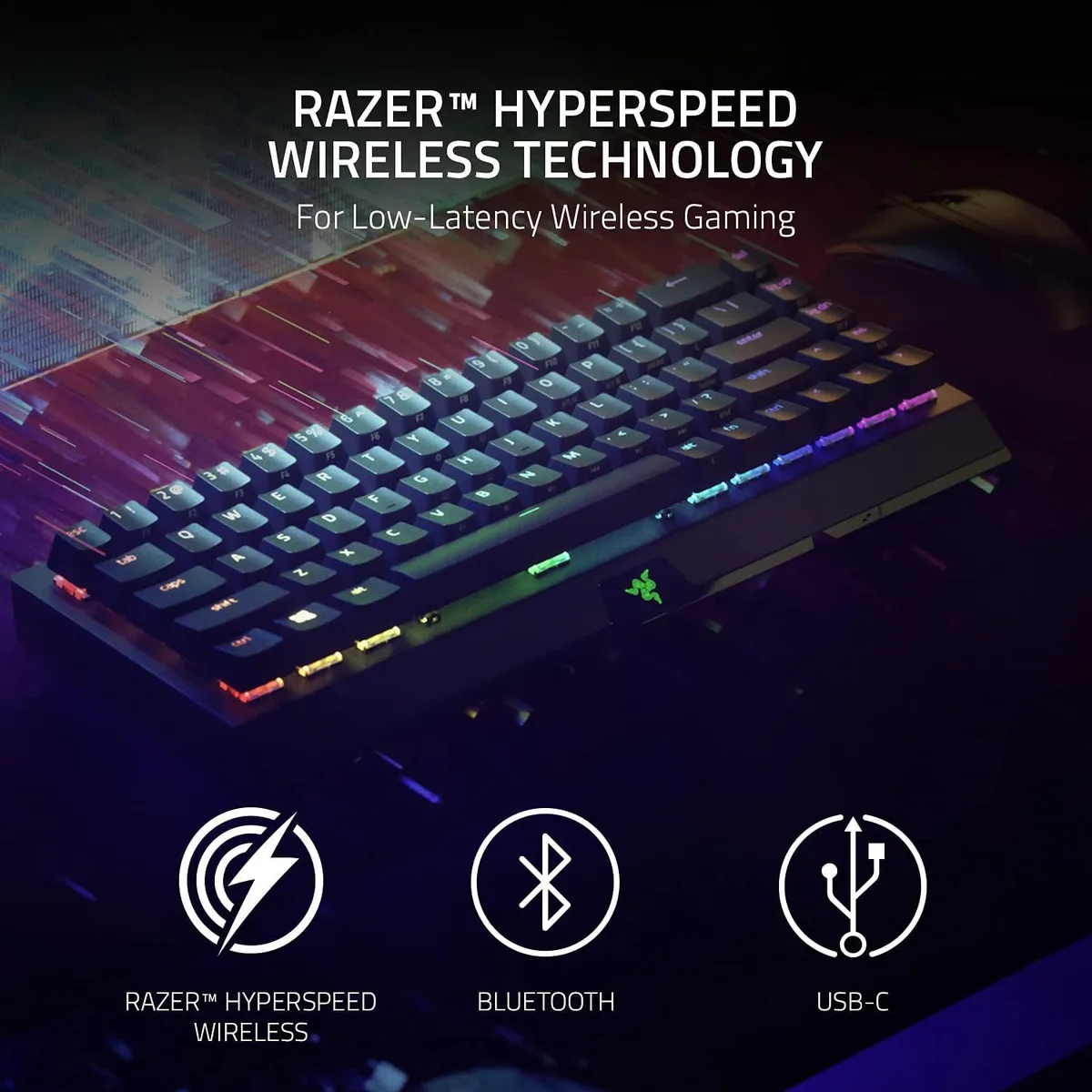
HyperSpeed 2.4 GHz uses the USB receiver for wireless gaming. Bluetooth is useful for connecting a compatible secondary device, while USB-C carries data as well as charging power. Keep the receiver where the signal has a clear route instead of hiding it behind a metal PC case.
Yellow switches have a smooth press without a tactile bump. Doubleshot ABS keycaps and individual Chroma RGB lighting give the black keyboard a familiar Razer appearance. Start with a brightness you can comfortably read; lighting choices also affect how often a wireless keyboard needs charging.
Razer quotes up to 200 hours with the lighting switched off. That is a manufacturer maximum, and brighter effects or different usage will shorten it. The detachable cable lets you continue in wired mode when needed.
This is a compact option for someone who wants both wireless freedom and dedicated arrows.