

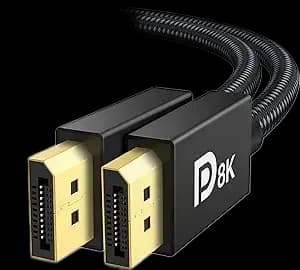
DisplayPort to DisplayPort: connect the PC to its monitor
A direct DisplayPort cable connects a compatible computer or graphics-card output to a monitor's DisplayPort input. It avoids an adapter when both devices already use the same connector.
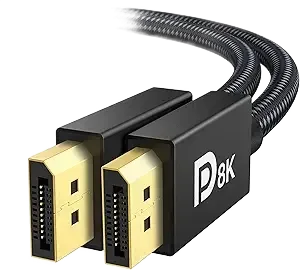
Match the connector on both ends
This listing is for full-size DisplayPort to DisplayPort, not Mini DisplayPort or USB-C. Check the port shape on the computer and display before selecting the cable.
Confirm the video mode separately
Resolution and refresh-rate support depend on the source, display and cable capability together. The exact bandwidth certification for this stock is unverified, so no 4K, 8K or high-refresh guarantee is assigned from the photograph.
Measure the actual cable route
Measure behind the desk and around the monitor stand, leaving slack at both ends. The cable is 1.5 m long. If a connector uses a release latch, press it before unplugging instead of pulling the cable.
After connecting
Select the monitor's DisplayPort input and check the resolution and refresh rate in the operating system. Choose it for a 1.5 m route, checking the required performance rating for your setup.