

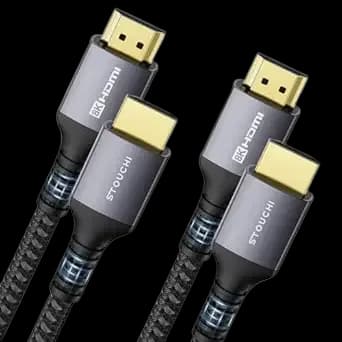
HDMI to HDMI: a direct link between source and screen
An HDMI-to-HDMI cable is a direct connection when a computer, console or media device has HDMI output and the screen has HDMI input. Both ends here use the standard full-size Type-A connector.
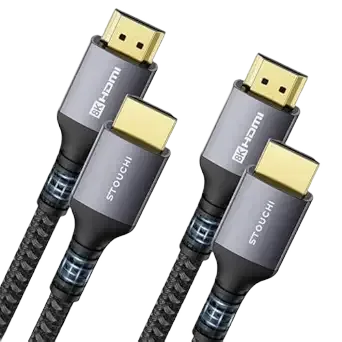
Check HDMI size first
Standard HDMI is different from Mini HDMI and Micro HDMI. Check both devices rather than relying only on the word HDMI in their specifications. This cable is not a converter from another video interface.
Choose performance by certification
A connector alone does not establish 4K/120 Hz, HDR, VRR or 8K support. Those modes depend on the source, display and cable capability. This stock's bandwidth certification has not been confirmed, so verify it before selecting the cable for a demanding video mode.
Allow space behind the screen
This cable is 1.5 m long. Measure the route, including the distance around furniture, and leave enough slack to avoid forcing the plug against the wall. Avoid tight bends directly beside either connector.
Set the input after connecting
Select the matching HDMI input on the display. If audio should go to the screen, check the playback output on the source as well. This is a straightforward cable choice for a 1.5 m route once the required video capability is confirmed.