

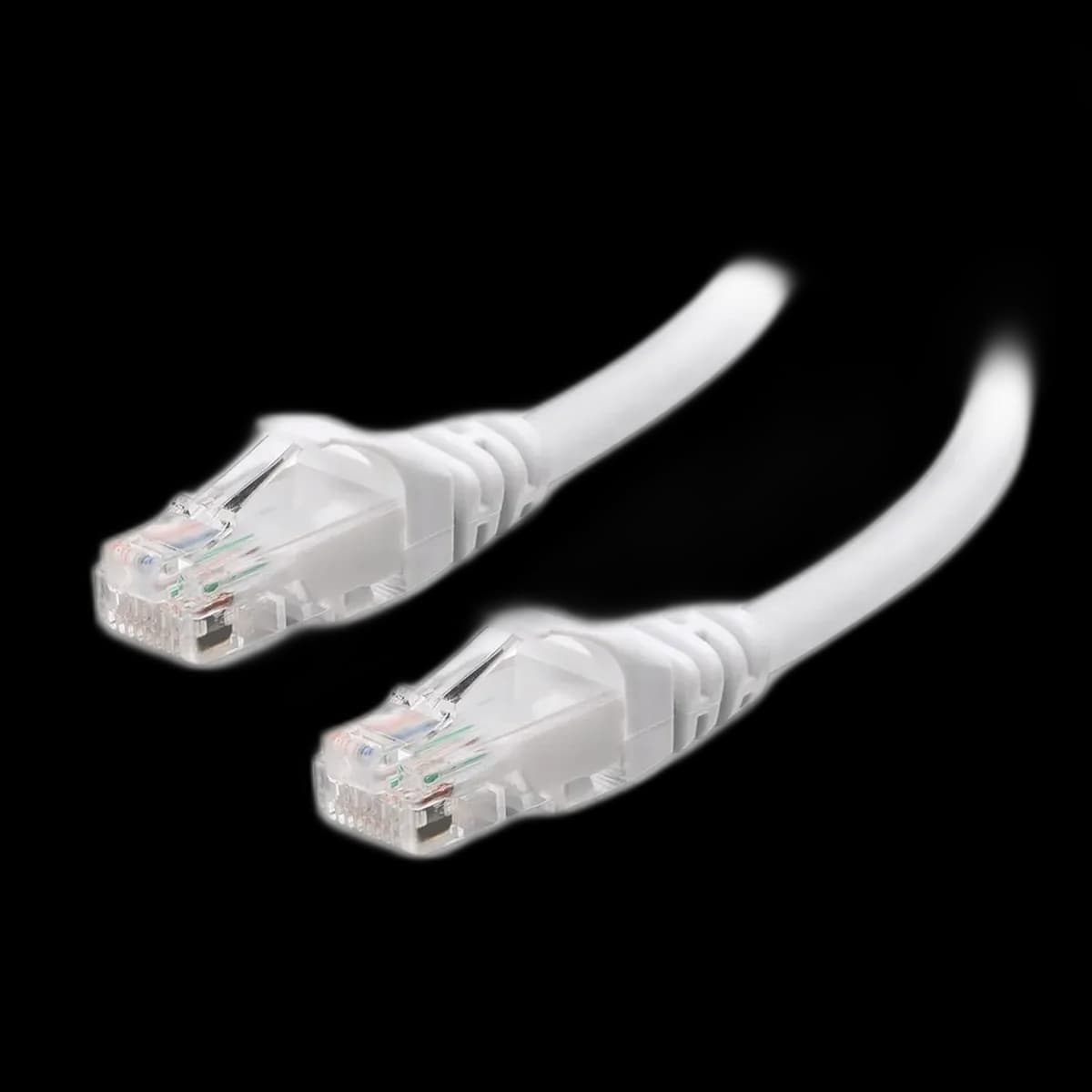
10 m Cat6 Ethernet cable: plan a wired route to the desk
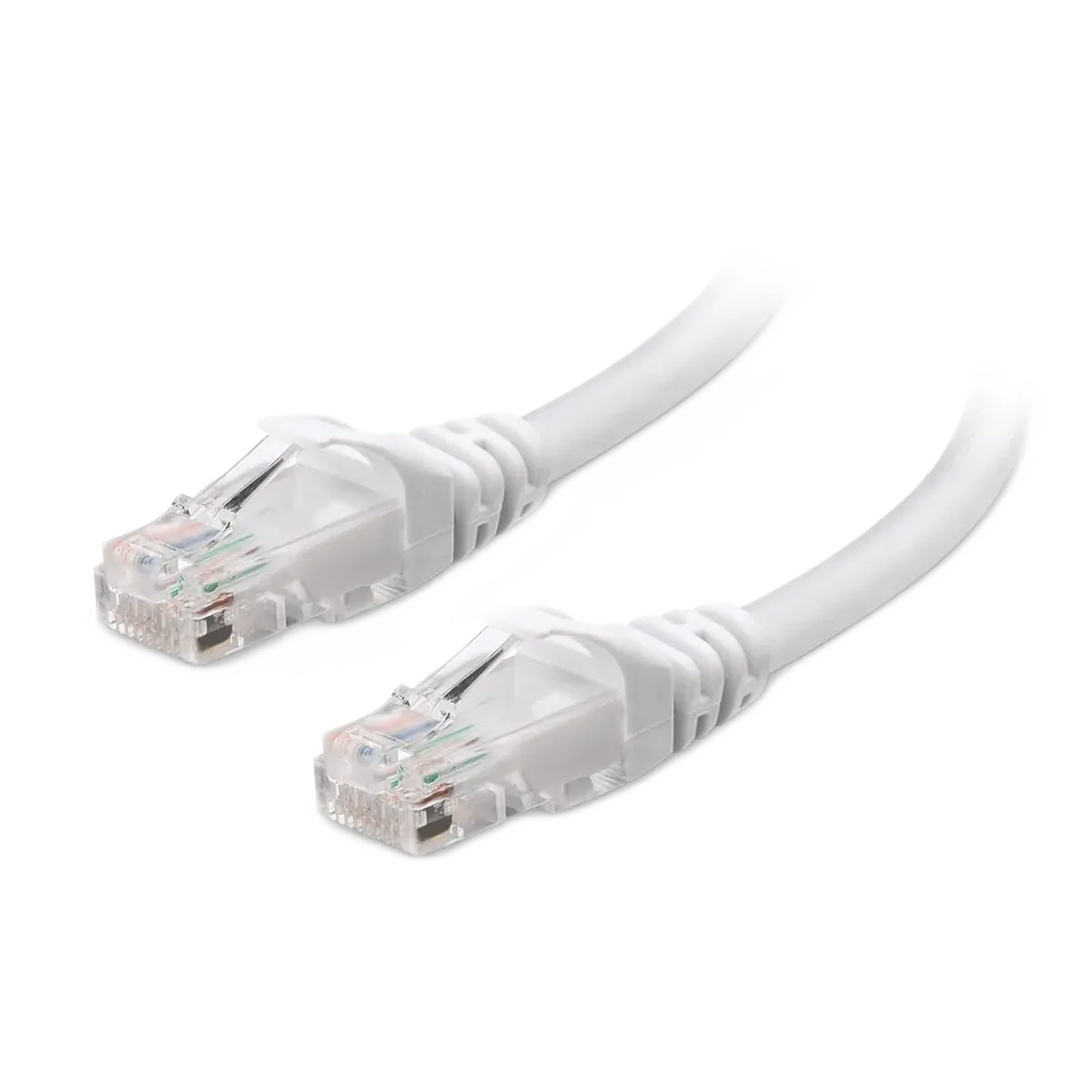
A wired route can be useful when the router or network switch sits away from the computer. This 10 m Cat6 Ethernet cable provides the physical link between compatible RJ45 network ports, with enough length to plan a route around the room rather than directly across it.
Measure the route, not the straight line
Include corners, furniture and the rise from the floor to each device. Leave a little slack at both ends instead of stretching the connectors. Keep the cable clear of doors and places where it will be stepped on.
A network cable does not set internet speed
The router, switch, computer and internet service all affect performance. The cable is Cat6, as confirmed for this stock. The connection speed still depends on the ports at both ends and the installed link; it does not raise the speed of your internet subscription.
Use the RJ45 ports
Insert each plug until its latch engages, then check the device's link indicator. Release the latch when removing the cable rather than pulling against it. Do not confuse the wider RJ45 network connection with a telephone socket.
After installation
Check the negotiated connection speed in the operating system and test access to the network. This Cat6 cable suits a planned 10 m wired route between compatible network ports.