

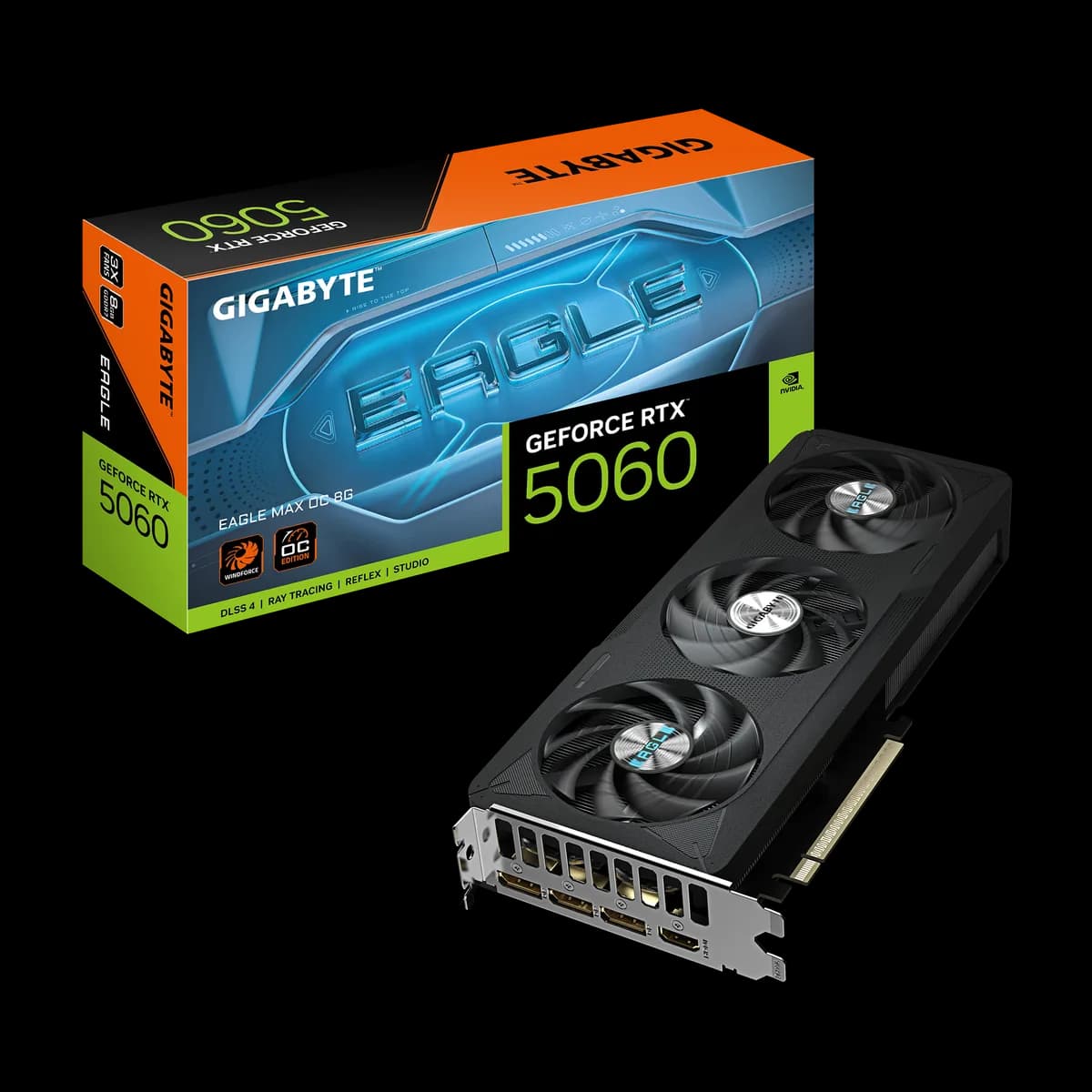
RTX 5060 EAGLE MAX: three fans in a slim profile
EAGLE MAX spreads its cooling hardware along the card instead of building a particularly thick assembly. The three-fan layout gives this RTX 5060 a long, clean outline in the case, with an 8GB GDDR7 configuration behind it.
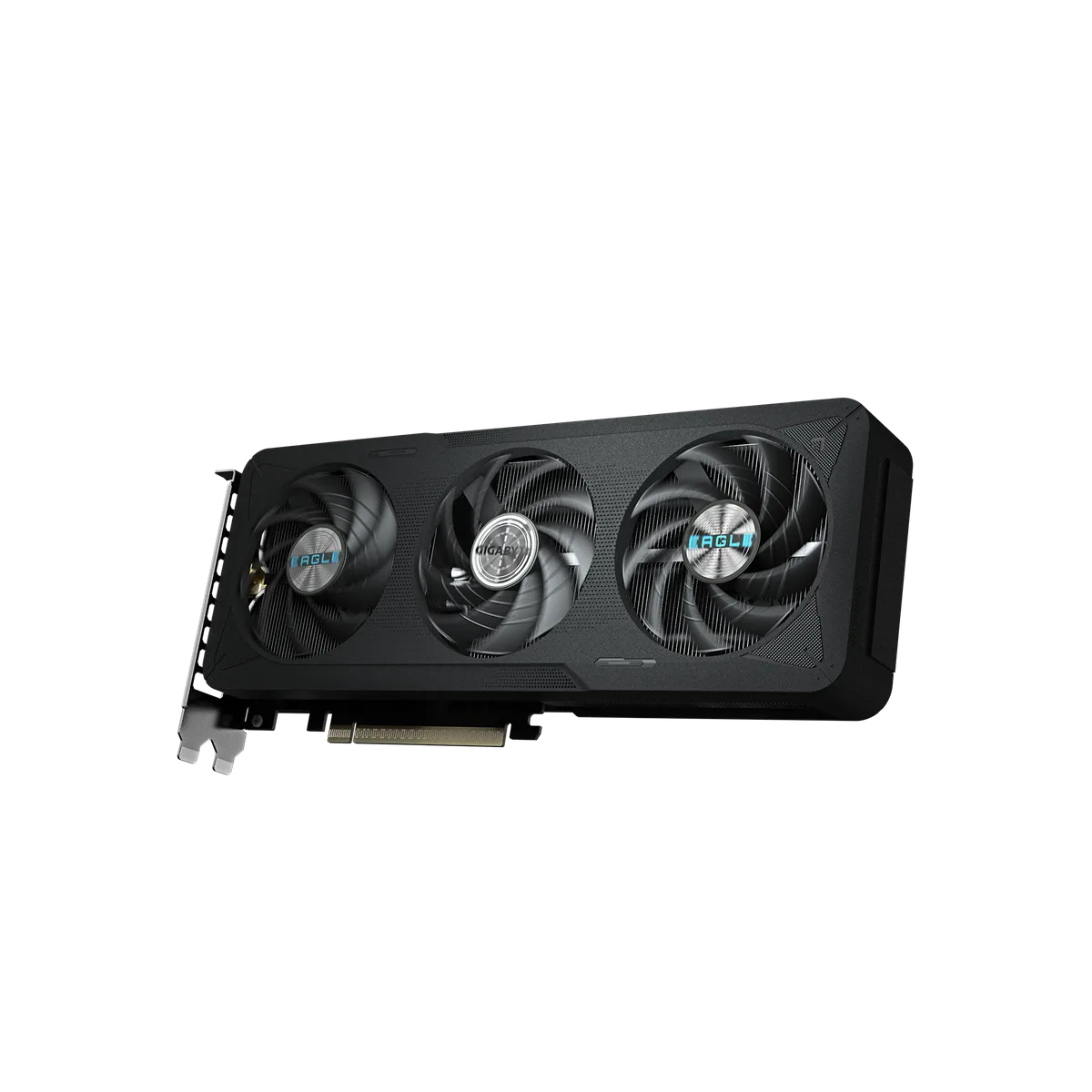
Know which 5060 you are selecting
This is the RTX 5060 EAGLE MAX OC 8G, with a 2550MHz factory clock and a 128-bit memory bus. It uses PCI Express 5.0. The MAX name describes this board design; it does not turn the GPU into a different tier.
Choose texture quality and resolution with the 8GB capacity in mind, and compare the games you play rather than assuming one preset suits every title.
Length and thickness tell different stories
GIGABYTE lists 281 × 115 × 40mm. The slim thickness can help with slot clearance, but a front radiator or drive cage can still obstruct the longer cooler. Measure the assembled case, including anything you intend to add later.
Keep the underside clear so all three fans can draw air.
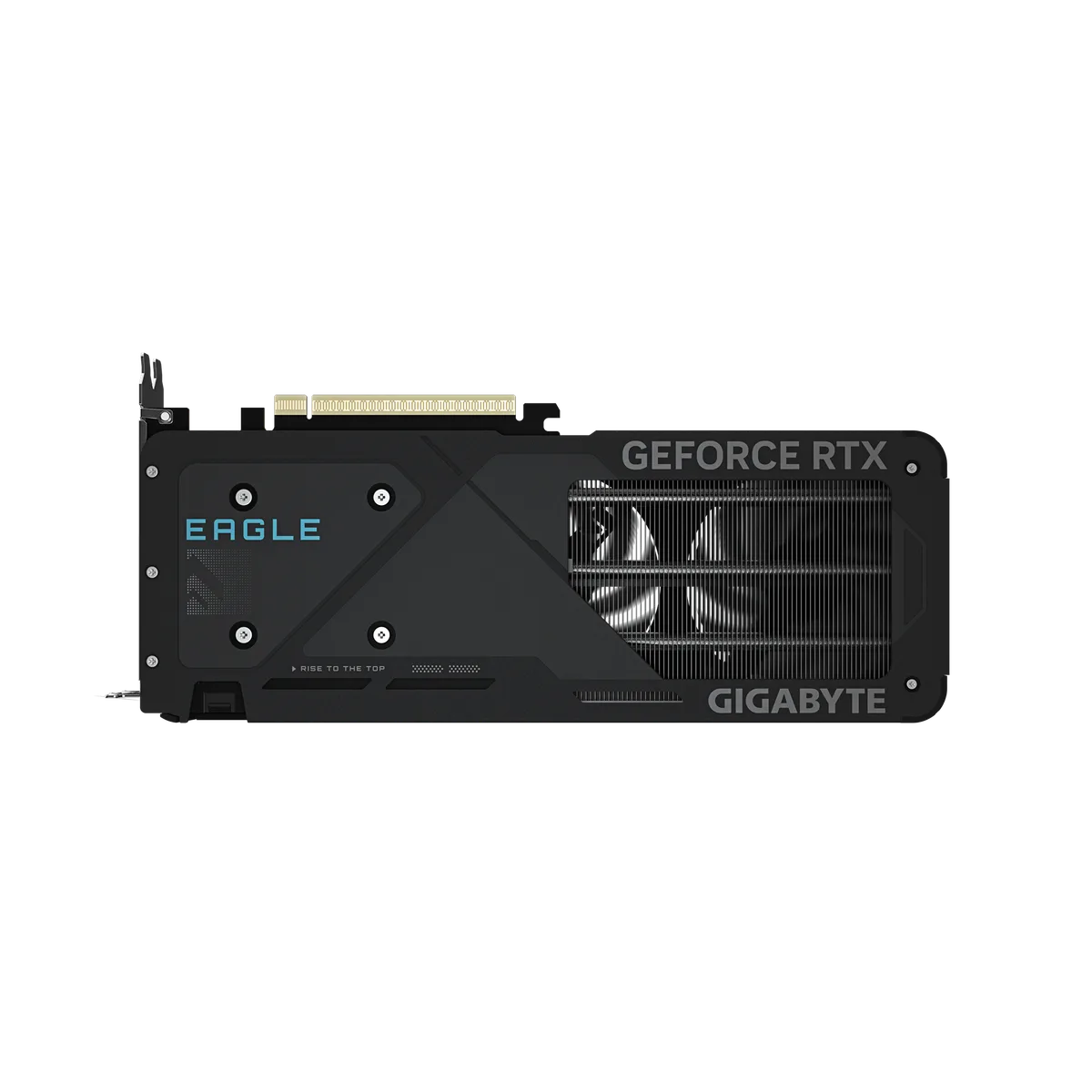
Connect the desk and the PSU
The card needs one 8-pin power connector, with a 550W system PSU recommended by GIGABYTE. That recommendation concerns the system rather than the card’s power draw alone.
Three DisplayPort 2.1b outputs and one HDMI 2.1b provide several monitor connections. Use a suitable cable and select the intended refresh rate in the display settings after installation.
Before installation
Consider it when your case has enough length and you prefer a slim three-fan RTX 5060 layout.
- Measure clearance for the 281 mm card, its power cable and fan intake.
- Check the PSU, required connectors and the cable for your monitor.
- Install the GPU manufacturer's driver and check the display settings after assembly.