

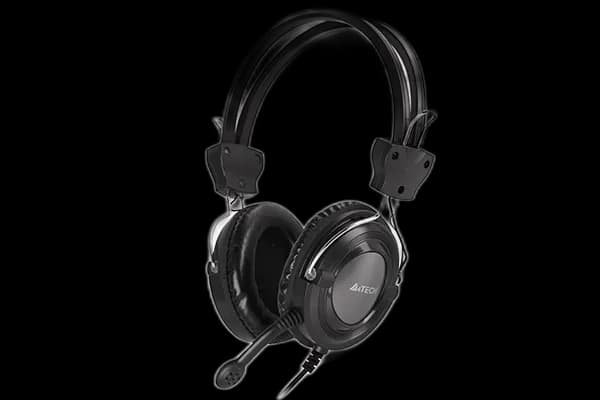
A4Tech HS-19: analogue audio with volume close to hand
HS-19 keeps desktop audio on familiar analogue connections. The headset connects through 3.5 mm audio, while a volume control on the ear cup lets you adjust listening level without opening a software menu.
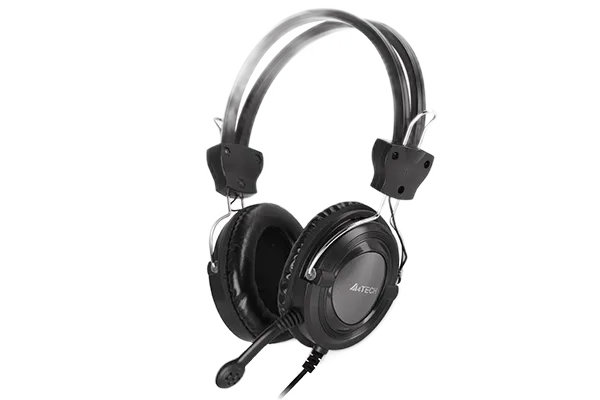
Match the plugs to the computer
Check the headset's plugs against your computer's audio sockets. Separate headphone and microphone ports work differently from a combined headset socket, and a suitable adapter may be needed. This is an analogue headset rather than a USB model.
Check both playback and recording devices in your call application before a meeting.
Stereo drivers for calls and media
The 40 mm drivers have a stated 20 Hz–20 kHz frequency range and 32-ohm impedance. These describe the hardware rather than promising a particular sound quality. Start at a modest listening level and use the headset's volume knob for convenient adjustments.
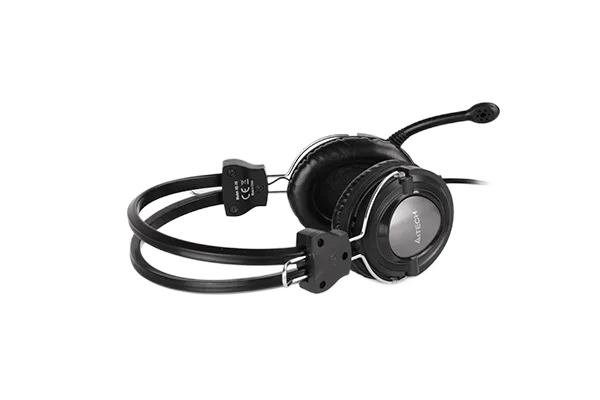
Position the headset before the call
The adjustable headband and padded ear cups let you set the fit around your head. The omnidirectional microphone picks up voice, but it is not a guarantee that surrounding room noise disappears. A short test recording is useful when changing rooms or computers.
Leave room for the cable
- 3.5 mm analogue audio connection.
- Two-metre cable.
- Volume control on the headset.
HS-19 suits a desk with analogue audio sockets where you want straightforward stereo listening and a microphone without wireless charging.