
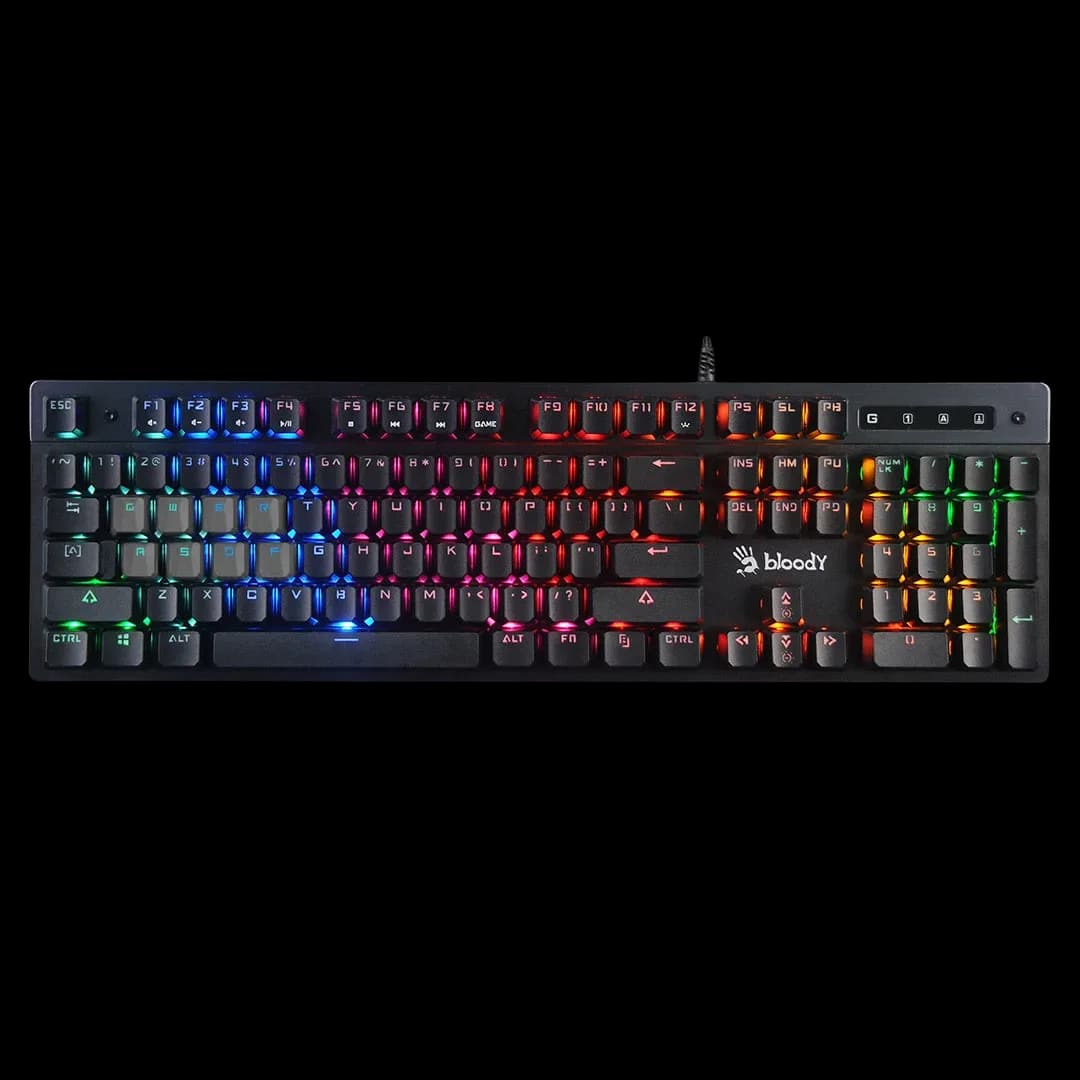
Bloody B500N Grey
3.000 L
In stock

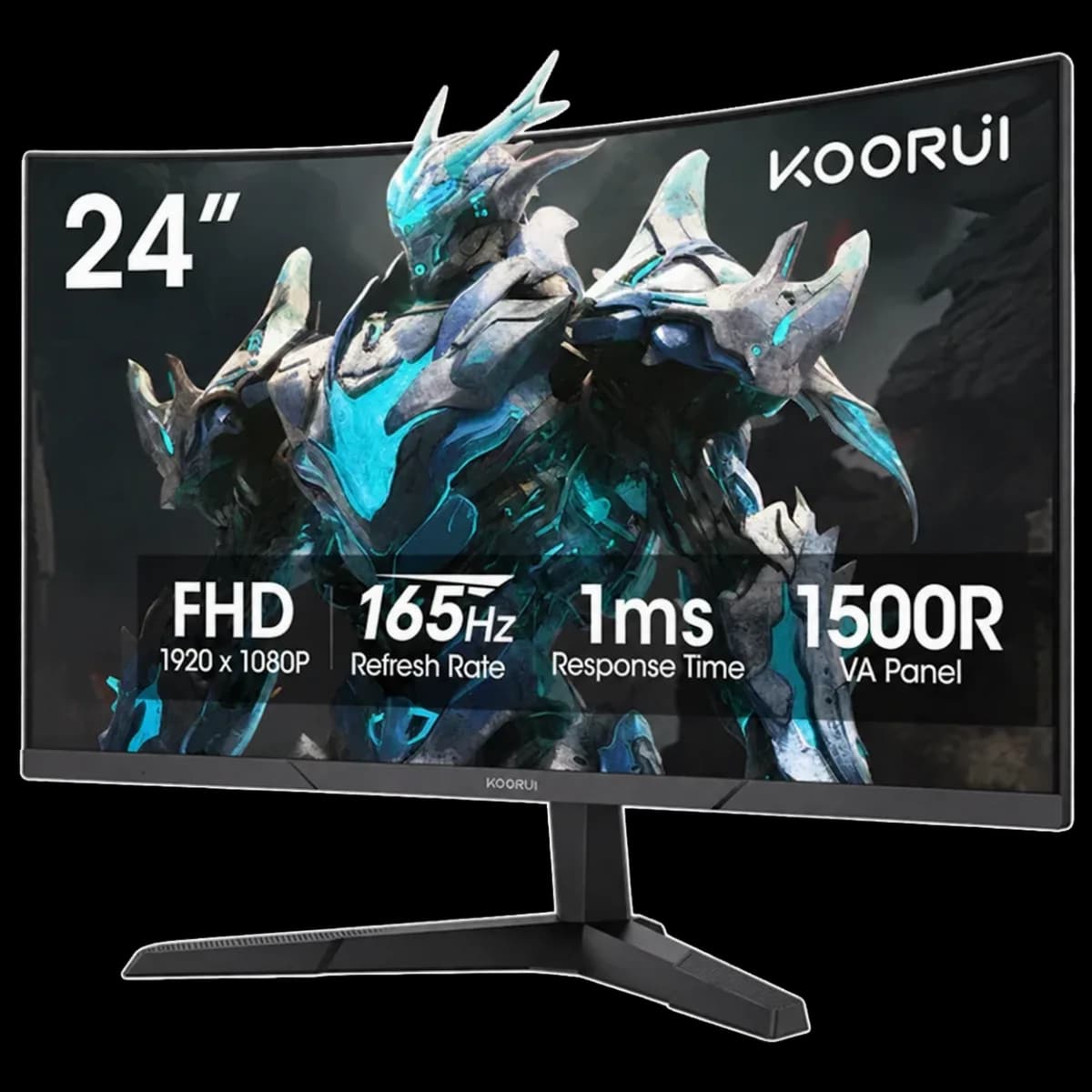
Curved 24-inch-class VA gaming monitor with Full HD resolution and up to 165Hz. A compact 16:9 screen for everyday PC use and gaming.
Estimated courier delivery: 24–48 hours after dispatch.
The same rate applies to every city in Albania.
For 1 of this product. The final fee is recalculated at checkout for your full basket.
Cash on delivery, or pay in store when collecting.
Collect in Durrës with no delivery fee. Wait for confirmation that your order is ready.
24 months warranty
Optional extras, sold separately.
3.000 L
In stock
2.499 L
In stock
Extras total: 0 L
One of each selected item. Add the main product separately.
The KOORUI 24E6CA brings a curved screen to a setup that does not need a large ultrawide panel. Its Full HD resolution and familiar 16:9 format work with everyday applications, video and a broad range of games.
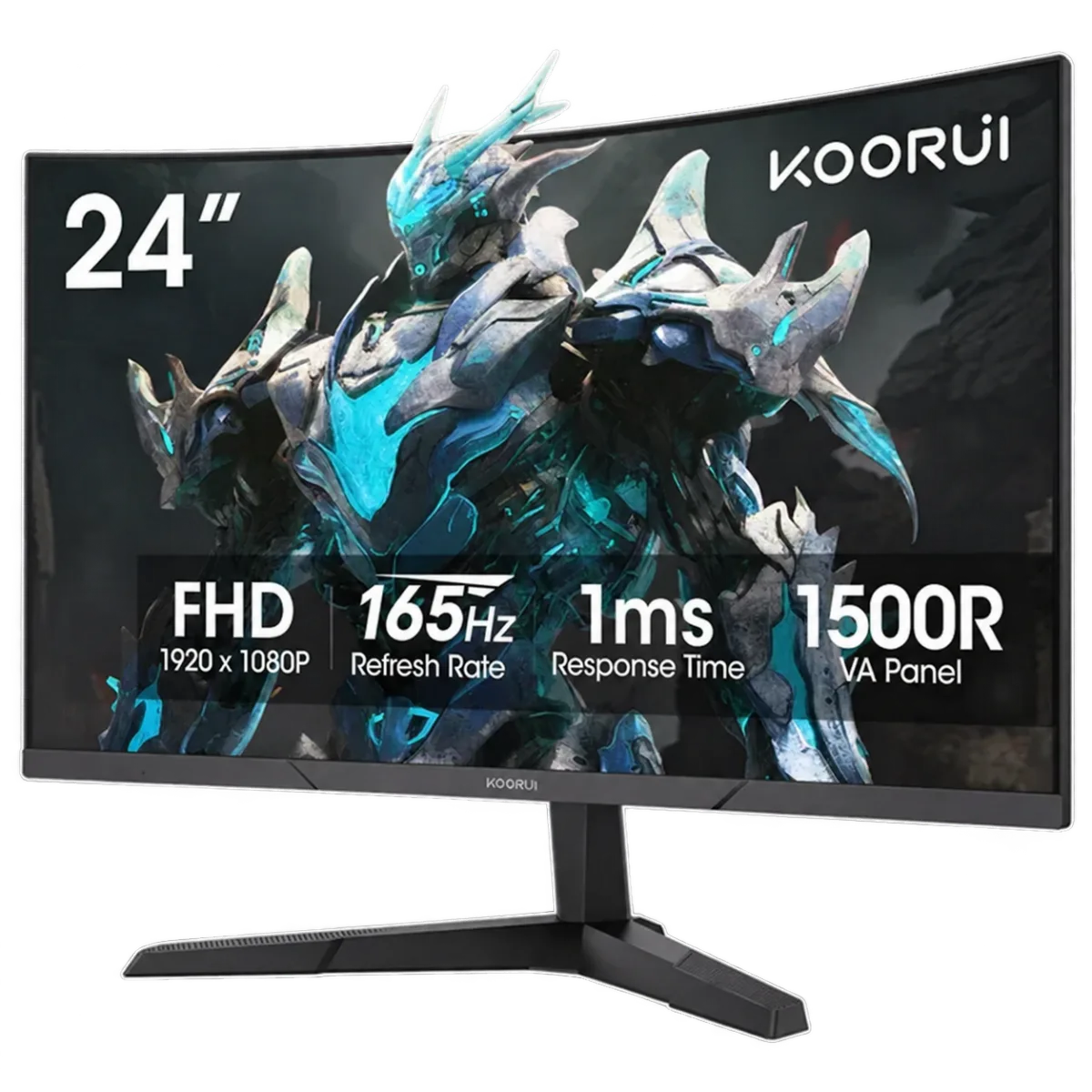
The panel is 23.6 inches diagonally, sold in the 24-inch class. Its 1920 × 1080 resolution gives a conventional desktop layout and is less demanding to render than higher-resolution gaming screens. Leave space for the stand as well as the panel when measuring your desk.
This stock is the 165Hz revision. Other 24E6CA advertisements show 180Hz, but that is a different version. After connecting the monitor, select the native resolution and 165Hz in your operating system. A compatible output and cable are required; simply plugging in the screen may leave it running at a lower refresh rate.
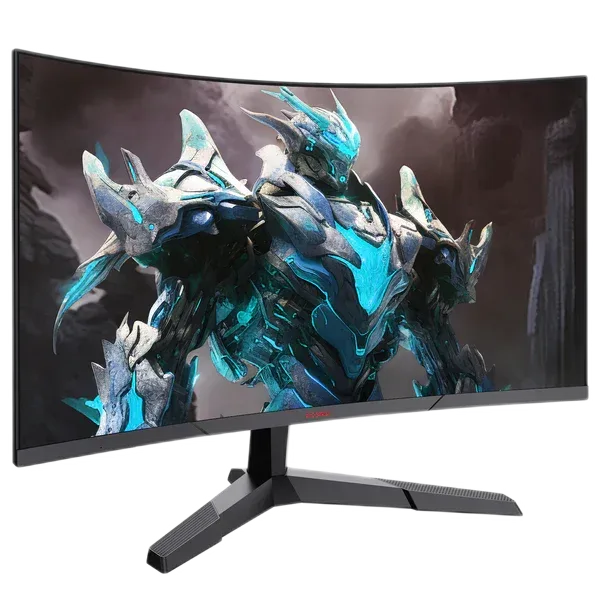
Centre the 1500R curved VA panel on your chair and adjust the tilt to suit your eye level. Keep reflections from windows away from the screen. If you prefer a separate arm, compare its mounting pattern and weight support before removing the supplied stand.
Adaptive Sync can help with tearing when supported and enabled on the connected PC. Tune picture brightness for your room and test motion settings in a familiar game rather than selecting every setting at its maximum.