
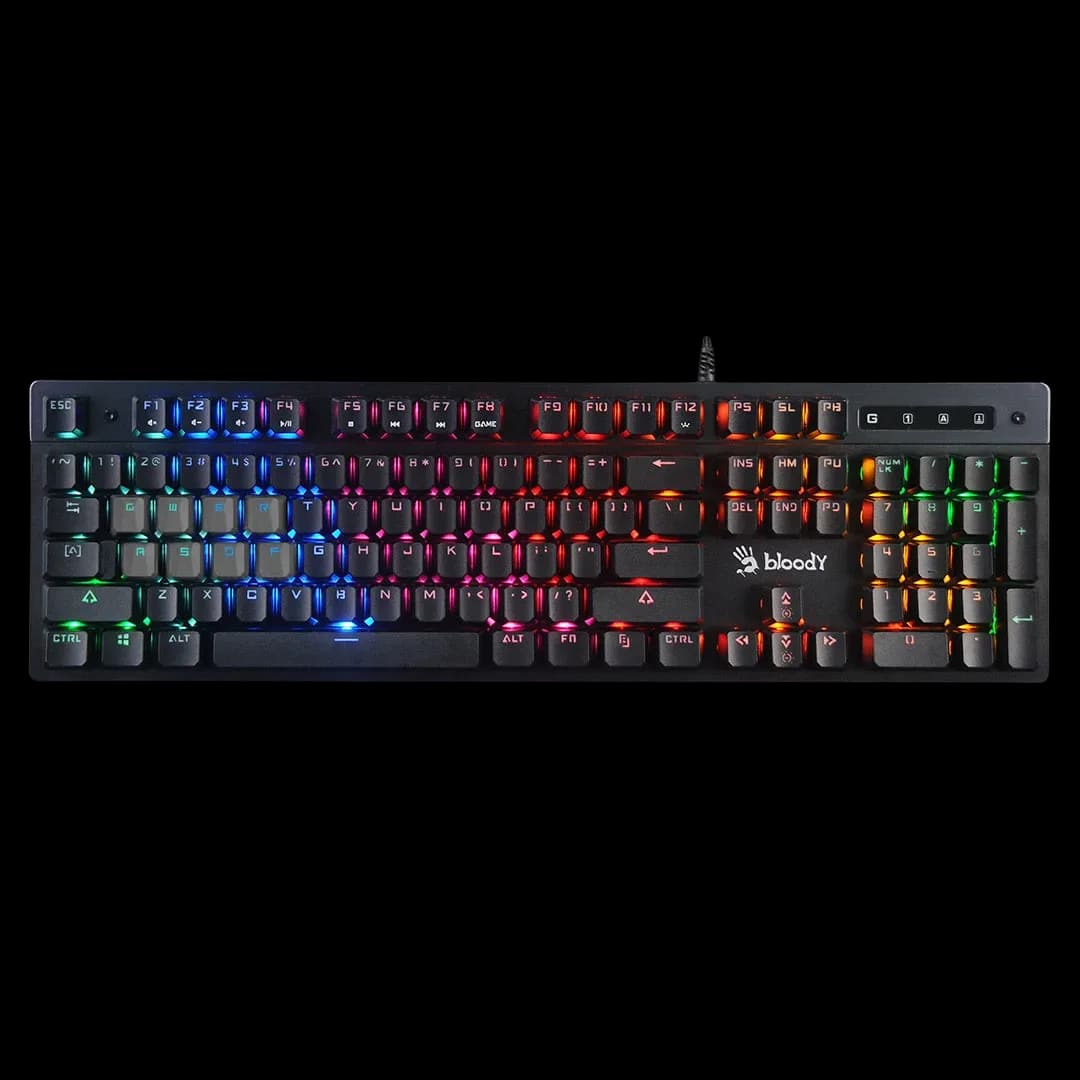
Bloody B500N Grey
3.000 L
In stock

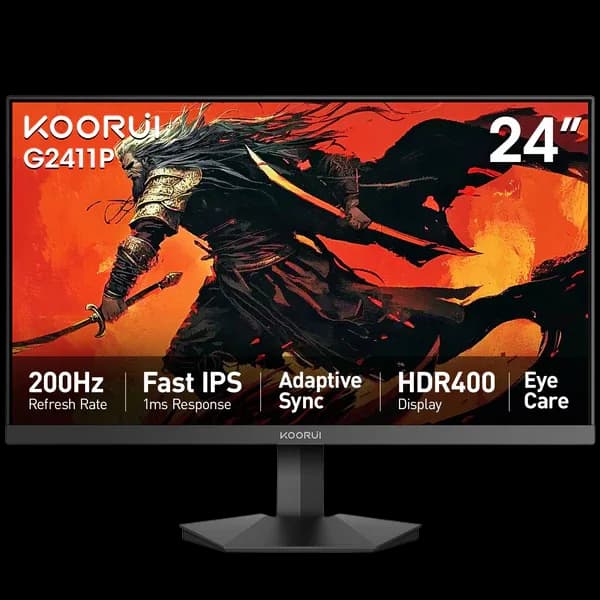
A compact 23.8-inch Full HD IPS monitor with up to 200Hz, Adaptive Sync and HDR400 support. HDMI and DisplayPort suit a wired gaming desk.
Estimated courier delivery: 24–48 hours after dispatch.
The same rate applies to every city in Albania.
For 1 of this product. The final fee is recalculated at checkout for your full basket.
Cash on delivery, or pay in store when collecting.
Collect in Durrës with no delivery fee. Wait for confirmation that your order is ready.
24 months warranty
Optional extras, sold separately.
3.000 L
In stock
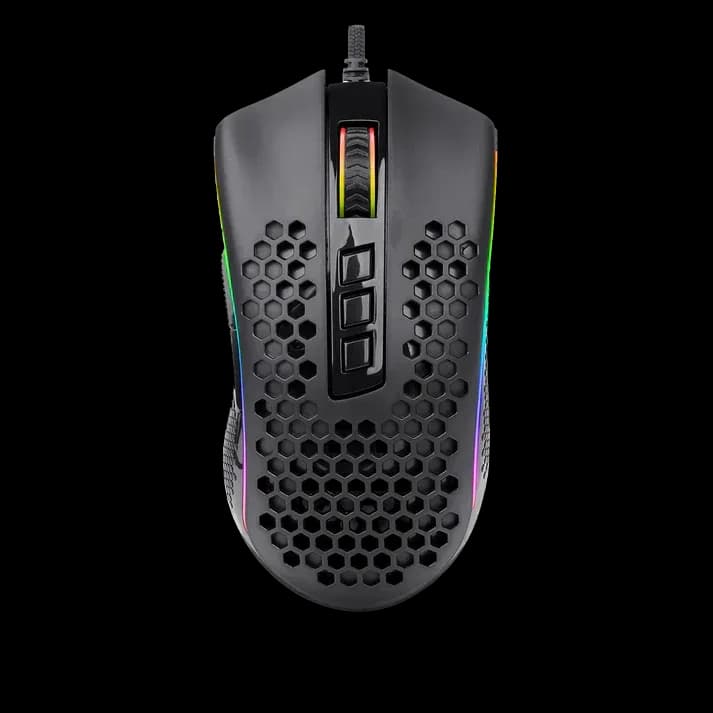
2.499 L
In stock
Extras total: 0 L
One of each selected item. Add the main product separately.
A smaller gaming monitor can be a deliberate choice, especially when you sit close to the desk. The G2411P puts Full HD resolution and a maximum 200Hz refresh rate on a 23.8-inch IPS panel, keeping the playing field within a compact area.
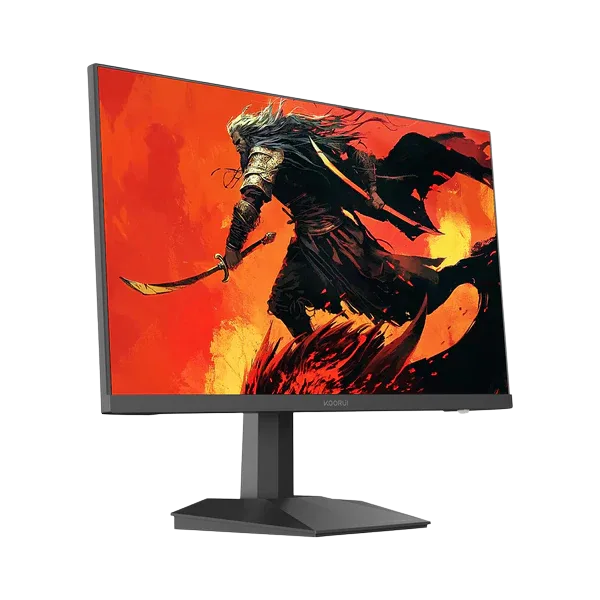
The active diagonal is 23.8 inches, commonly described as the 24-inch class. Full HD is a straightforward choice for a PC that also handles study, browsing and competitive games without the graphics workload of a higher-resolution display.
The IPS panel has a specified brightness of 350 cd/m². Set a comfortable level for your room, particularly when moving between daylight and late-evening sessions.
Up to 200Hz means the screen can update more often than a standard desktop monitor. Select that mode in the display settings; connecting the cable alone does not ensure Windows is using it.
Adaptive Sync works with a compatible graphics source to reduce tearing as frame rates vary. The manufacturer's 1ms overdrive response rating concerns pixel transitions, so it should not be read as the entire system's input delay.
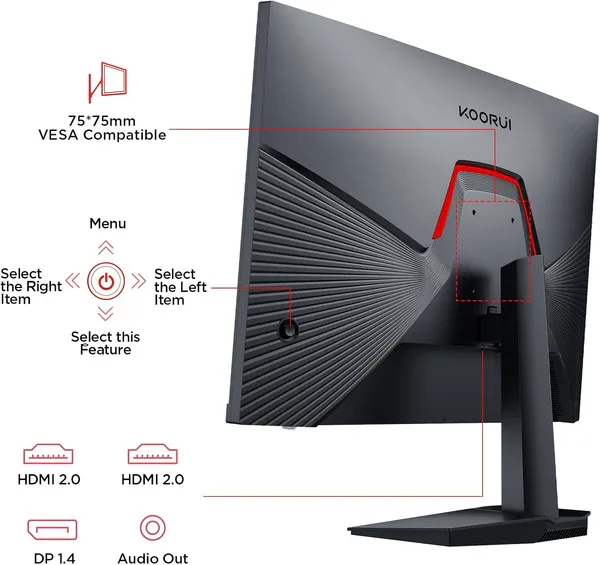
Two HDMI inputs and one DisplayPort let you leave different video sources attached. A headphone output is available, but speakers are not built in; plan your audio separately.
The supplied stand tilts between −5° and +20°. If the fixed height does not suit your seat, a separate arm with a 75 × 75 mm VESA mount provides another positioning option.
The G2411P makes sense when you want a compact IPS gaming display with a high refresh ceiling. HDR400 is also listed by Koorui, but the main reason to choose it is its combination of size, Full HD resolution and speed.