
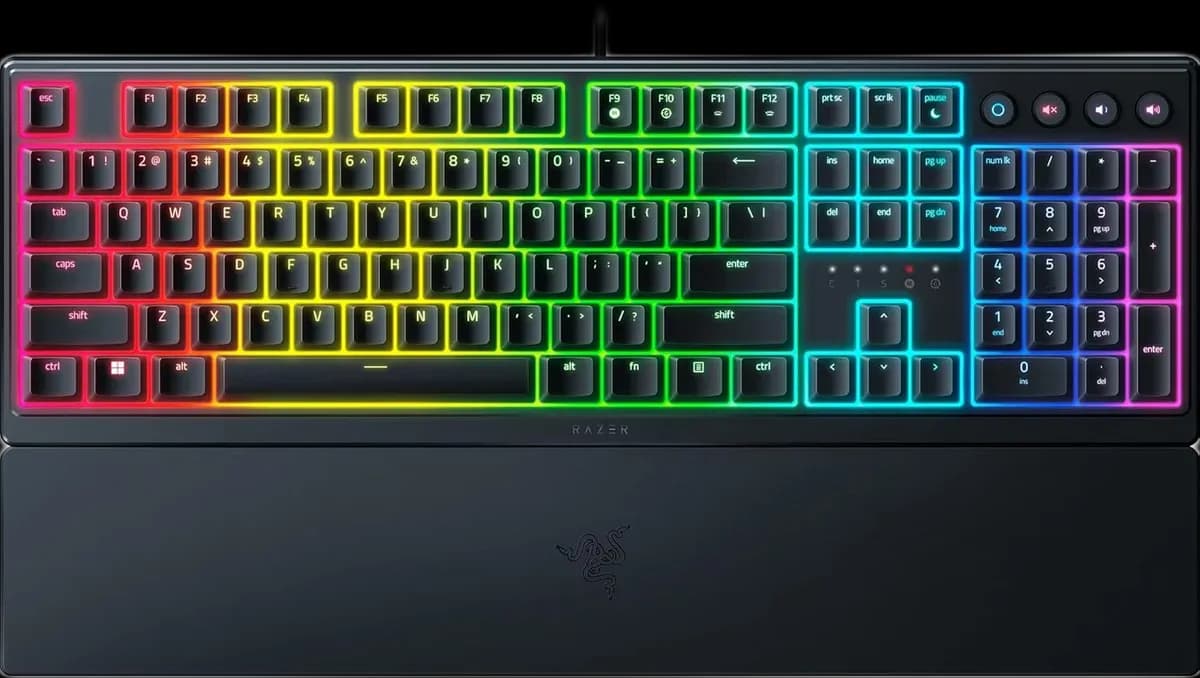
Razer Ornata V3
7.000 L
In stock

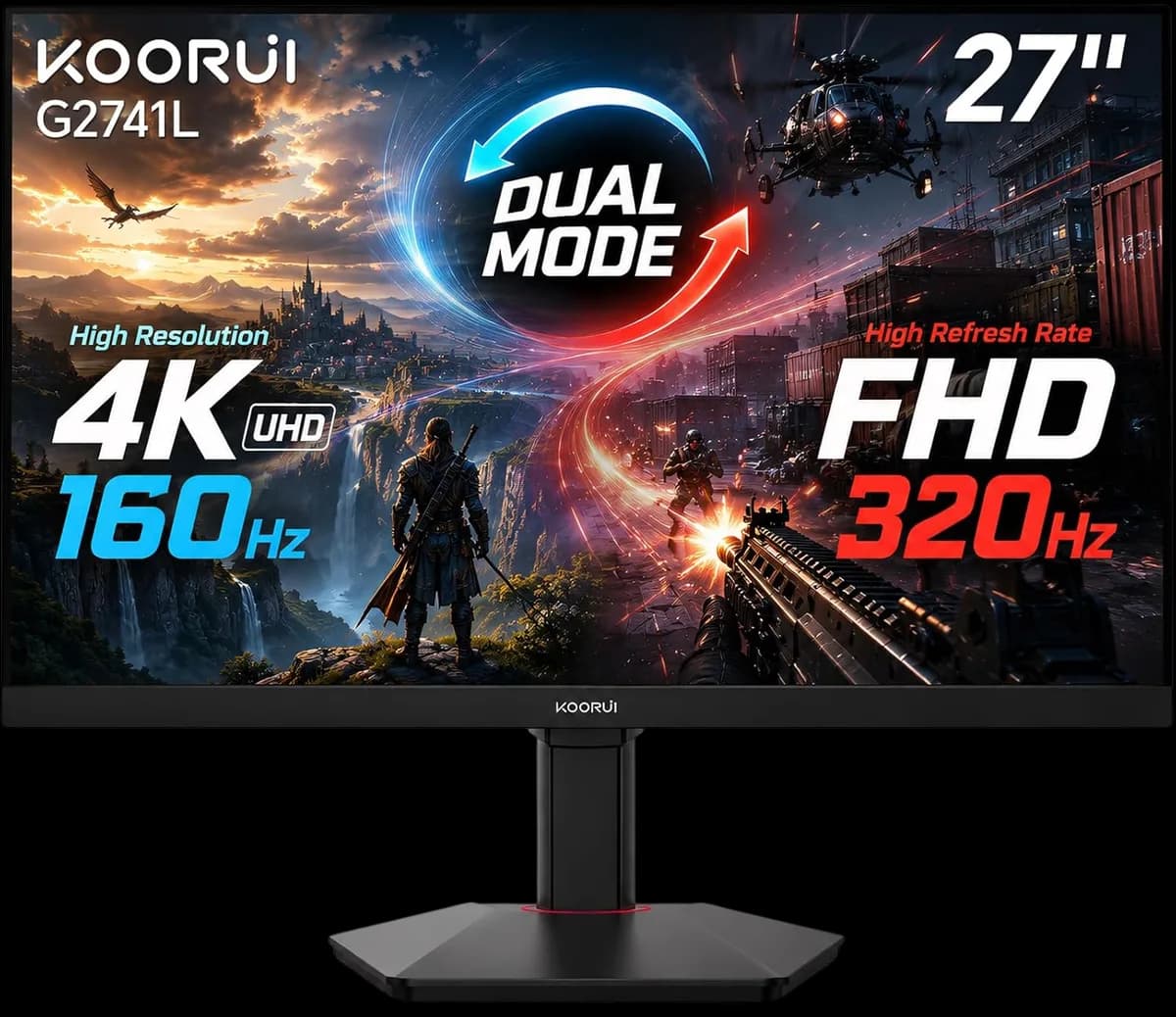
A 27-inch Fast IPS dual-mode monitor: 4K at up to 160Hz or Full HD at up to 320Hz. Includes HDMI 2.1, Adaptive Sync and an adjustable stand.
Estimated courier delivery: 24–48 hours after dispatch.
The same rate applies to every city in Albania.
For 1 of this product. The final fee is recalculated at checkout for your full basket.
Cash on delivery, or pay in store when collecting.
Collect in Durrës with no delivery fee. Wait for confirmation that your order is ready.
36 months warranty
Optional extras, sold separately.
7.000 L
In stock
5.500 L
In stock
Extras total: 0 L
One of each selected item. Add the main product separately.
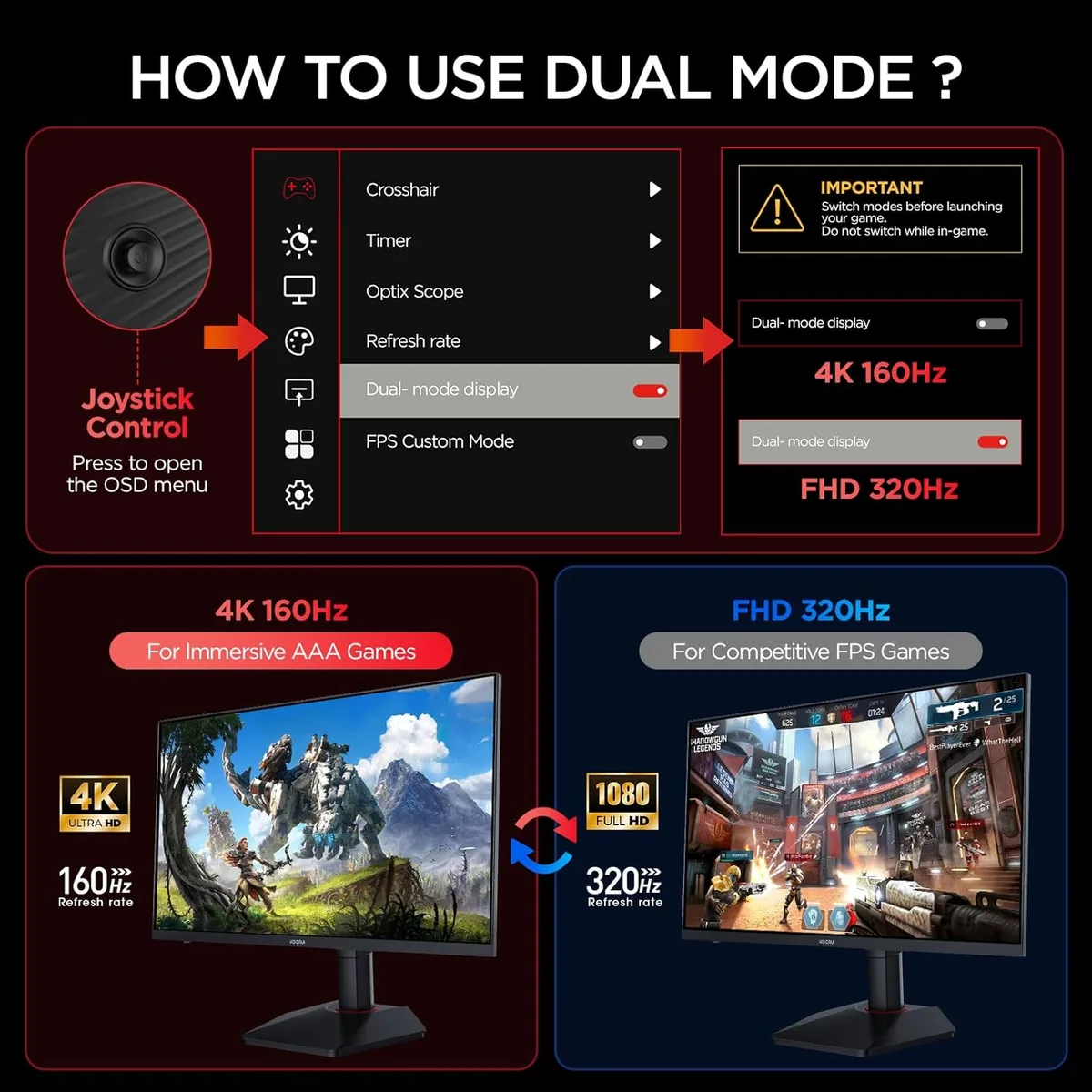
Some games reward fine scenery; others make you prioritise frame rate. The G2741L lets you choose between two display modes on one 27-inch panel: 3840 × 2160 at up to 160Hz, or 1920 × 1080 at up to 320Hz.
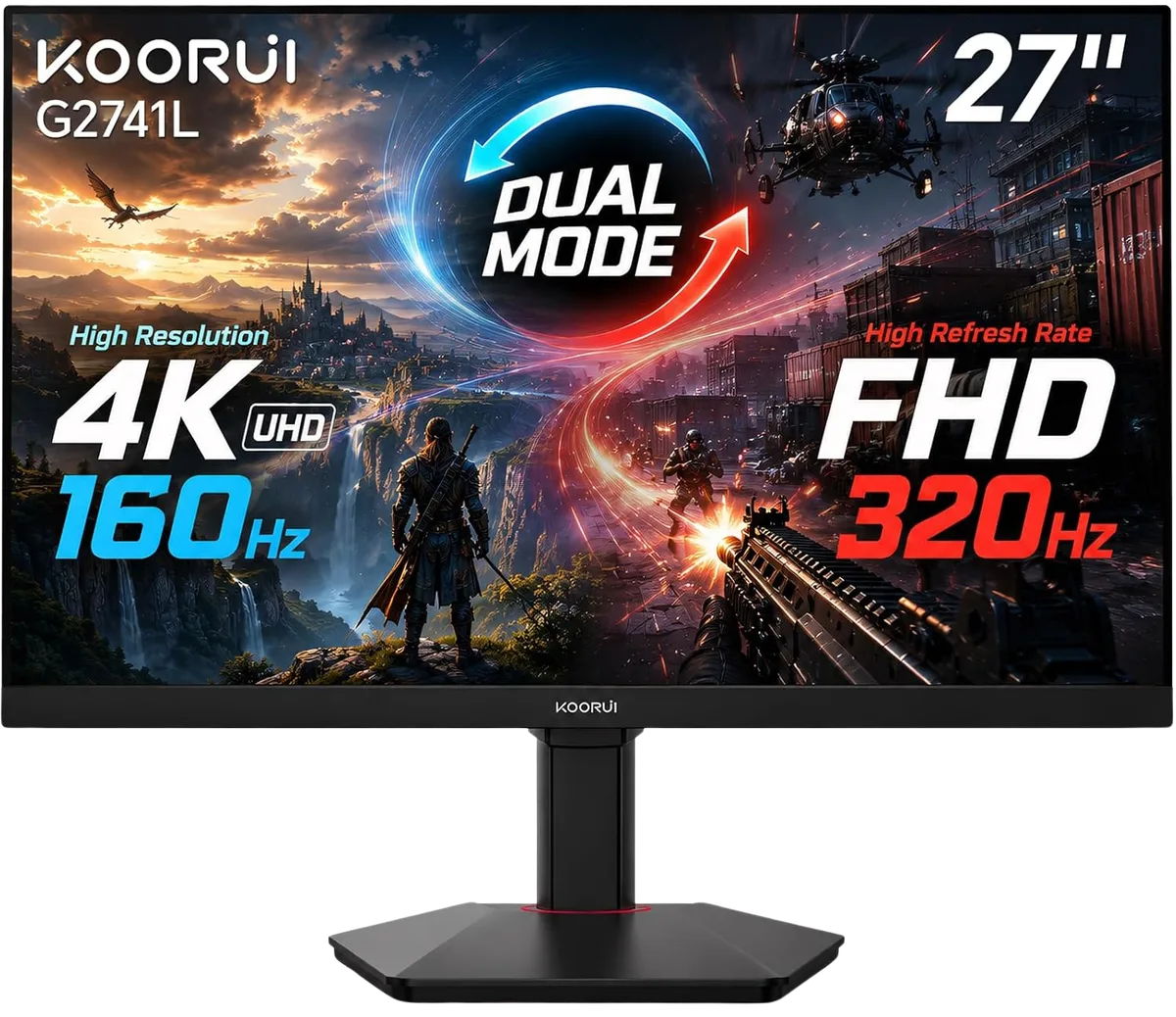
The 4K mode provides finer detail for games, images and desktop work. The Full HD mode reduces resolution to allow a higher refresh ceiling. This is not a 4K 320Hz monitor, and switching modes does not automatically double your game's FPS.
Choose the mode around the game and the performance your PC can sustain. The graphics card still has to render the frames.
Use the monitor's dual-mode control, then check the resolution and refresh rate reported by your computer. Source support, cable capability and settings all need to agree with the mode you want.
Two HDMI 2.1 ports and DisplayPort 1.4 provide the video connections. Adaptive Sync is available with compatible sources, while the 1ms overdrive response rating describes pixel transitions rather than overall input lag.
The stand moves through 100 mm of height adjustment and offers tilt plus ±90° portrait rotation. This is useful when the same desk handles long documents, everyday work and gaming sessions.
There is also a 75 × 75 mm VESA mount. The audio output supports headphones or separate speakers; the monitor has no speakers built in.
The G2741L fits a flexible desk where you want both options without changing monitors. HDR400 support is an extra feature alongside that resolution-and-refresh choice.