

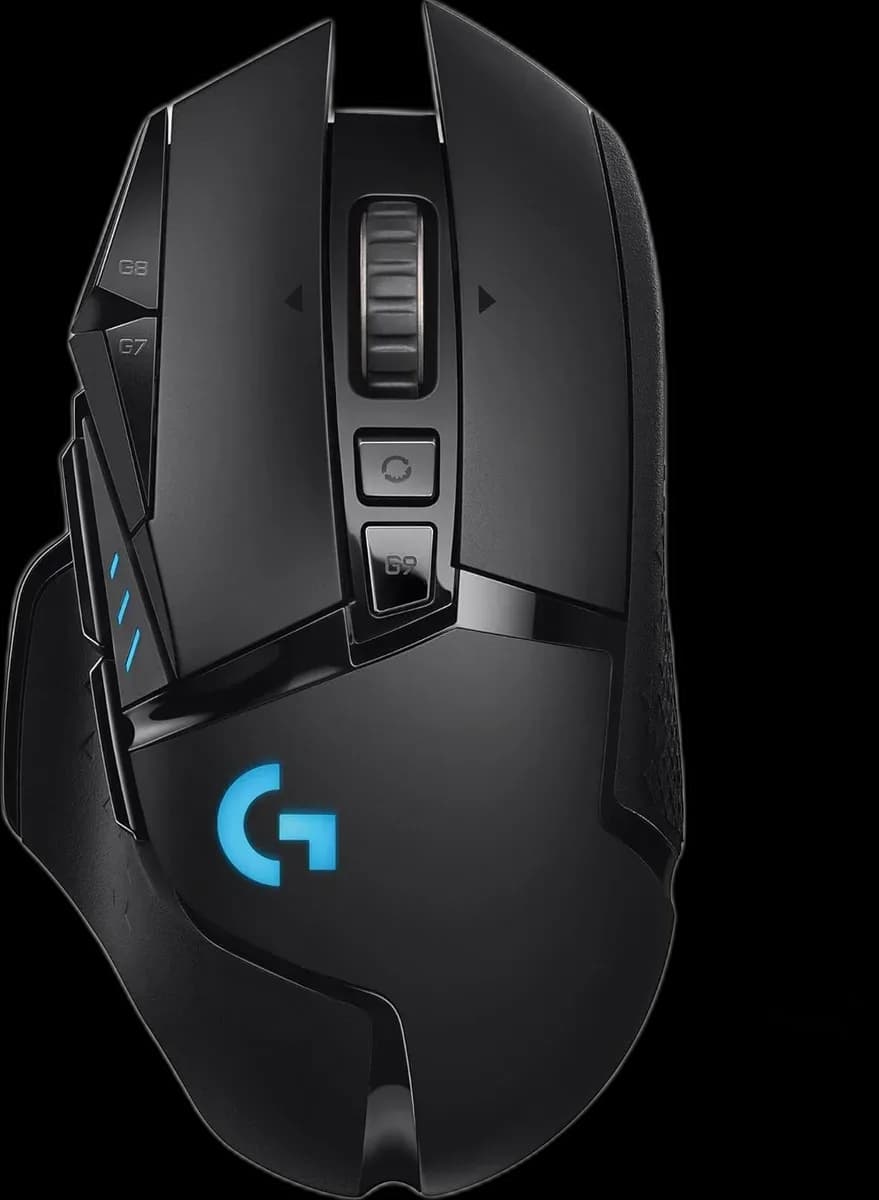
Logitech G502 LIGHTSPEED: the familiar control layout goes wireless
The Logitech G502 LIGHTSPEED keeps the shaped thumb rest and extra controls of the G502 family while taking the cable off the mousepad during wireless use. Its 114 g body offers a substantial feel, and the included weights let you adjust it further. This is the rechargeable original LIGHTSPEED model, with Micro-USB charging.
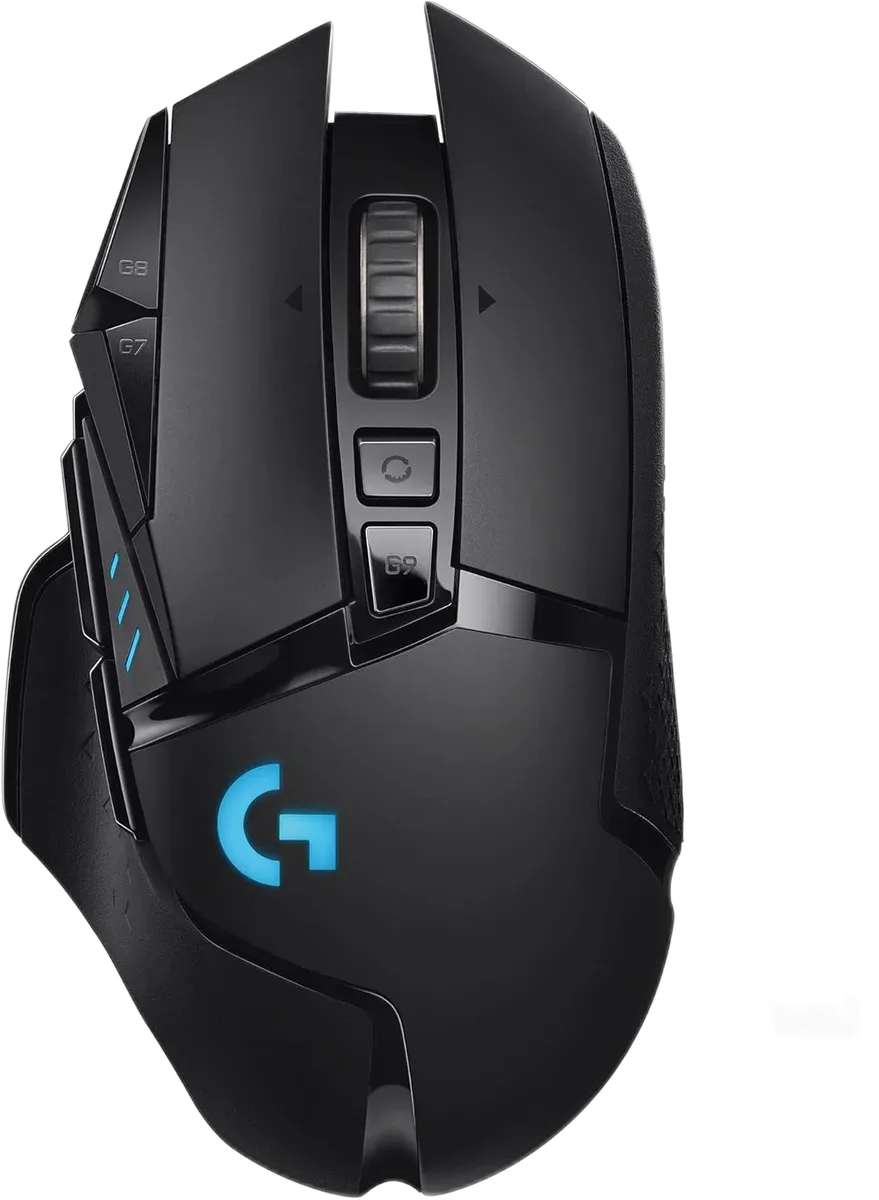
Move between games and long documents
The wheel switches between stepped scrolling and free spinning, with tilt inputs available as well. Across the mouse, 11 programmable controls can be configured in Logitech G HUB. Keep the most frequent game commands on easy-to-reach buttons and use a separate profile if your work applications need different shortcuts.
Match the sensor to your desk space
The HERO 25K optical sensor reaches 25,600 DPI, while LIGHTSPEED provides a 1,000 Hz wireless report rate. The useful setting is the one that matches your grip, pad area and game sensitivity. Removing cable drag makes desk movement simpler, but the shape still needs to fit your hand.
Manage battery life and lighting together
Logitech specifies up to 48 hours with default lighting or 60 hours with lighting off; actual runtime varies. Connect the Micro-USB cable to recharge and use a wired connection when needed. LIGHTSYNC RGB gives the mouse its colour accents. POWERPLAY charging is supported with a compatible pad purchased separately.
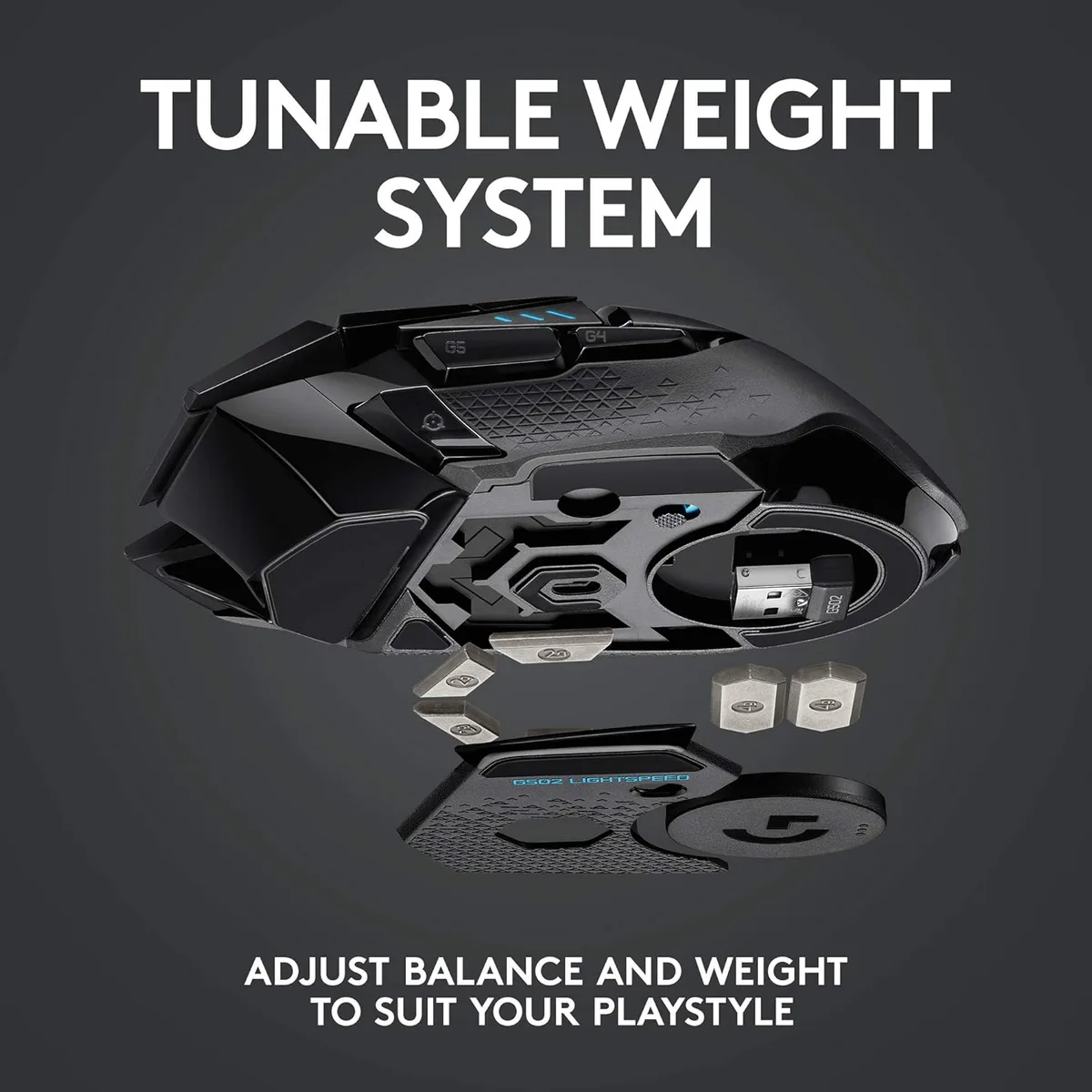
Find a balance you can repeat
The supplied weights add up to 16 g beyond the 114 g mouse body. Change the load gradually and keep the pieces you remove in their storage case.
- Place the USB receiver near the working area.
- Keep the charging cable accessible.
- Compare scroll modes and test thumb-button reach.
The G502 LIGHTSPEED suits someone who wants a rechargeable wireless mouse with a full set of controls and the option of a heavier feel.