

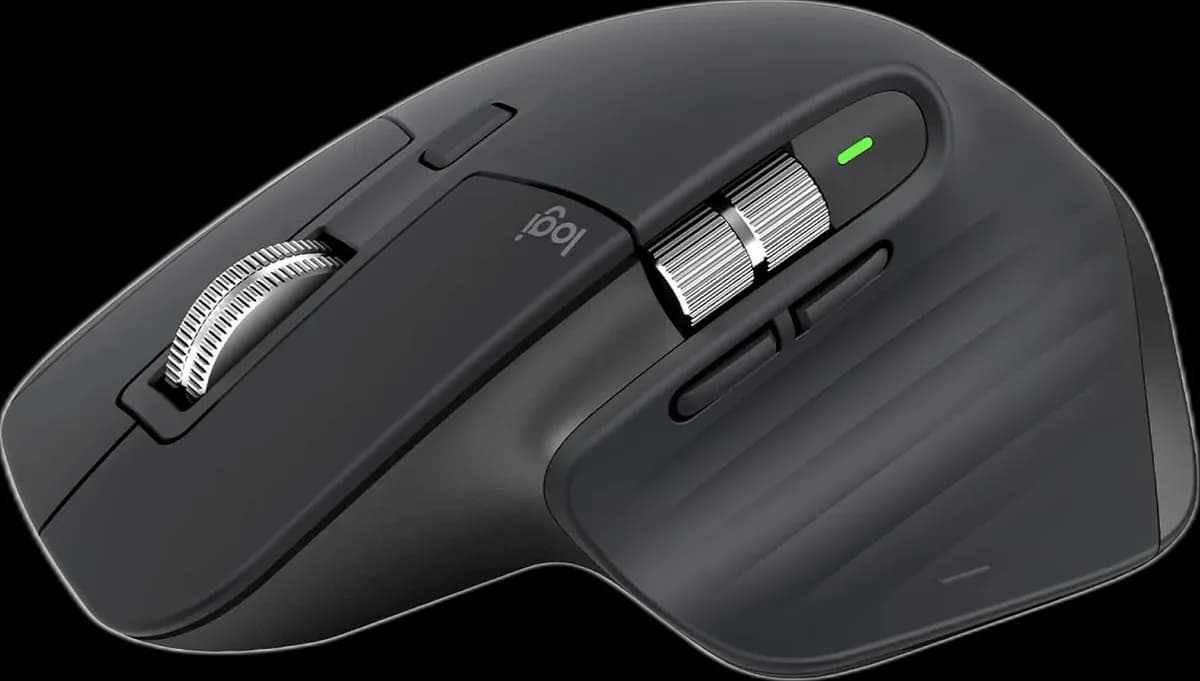
Logitech MX Master 3S: put scrolling and shortcuts under your thumb
Long documents, wide spreadsheets and repeated editing commands ask different things from a mouse than a simple web page. MX Master 3S combines a shaped right-hand body with two scroll wheels and configurable controls, giving those everyday tasks their own places under your fingers.
Two ways to move through a workspace
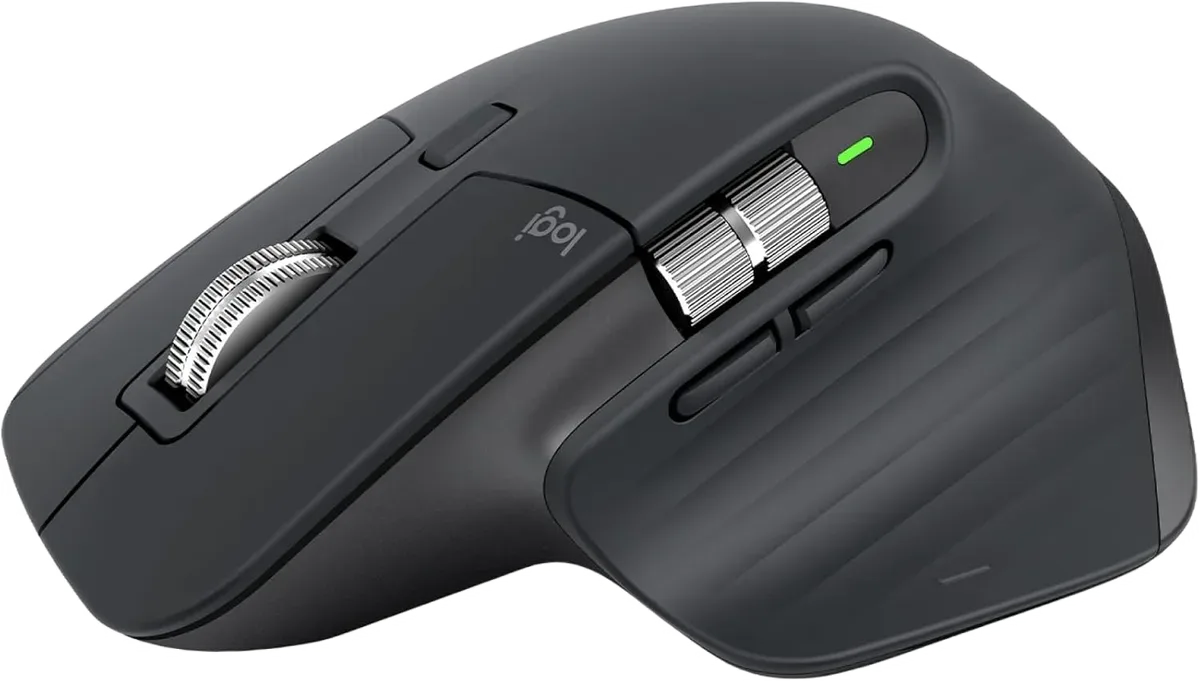
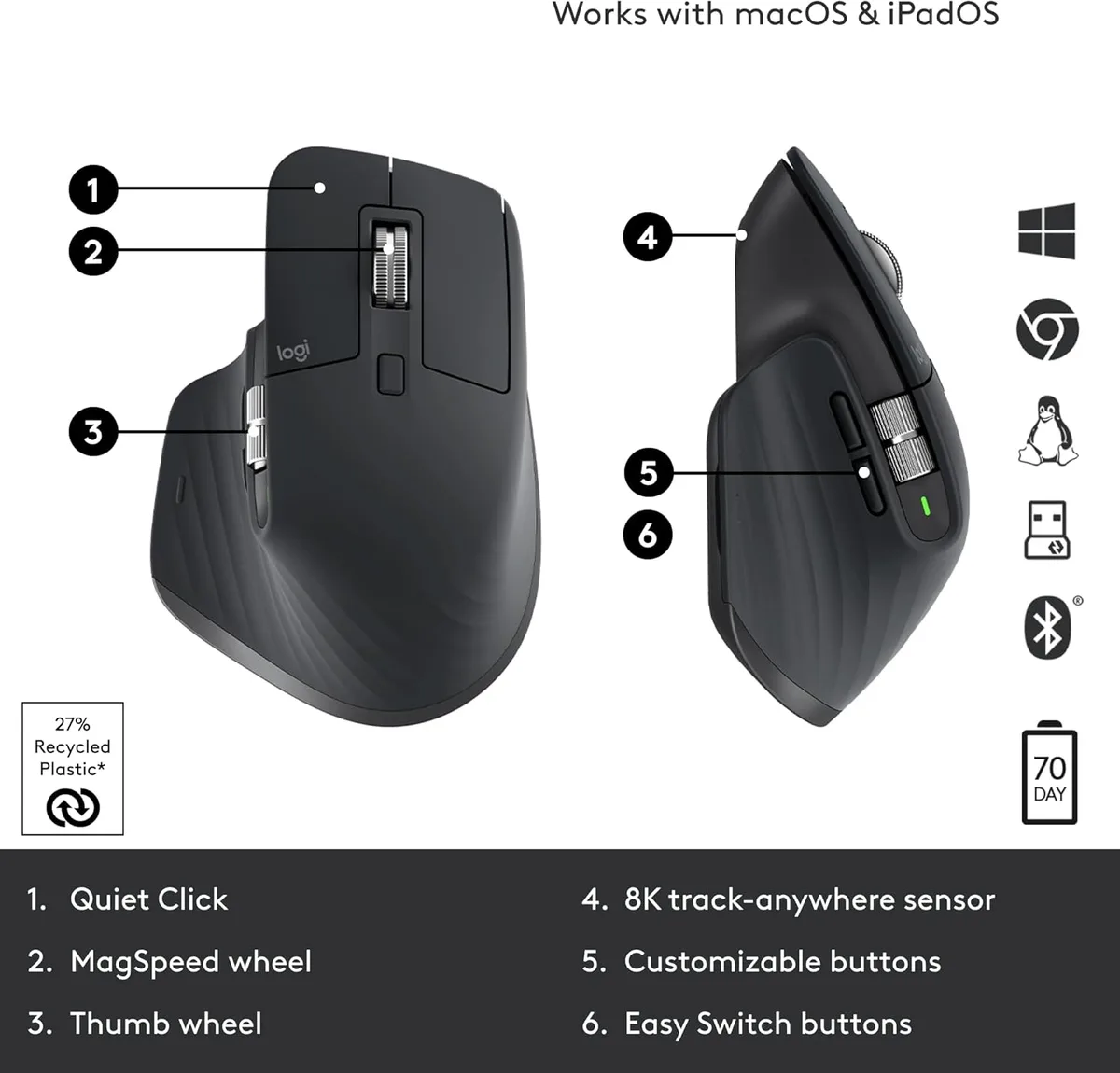
The MagSpeed main wheel switches between precise steps and free scrolling, while the thumb wheel gives a separate horizontal control. That can be useful in a spreadsheet or an editing timeline without repeatedly dragging a scrollbar.
Logi Options+ on supported Windows and macOS systems lets you customise buttons and application-specific actions.
Set sensitivity around your monitors
The Darkfield sensor adjusts from 200 to 8000 DPI. Higher sensitivity can reduce the hand movement needed across a large display area, but the most useful setting is the one you can control accurately. Logitech specifies tracking on glass at least 4 mm thick.
Quiet Clicks reduce click noise compared with MX Master 3; they do not make every mouse action silent.
Wireless data, USB-C charging
Connect through Bluetooth Low Energy or the included Logi Bolt USB-A receiver. Easy-Switch supports moving between up to three paired devices. The USB-C port charges the built-in 500 mAh battery; plugging in the cable does not turn it into a wired-data mouse.
Keep the receiver distinct from older Logitech Unifying receivers, which use a different system.
Check the fit and software
- Right-hand design, 124.9 × 84.3 × 51 mm.
- Weight: 141 g.
- USB-A access for Bolt, or a compatible Bluetooth host.
- Logi Options+ for supported customisation.
MX Master 3S suits a workflow with frequent scrolling and repeated commands. Its shaped body and weight are worth comparing with your current mouse before choosing.