

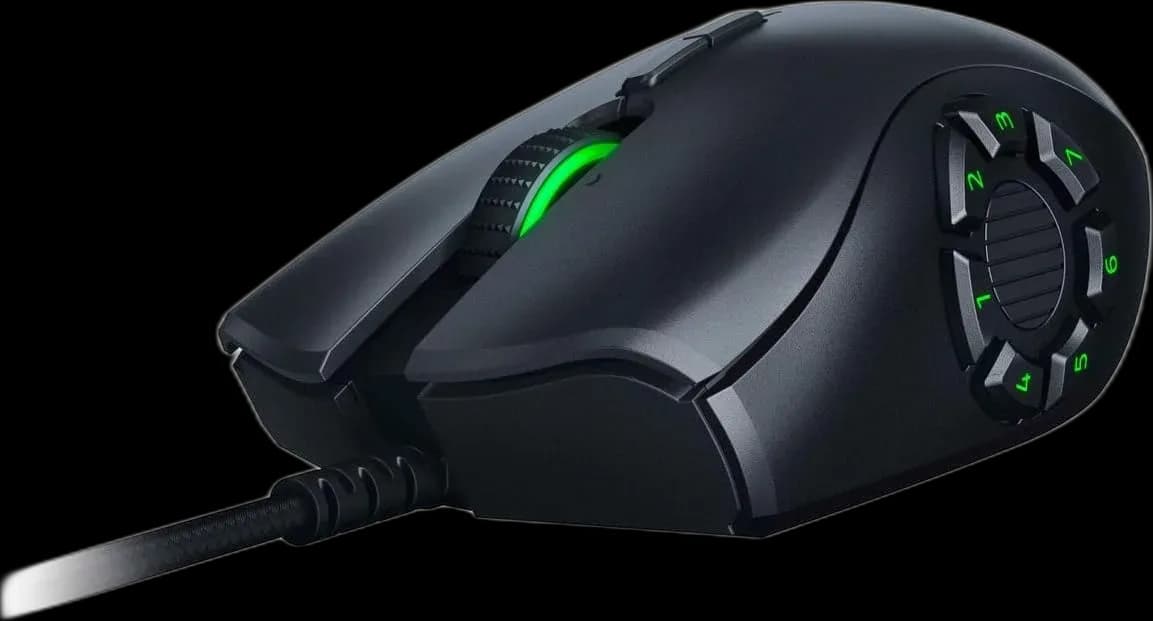
Razer Naga Trinity: change the thumb panel to match the game
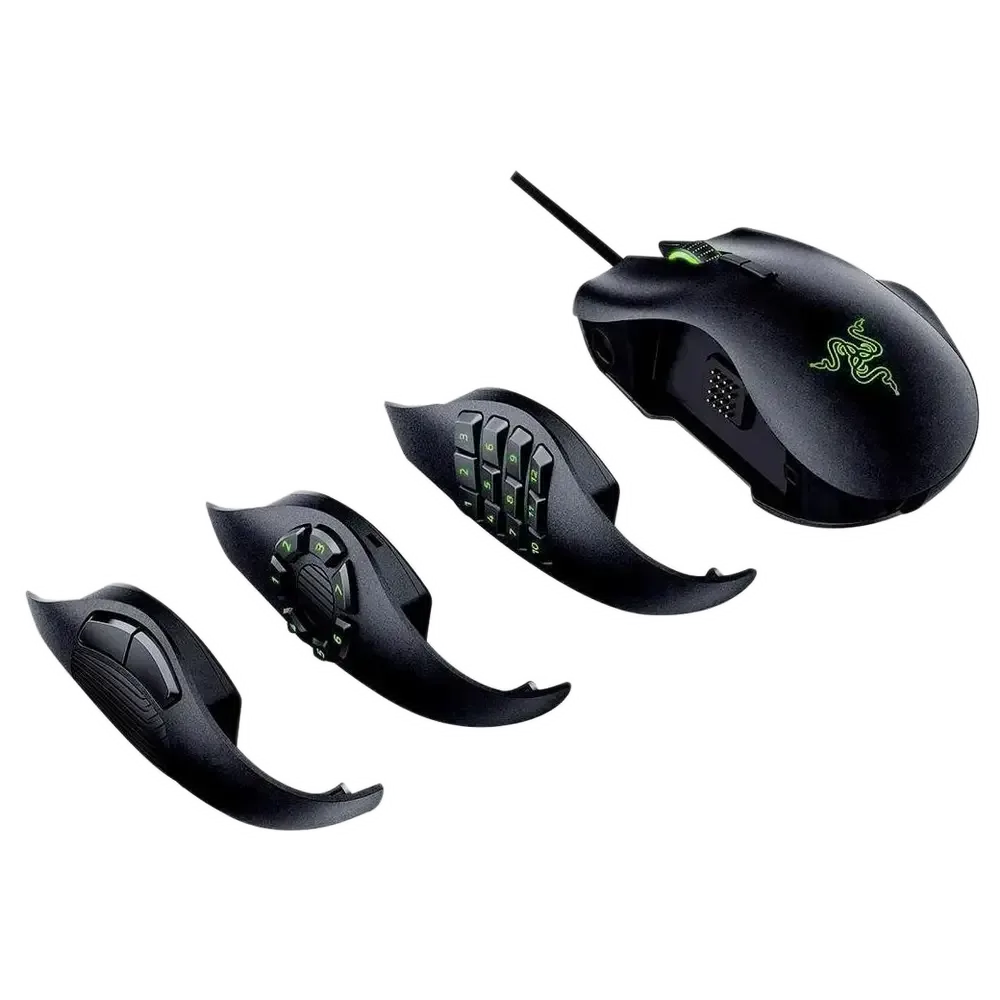
The Razer Naga Trinity is built around three interchangeable side panels. A simple two-button panel, a seven-button ring and a twelve-button grid let you choose how much of the game sits under your thumb. The main right-handed body stays familiar while the available commands change.
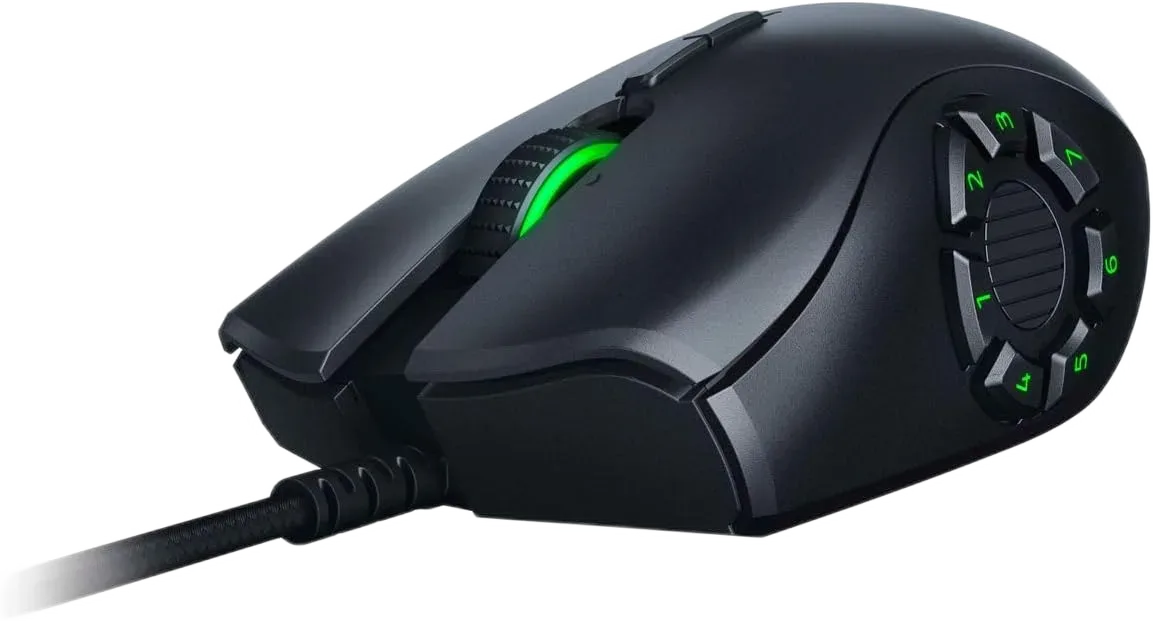
Choose a panel before assigning shortcuts
The two-button option is useful when you want a less crowded grip. The seven-button layout places commands in a ring, while the twelve-button grid provides more room for MMO actions. Depending on the fitted panel, the mouse offers 9, 14 or 19 programmable controls. You do not need to use every position immediately.
Build a layout your thumb can remember
Configure supported assignments in Razer Synapse. Group related actions together and keep a consistent pattern between characters or games where possible. Spend some time locating the outer buttons without looking down; learning the panel is part of making a larger command layout useful.
Keep movement settings consistent
The 5G optical sensor reaches 16,000 DPI, with a 1,000 Hz report rate. The mouse weighs about 120 g without its cable, giving it a substantial feel. The shaped right-hand body and ring-finger support make grip fit important, especially if you are coming from a narrow, lightweight mouse.
A modular layout with a wired routine
The braided USB cable supplies power and data. Chroma RGB provides configurable lighting, and the tilting wheel adds navigation options above the side panel.
- Pick the panel with the controls you actually need.
- Seat the panel properly and keep its contacts clean.
- Store the unused panels together.
The Naga Trinity is most useful when your games call for different button layouts and you want to change the thumb panel without replacing the whole mouse.