
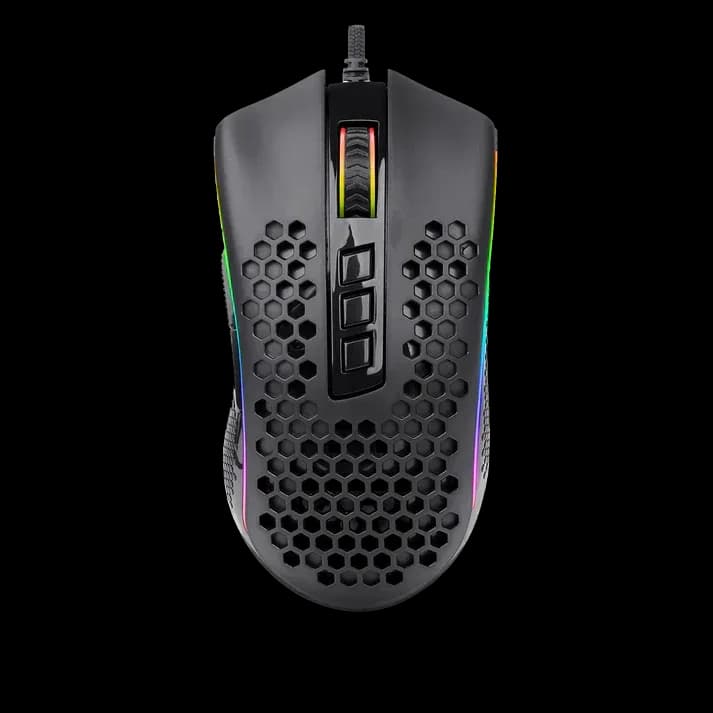
Redragon M808 Storm Black
2.499 L
In stock

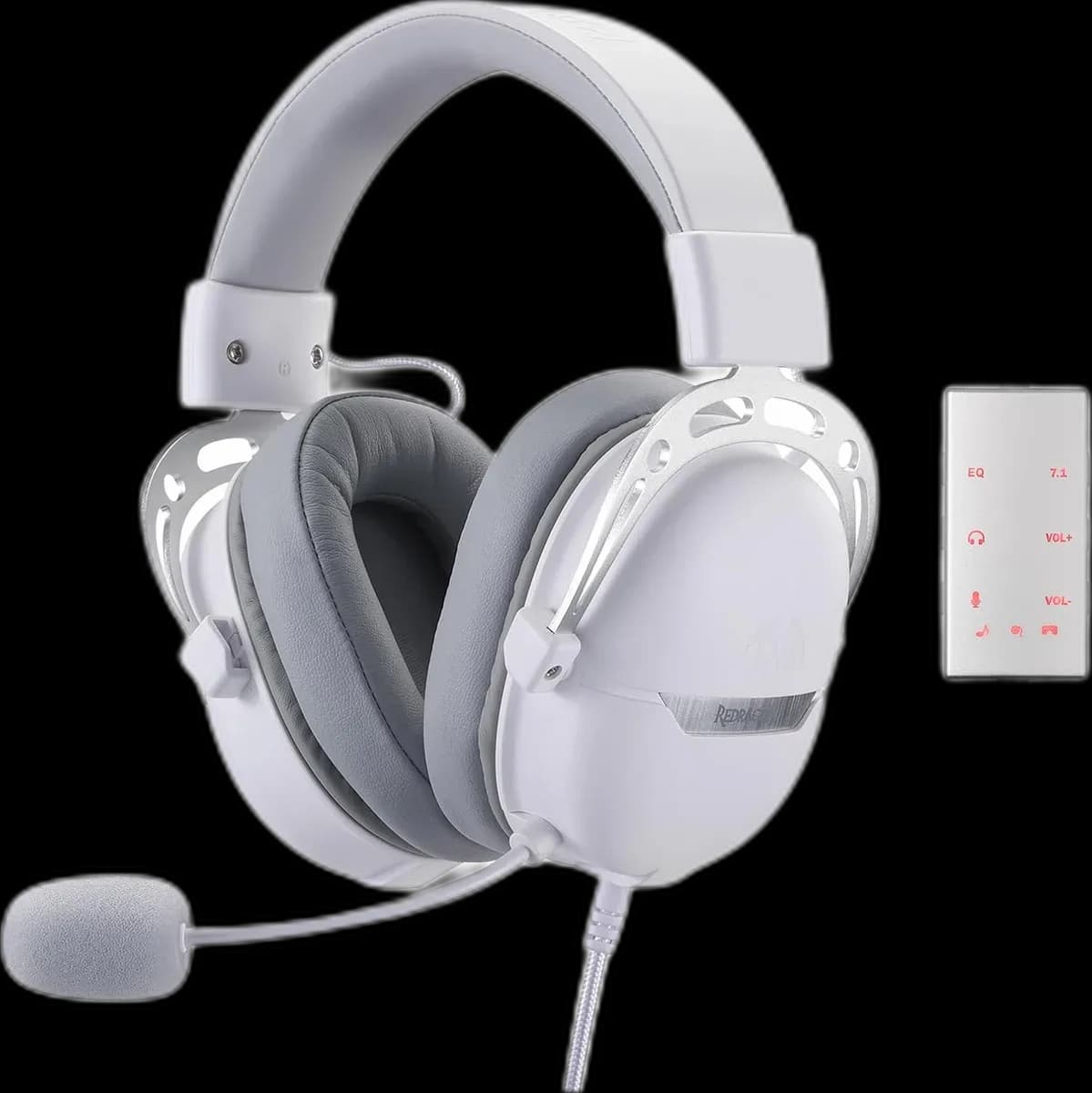
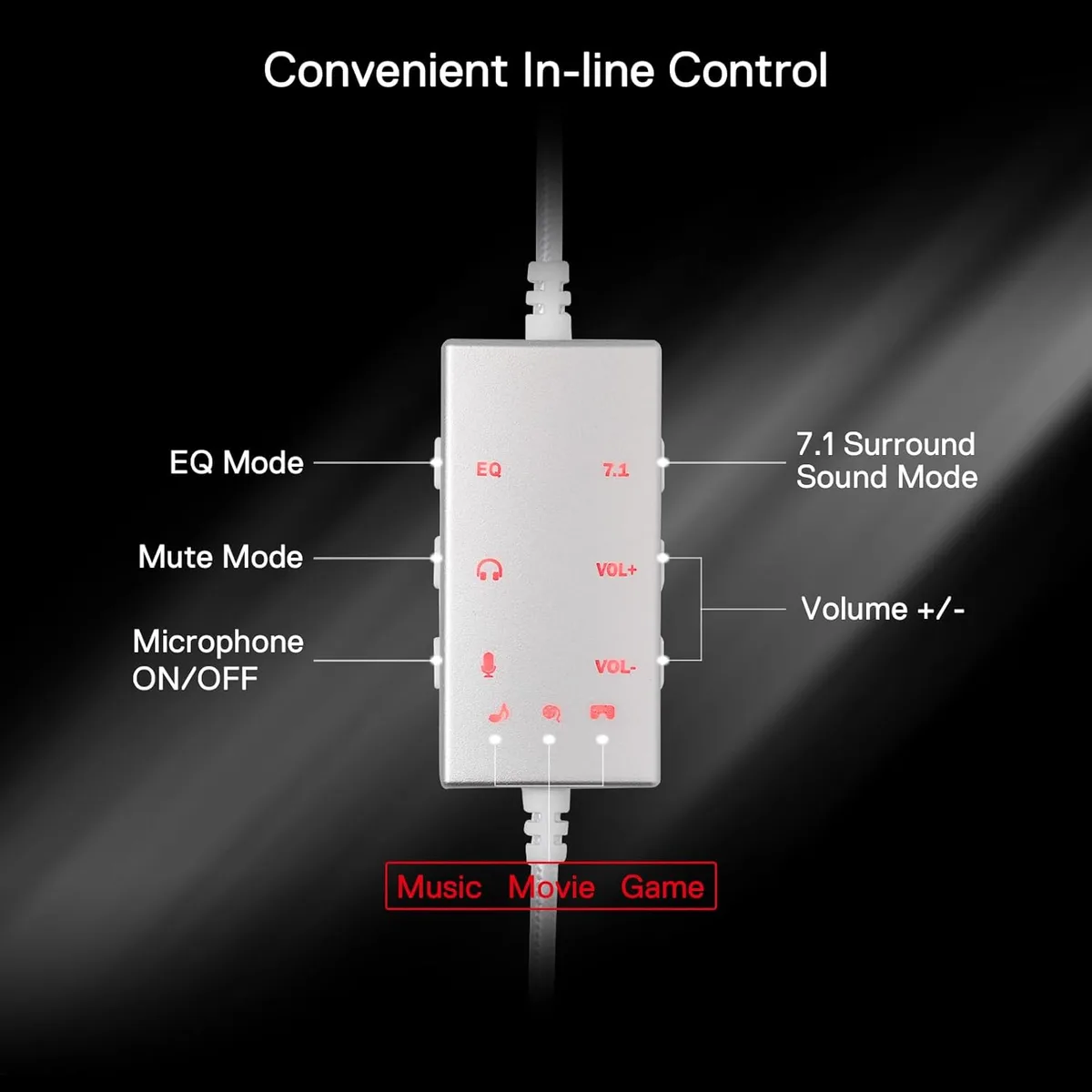
Aurora White combines USB audio, 40mm drivers and an inline controller with game, music and movie EQ modes. A wired headset for a coordinated desk.
Estimated courier delivery: 24–48 hours after dispatch.
The same rate applies to every city in Albania.
For 1 of this product. The final fee is recalculated at checkout for your full basket.
Cash on delivery, or pay in store when collecting.
Collect in Durrës with no delivery fee. Wait for confirmation that your order is ready.
24 months warranty
Optional extras, sold separately.
2.499 L
In stock
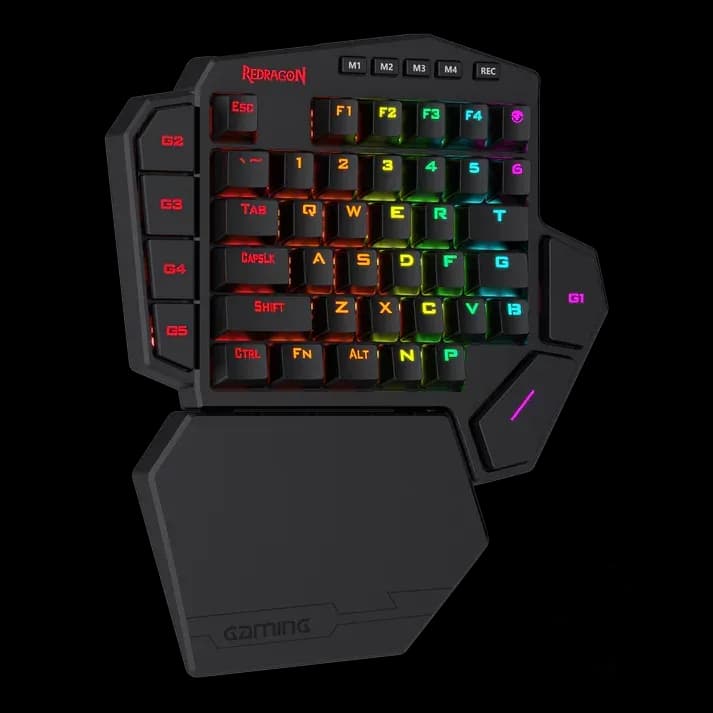
4.999 L
In stock
Extras total: 0 L
One of each selected item. Add the main product separately.
A headset stays useful after the match ends. Redragon Aurora White pairs its white finish with an inline controller that lets you change audio settings while moving between a game, a playlist and a film. The H376 connects by USB, so it can stay ready beside your keyboard without a charging routine.
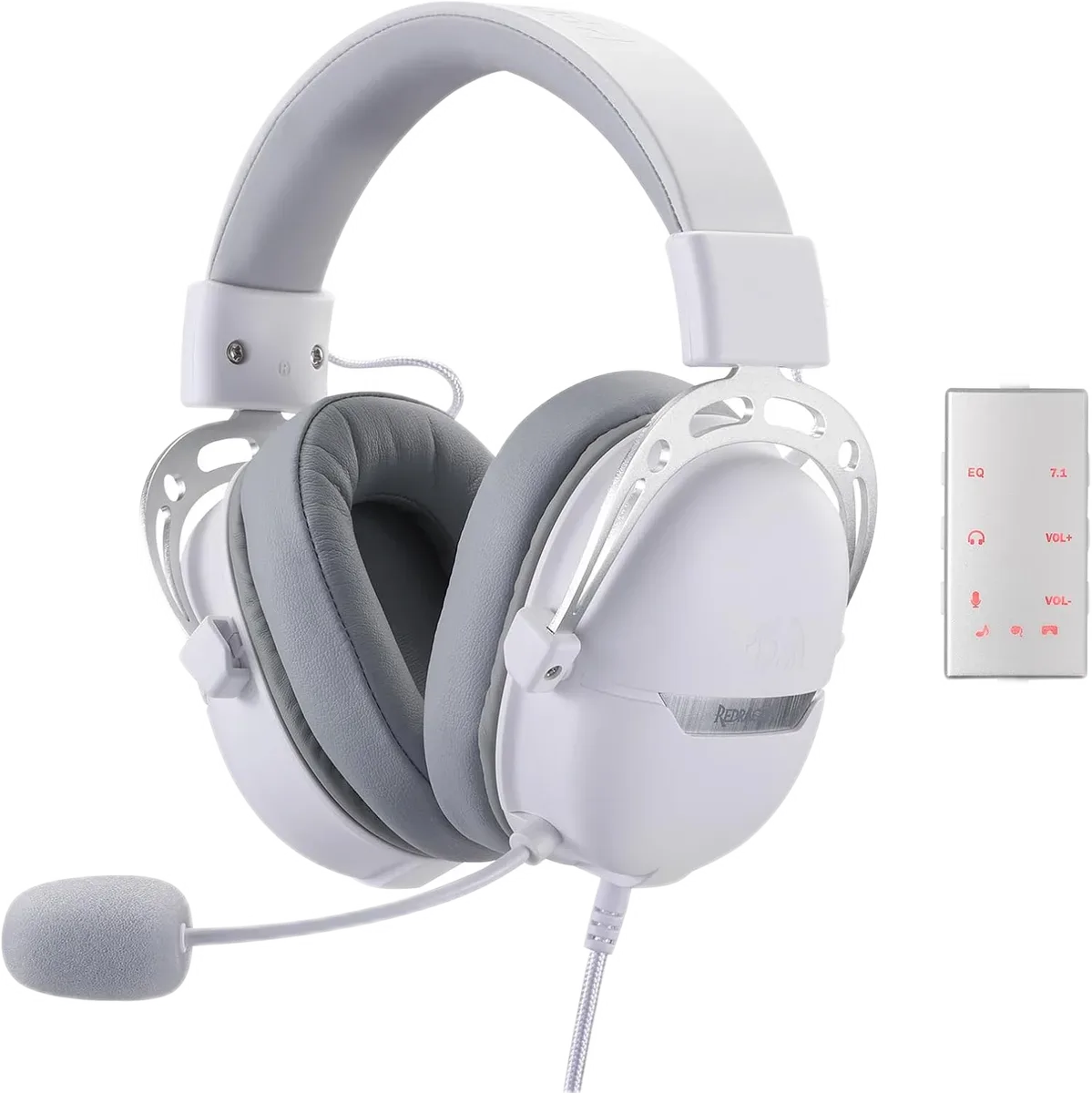
The controller offers Game, Music and Movie equalizer modes alongside volume, microphone mute and a virtual 7.1 control. These are useful starting points rather than settings you need to leave enabled all the time.
Try one familiar track or game scene while comparing modes. Keep the volume similar between them: a louder preset can seem more impressive without making dialogue or small details easier to hear.
Aurora carries audio through USB rather than an analogue headset jack. Use a supported USB audio port on your PC or console; a 3.5mm socket on a controller is a different connection.
On a PC, select the headset for both playback and voice input. If the game already uses its own headphone spatial processing, compare that with Aurora's virtual Surround Sound separately instead of stacking both effects.
The fixed microphone has a flexible arm. Place it near the corner of your mouth and make a short test recording before joining voice chat. This is usually a better first adjustment than turning microphone gain all the way up.
Arrange the cable so the controller is easy to reach and does not pull against the headset. Adjust the headband evenly on both sides and take normal listening breaks.
Aurora White fits a desk where matching colour and accessible audio controls matter as much as keeping the connection straightforward.