

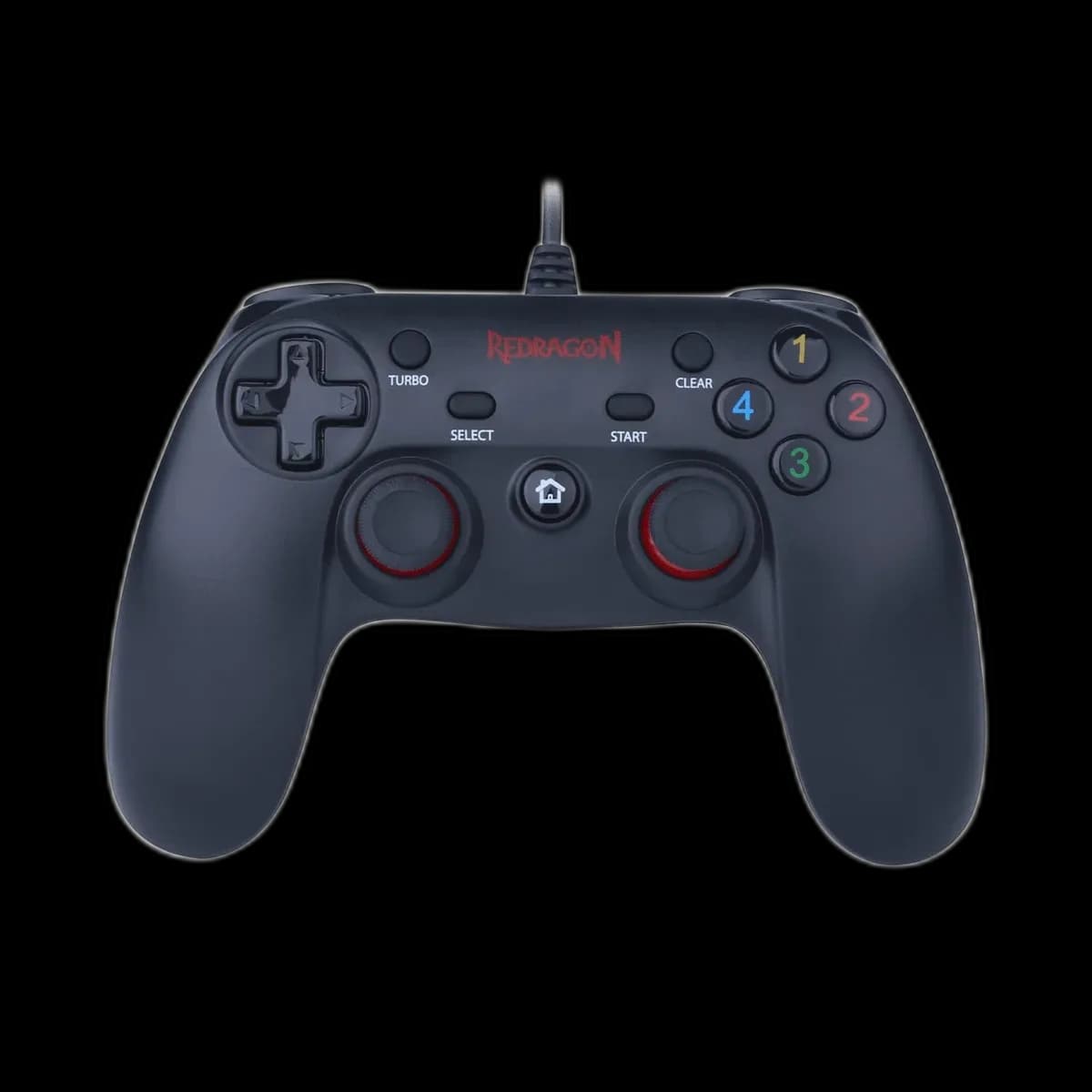
Redragon G807 Saturn: plug in and settle into the game
A wired controller is easy to keep ready beside a PC: there is no battery to top up or wireless receiver to find. Redragon G807 Saturn takes that straightforward approach with a USB connection, a symmetrical stick layout and a black body highlighted by red details.

A cable that suits a desk setup
The 1.5m USB cable works best when the computer or console is within comfortable reach. Plan the route before sitting down, leaving enough slack for your hands and keeping it clear of chair wheels. Saturn is listed for PC and PS3.
Two input modes for PC games
XInput and DirectInput give you options for games that use different controller interfaces. Choose the mode required by the title, then verify the button assignments. Mode support does not mean every PC game offers gamepad control; check the games you intend to play.

Familiar controls with game-dependent feedback
Two analogue sticks, a directional pad and shoulder controls provide the main inputs. Supported games can use vibration to add feedback to the action. Turbo is available for repeat-input use on supported buttons. Test your preferred control layout before settling into a longer session.
A simple first-session checklist
- Connect to an accessible USB port.
- Select the input mode your PC game expects.
- Test movement, buttons and vibration in the game settings.
Saturn is a practical fit for a nearby PC or PS3 when you prefer a wired setup. The useful trade-off is simple: no charging routine, with your playing position limited by the cable’s reach.