

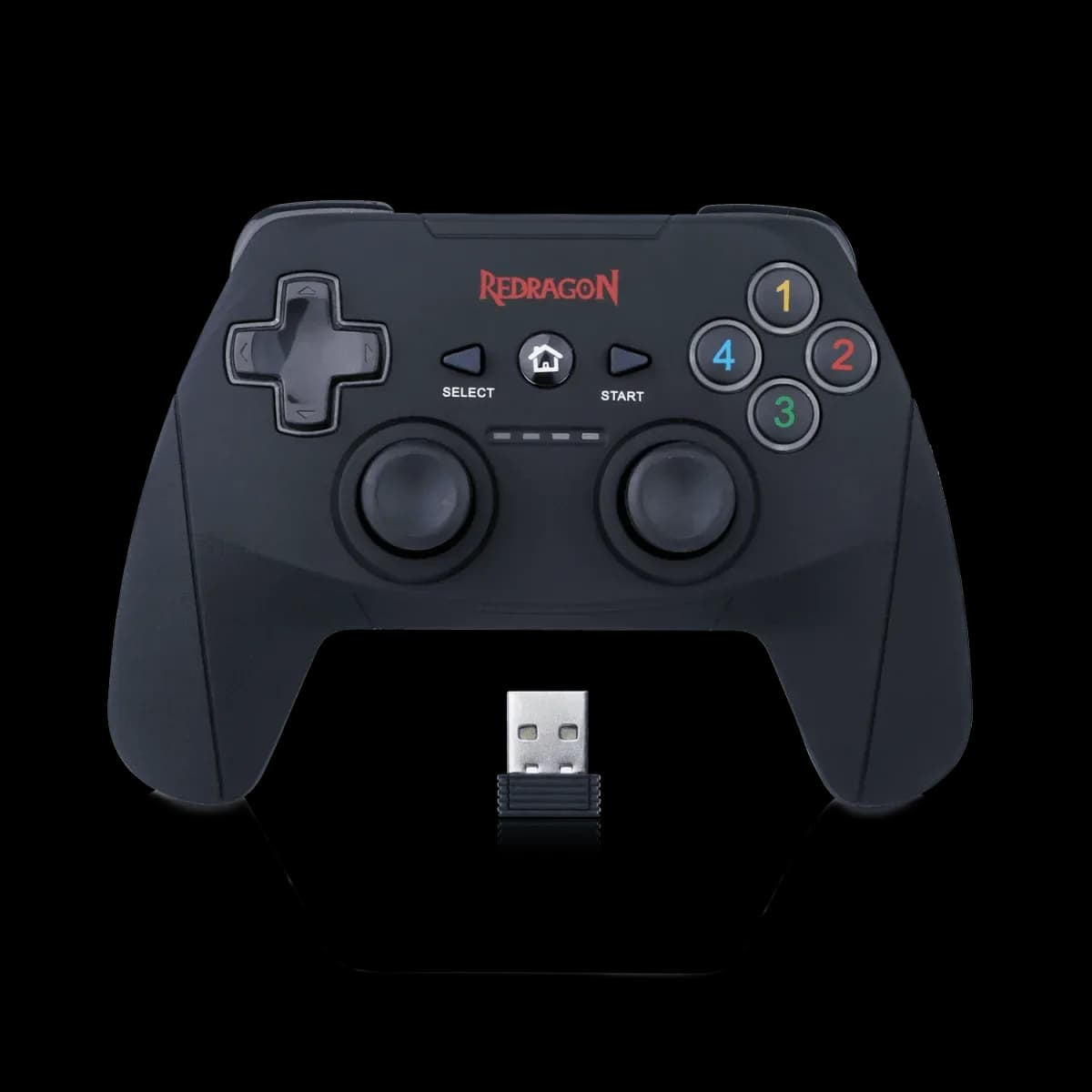
Redragon G808 Harrow: give your hands some distance from the desk
Harrow is for the moment when you want to lean back from the keyboard without keeping a cable between your hands and the PC. This standard G808 pairs a 2.4GHz USB receiver with a familiar symmetrical stick layout. It supports PC and PS3, making the connection method and platform a useful starting point for choosing it.
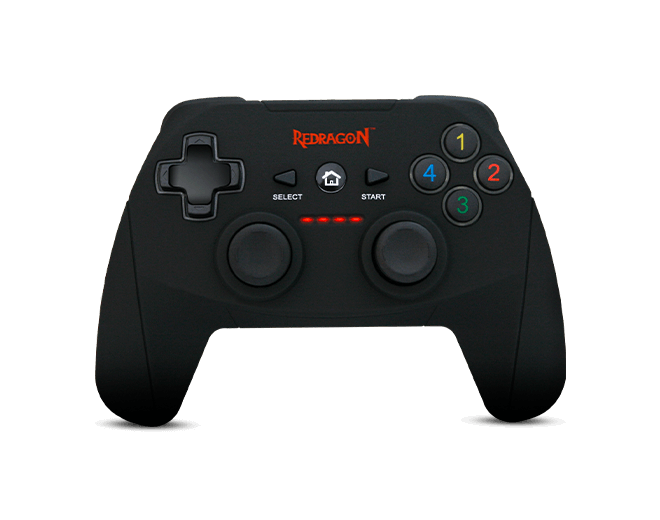
Wireless play through the USB receiver
Connect the supplied receiver to the supported device and follow the pairing instructions. Harrow uses its 2.4GHz receiver rather than Bluetooth. Keep the dongle with the controller when moving between setups; it is part of the connection, not an optional accessory.
Triggers that allow gradual input
The pressure-sensitive triggers provide variable input in games that support it, useful for actions such as accelerating and braking. Two internal vibration motors add feedback when the game enables it. The effect depends on the title and its controller settings.
PC modes and a charging routine
On PC, Harrow supports both XInput and DirectInput. Select the mode your game expects, then check the button prompts. Its internal rechargeable battery uses the supplied Micro-USB charging cable; keep a suitable charging point nearby so the controller is ready for the next session.
Check the basics before you settle in
- Connect the receiver and confirm the game detects the controller.
- Test the triggers and adjust in-game sensitivity if needed.
- Check the battery before a longer session.
Harrow suits a PC or PS3 setup where receiver-based wireless play is more useful than a permanently attached cable. This listing describes the standard G808 Harrow, with its own connection and control features.