

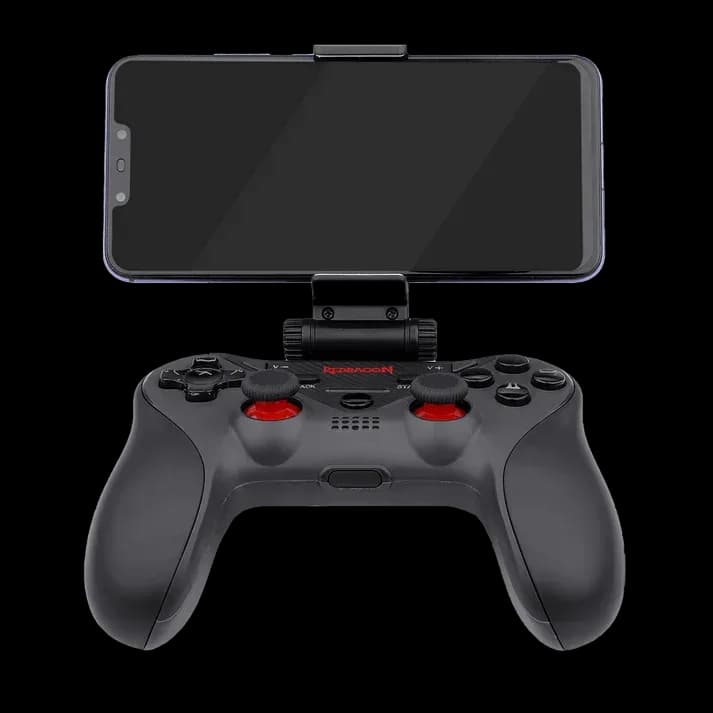
Redragon G812 Ceres: put physical controls beneath your phone
Touch controls can crowd a small screen. Redragon G812 Ceres puts sticks and buttons beneath a supported phone, leaving more of the display visible while you play. Its removable holder is the feature that shapes the experience: a mobile setup you can hold together, with the option of supported PC use as well.
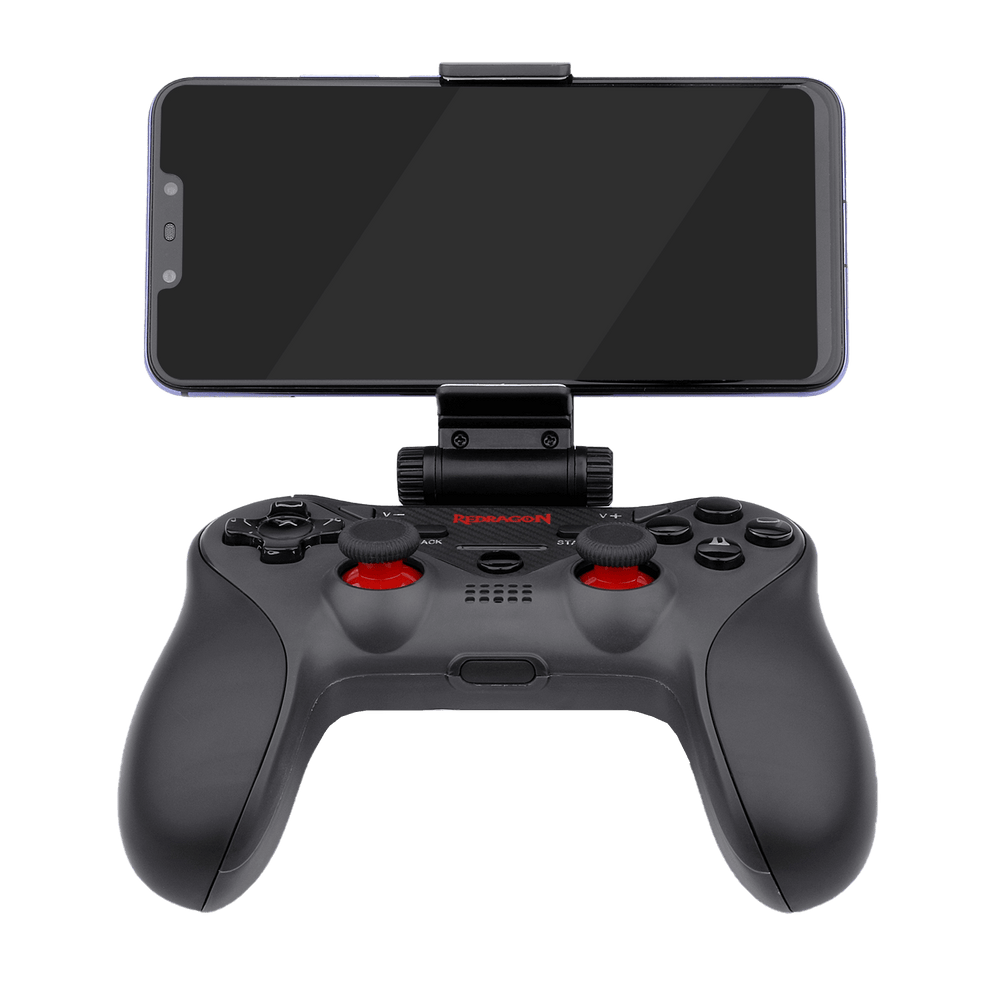
Let the holder do the balancing
The adjustable phone support sits above the controller and can be removed when it is not needed. Check the fit of your phone, including its case, and make sure it is secure before playing. Adjust the viewing position until the display is comfortable to see without tilting your wrists.
Choose games with controller support
Ceres is listed for Android, iOS and Windows. Mobile games must support a compatible physical controller; pairing alone does not make every touch-only game work. Check your intended titles and operating-system version before buying, then follow the model’s pairing instructions.

Use it at the computer too
The regional Redragon specification also lists PC play through Bluetooth or USB, with XInput support. Set up the correct mode and test the controls in the game. Ceres does not provide vibration feedback, so choose it for its controls and phone-holder arrangement rather than rumble effects.
Prepare a compact gaming session
- Confirm phone fit and compatible game support.
- Pair the controller and test the main inputs.
- Charge its internal battery before a longer session.
Ceres suits players who want physical controls for supported phone games and occasional PC use. The phone shown in the photographs illustrates the holder and is not supplied with the controller.