
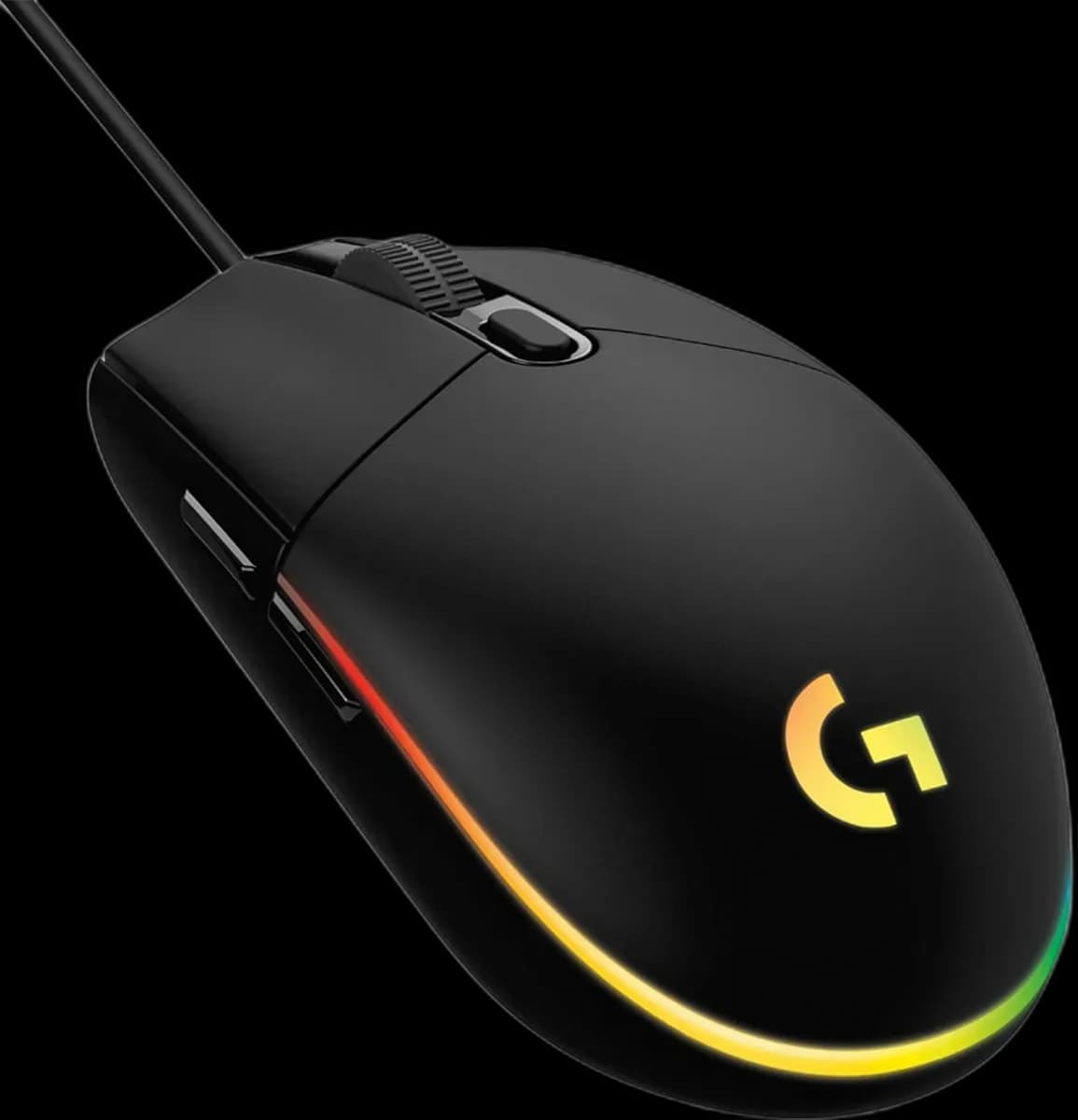
Logitech G102 Black
4.000 L
In stock

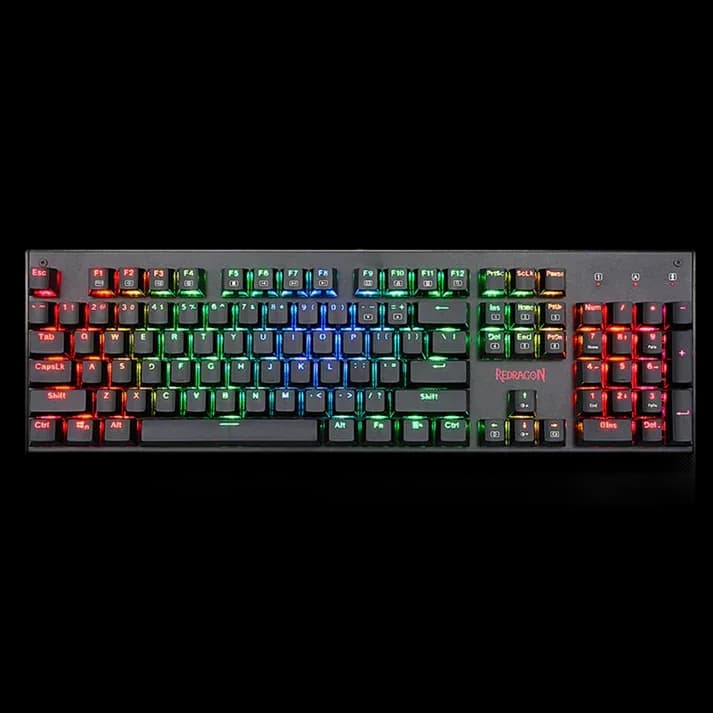
Redragon K557 Kala offers 104 mechanical keys with Blue switches, RGB lighting, full anti-ghosting and a braided USB cable.
Estimated courier delivery: 24–48 hours after dispatch.
The same rate applies to every city in Albania.
For 1 of this product. The final fee is recalculated at checkout for your full basket.
Cash on delivery, or pay in store when collecting.
Collect in Durrës with no delivery fee. Wait for confirmation that your order is ready.
24 months warranty
Optional extras, sold separately.
4.000 L
In stock
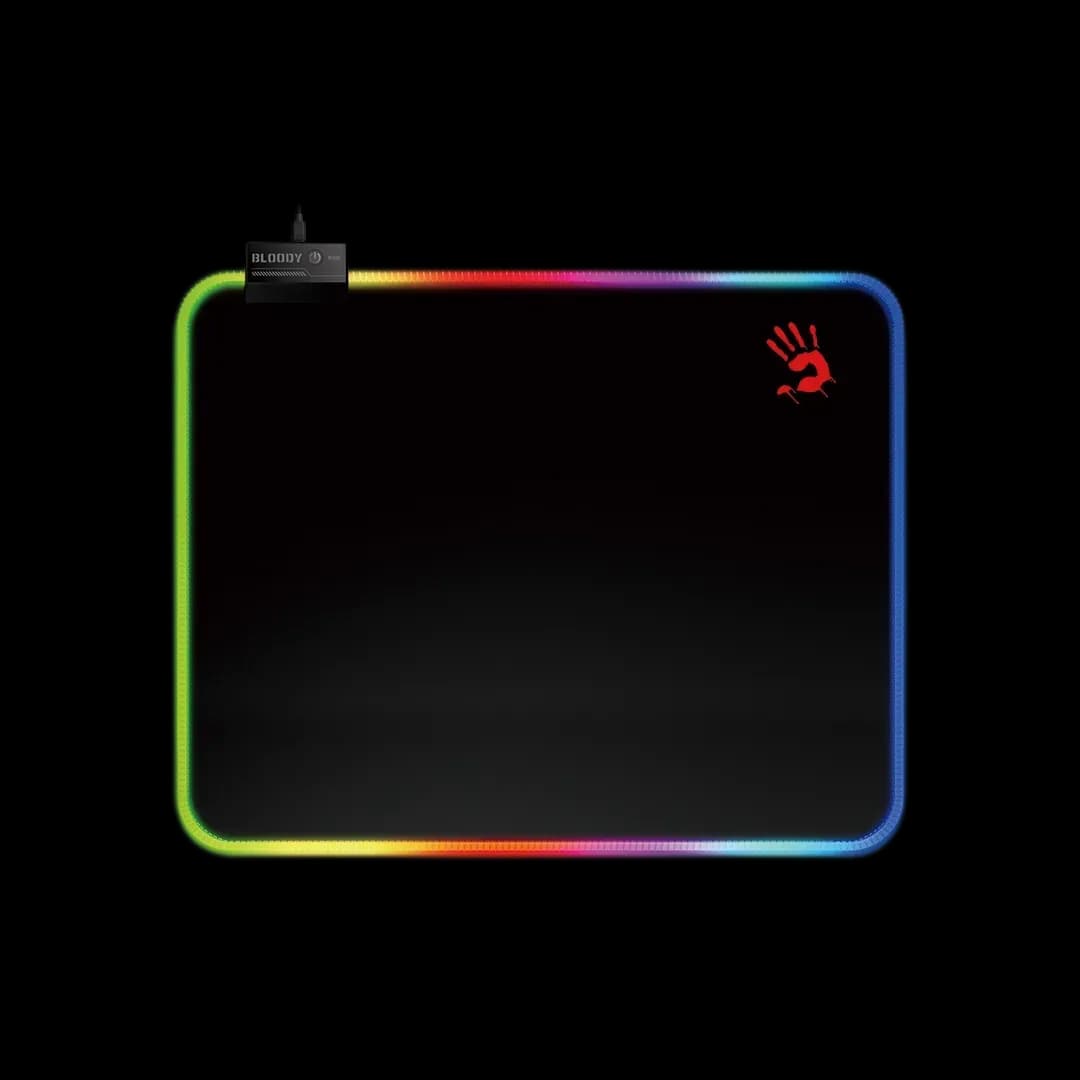
2.200 L
In stock
Extras total: 0 L
One of each selected item. Add the main product separately.
The K557 Kala is built around familiar full-size controls, so the move to a mechanical keyboard does not require giving up a number pad or dedicated navigation. Blue switches bring a clear tactile and audible response, while the raised keys and RGB make it look at home beside a gaming PC.
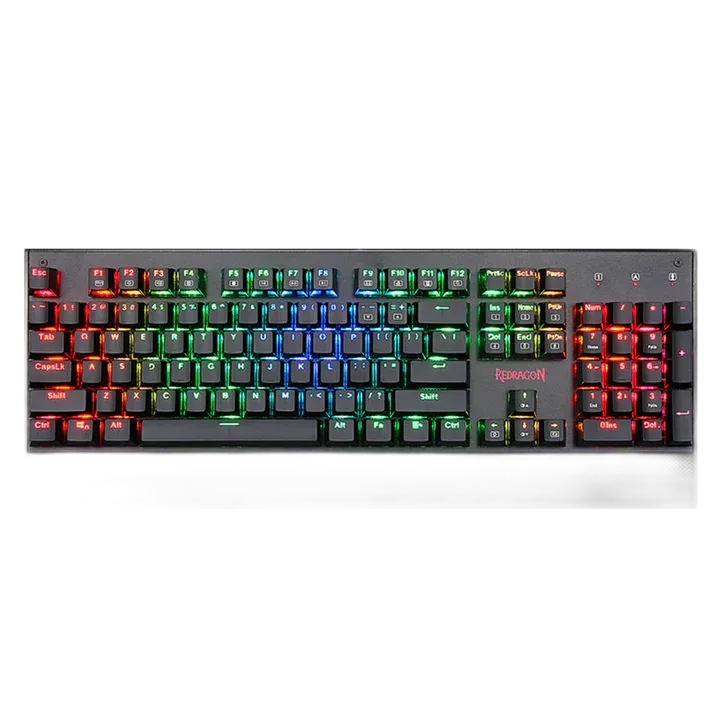
Blue switches have a deliberate click and a tactile point during the press. They can suit someone who likes clear feedback while typing, but are less discreet near a microphone or in a shared workspace. The right choice depends on where you use the keyboard, not simply whether it is labelled mechanical.
The 104-key arrangement keeps numbers, navigation and everyday typing in separate groups. Full anti-ghosting helps when several commands overlap, and multimedia shortcuts handle common audio functions. Leave enough space to the right for your mouse so the keyboard's width does not dictate an awkward arm position.
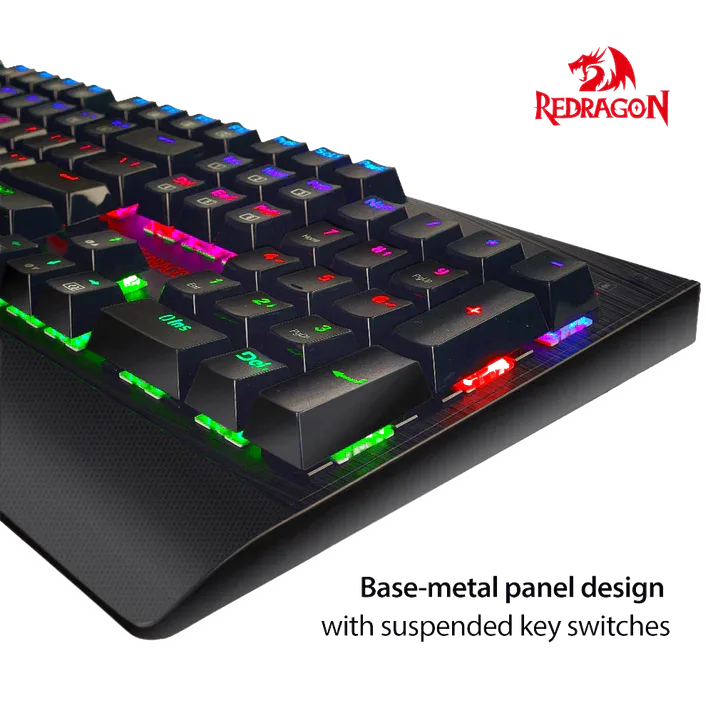
RGB effects and brightness settings let you adapt the Kala to the rest of the desk. Try a restrained lighting profile first; it can make the letters easier to read without distracting from the screen. The raised key arrangement also gives easier access between the keys when it is time to clean.
The braided USB cable provides the connection without charging or pairing. Set the matching layout in your operating system, then test familiar shortcuts before adjusting more settings.