
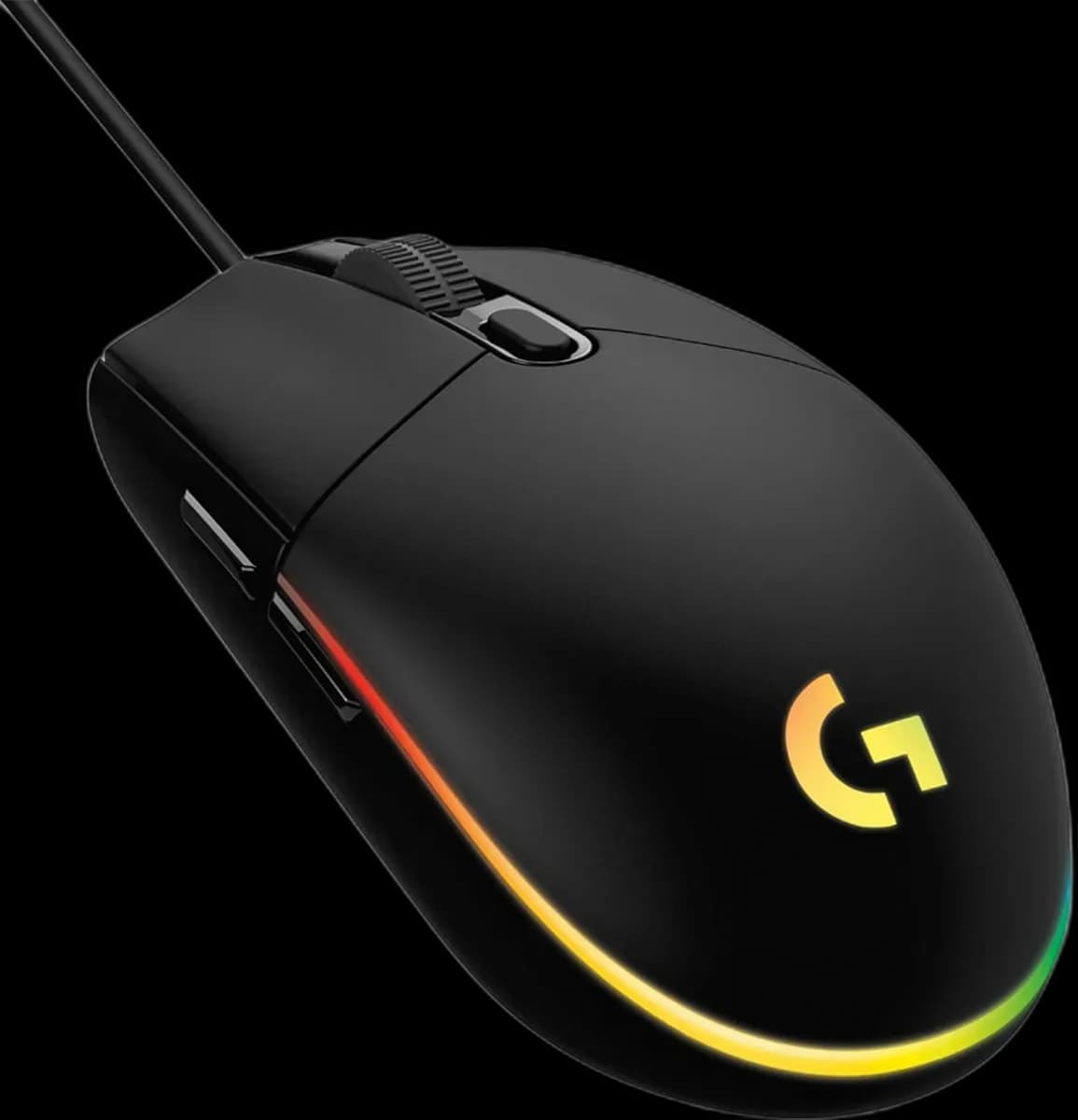
Logitech G102 Black
4.000 L
In stock

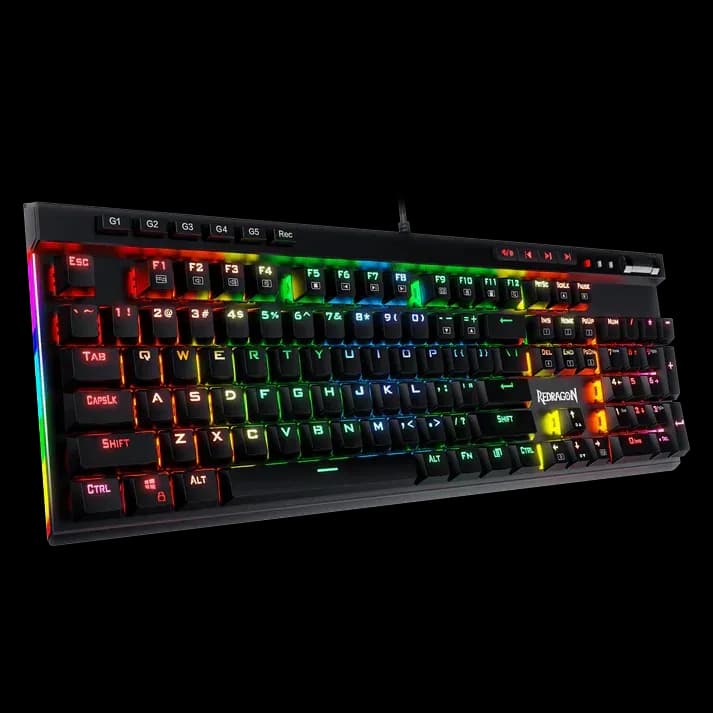
Redragon K580 Vata is a wired mechanical keyboard with Blue switches, five macro keys, media controls, a control wheel and RGB.
Estimated courier delivery: 24–48 hours after dispatch.
The same rate applies to every city in Albania.
For 1 of this product. The final fee is recalculated at checkout for your full basket.
Cash on delivery, or pay in store when collecting.
Collect in Durrës with no delivery fee. Wait for confirmation that your order is ready.
24 months warranty
Optional extras, sold separately.
4.000 L
In stock
2.200 L
In stock
Extras total: 0 L
One of each selected item. Add the main product separately.
The K580 Vata gives frequently used commands their own space above the main keyboard. Dedicated macro keys, media buttons and a control wheel make it useful when you want to adjust something quickly without switching away from a game or application. Underneath sits a full-size mechanical keyboard with a distinctly clicky feel.
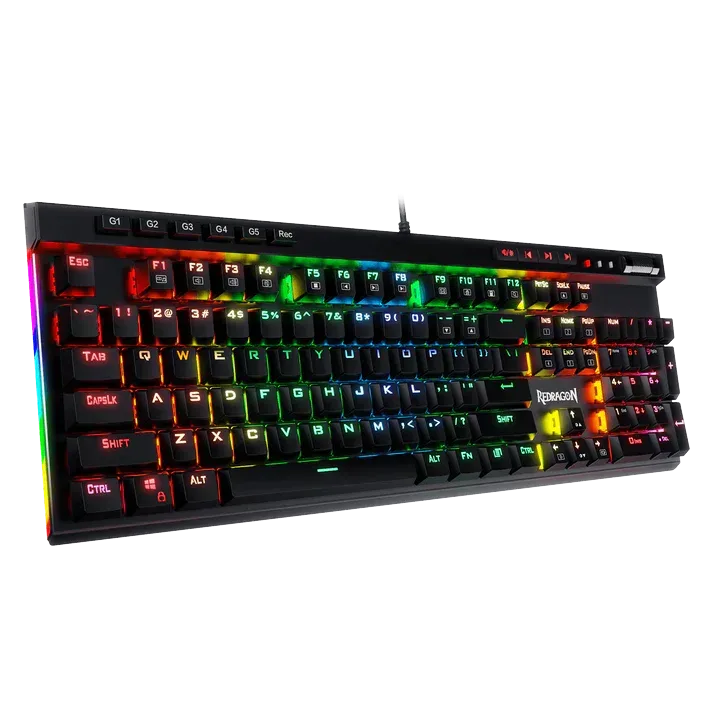
Five macro keys can hold commands you use repeatedly. Start with simple shortcuts such as opening a tool or entering a common sequence, then build a profile you can remember. In games, follow the title's rules on automation rather than assuming every recorded macro is permitted.
This wired Vata version uses Blue mechanical switches with tactile feedback and an audible click. That can make typing feel deliberate, but it also makes the sound part of the choice. Consider nearby people and microphone placement before choosing a clicky keyboard for a shared room or regular voice recording.
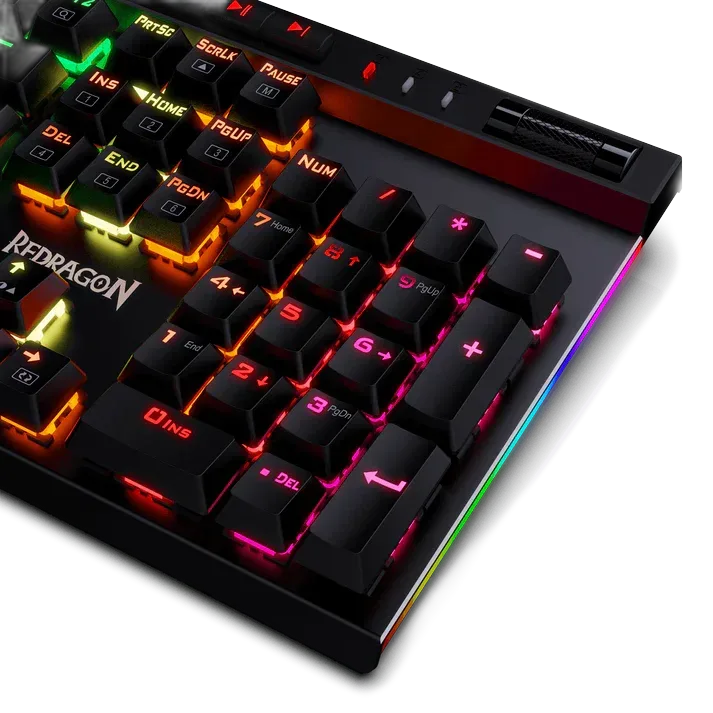
The wheel and media controls let you handle common adjustments at the keyboard. RGB across the keys and side edges gives you plenty of visual flexibility; a simple colour arrangement can make the extra controls easier to locate. Double-shot keycaps form their legends through the moulding process rather than relying only on surface printing.
The number pad and additional controls take more desk space than a compact model. Keep enough room beside the Vata for the mouse, and use compatible replacement switches if exploring its hot-swap sockets.