
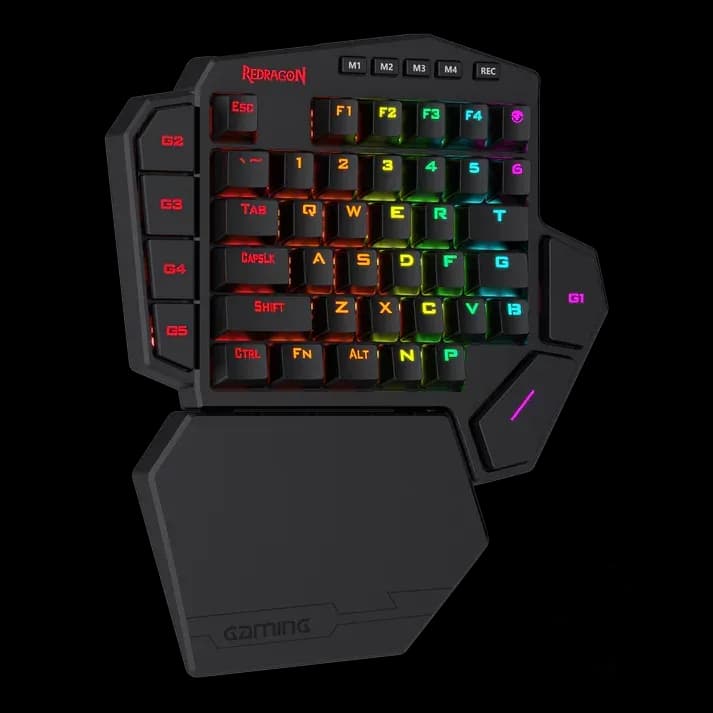
Redragon K585 Diti Pro
4.999 L
In stock

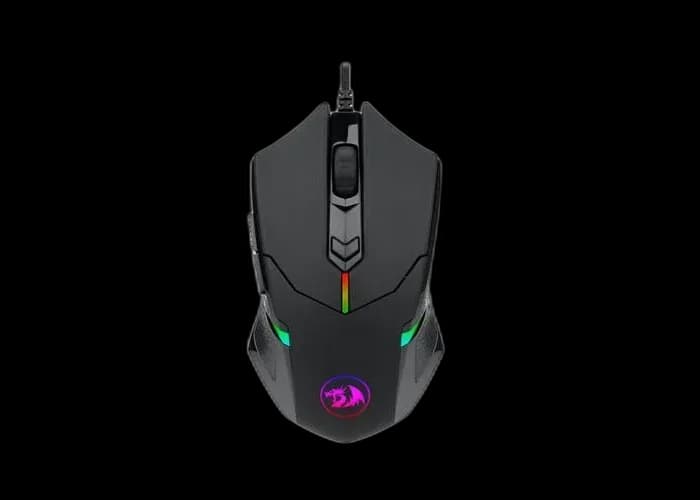
Centrophorus 2 is a wired RGB mouse with removable weights, six programmable buttons and a PixArt optical sensor rated up to 7,200 DPI.
Estimated courier delivery: 24–48 hours after dispatch.
The same rate applies to every city in Albania.
For 1 of this product. The final fee is recalculated at checkout for your full basket.
Cash on delivery, or pay in store when collecting.
Collect in Durrës with no delivery fee. Wait for confirmation that your order is ready.
24 months warranty
Optional extras, sold separately.
4.999 L
In stock
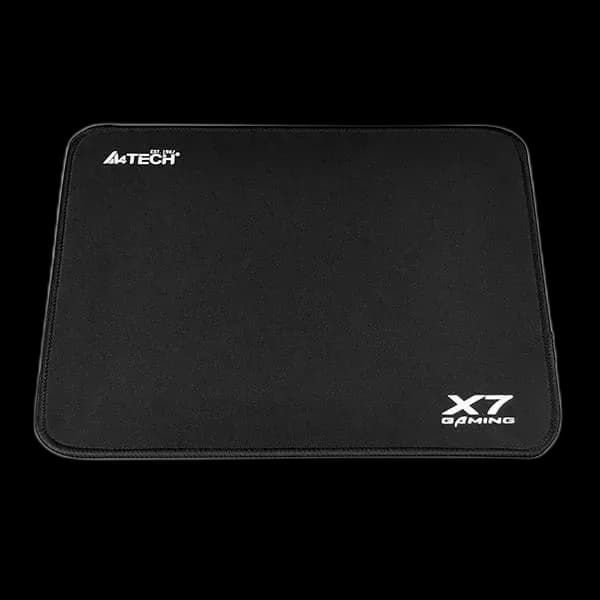
400 L
In stock
Extras total: 0 L
One of each selected item. Add the main product separately.
Centrophorus 2 gives you a physical adjustment that software cannot provide: eight small removable weights. You can change how substantial the mouse feels in the hand, then tune sensitivity and button assignments around that choice. This RGB version combines the familiar Centrophorus shape with a wired USB connection.
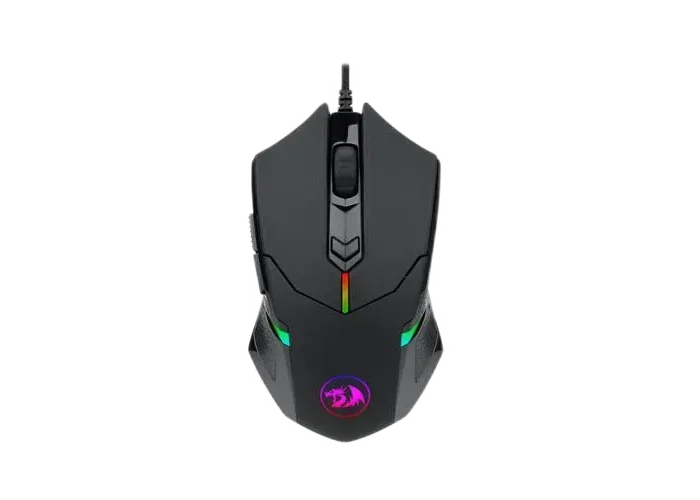
Redragon lists 85g without the weights and 104.2g with all eight fitted. Each removable weight is 2.4g. Try the lighter arrangement first, then add weight gradually if you prefer a more substantial feel.
Keep removed weights together and close the compartment properly before use. Changing weight and sensitivity at the same time can make it difficult to judge which difference you prefer.
The PixArt PAW3317 optical sensor supports up to 7,200 DPI and a polling rate up to 1,000 Hz. Software lets you arrange the sensitivity stages that the dedicated button cycles through. Keep one familiar setting for ordinary desktop use and add another only when it has a clear purpose.
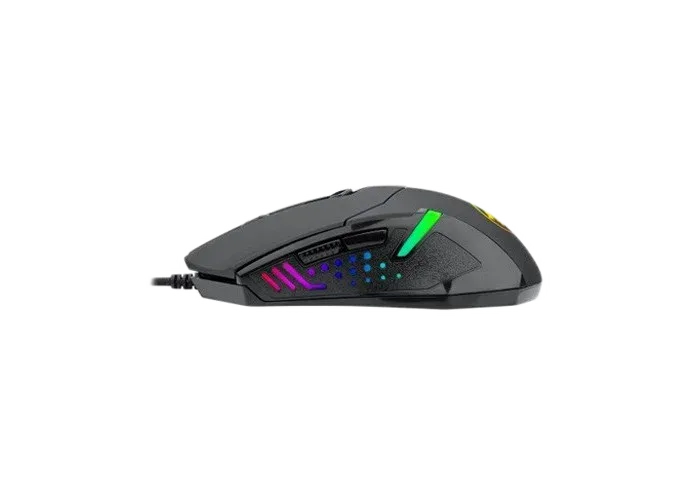
Six programmable buttons provide space for game commands or common application actions. The side buttons are convenient for navigation or voice chat if they sit naturally under your thumb. Test them while moving the mouse to check that you do not trigger them accidentally.
RGB lighting gives this version its colour effects. The 1.8m braided USB cable handles data and power; route it with enough slack to follow a full sweep.
Centrophorus 2 is worth considering when you want to experiment with mouse weight while keeping a straightforward wired setup.