
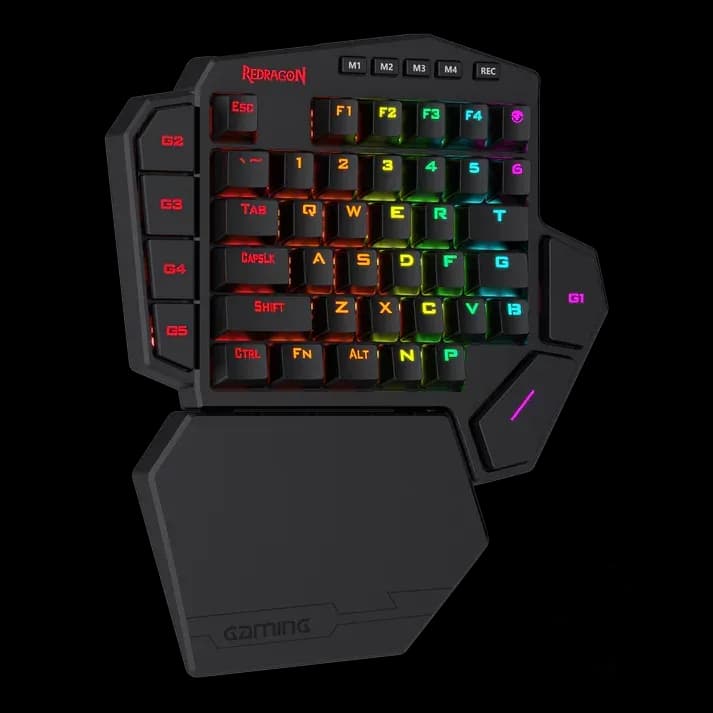
Redragon K585 Diti Pro
4.999 L
In stock

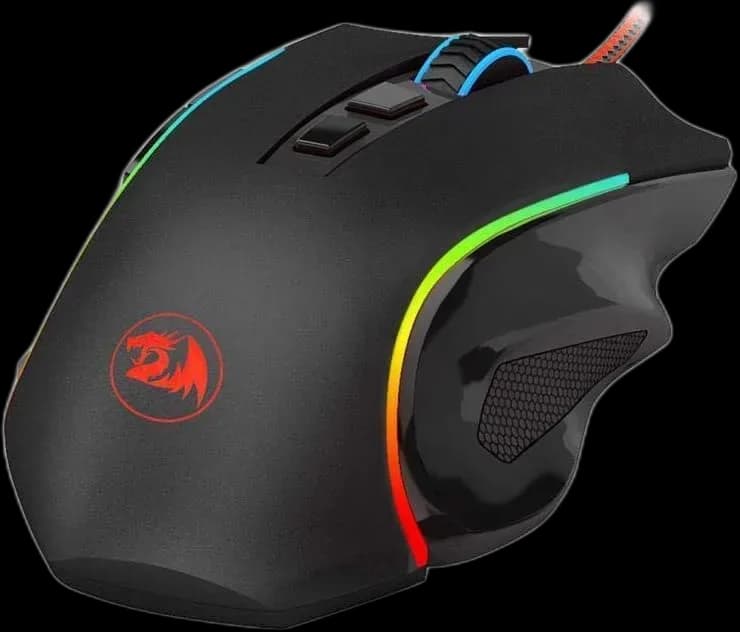
Griffin M607 pairs a sculpted right-hand shape with USB connectivity, adjustable 7,200 DPI sensitivity, programmable controls and RGB lighting.
Estimated courier delivery: 24–48 hours after dispatch.
The same rate applies to every city in Albania.
For 1 of this product. The final fee is recalculated at checkout for your full basket.
Cash on delivery, or pay in store when collecting.
Collect in Durrës with no delivery fee. Wait for confirmation that your order is ready.
24 months warranty
Optional extras, sold separately.
4.999 L
In stock
400 L
In stock
Extras total: 0 L
One of each selected item. Add the main product separately.
The Griffin’s broad, shaped sides are its most noticeable feature when choosing a mouse. They give the fingers defined places to rest, while the thumb buttons sit above the side grip. This wired M607 suits a desk where the same mouse moves between games, browsing and everyday applications.
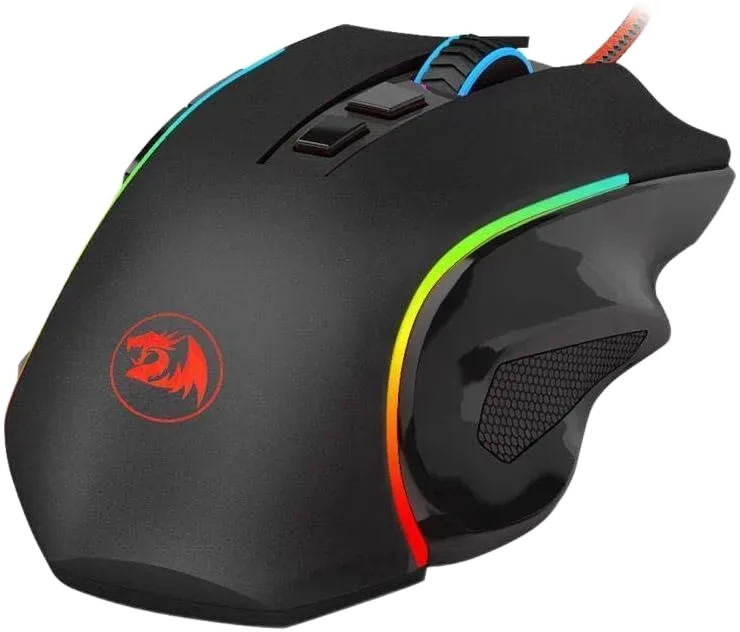
A pronounced shape is useful only when it matches your hand and grip. Check the distance to the main buttons and whether the side ledge leaves your fingers relaxed. A mouse that feels supportive for a palm grip may feel different when held mainly with the fingertips.
Place the keyboard close enough that you are not reaching sideways for the mouse throughout a session.
The PixArt PAW3212 optical sensor supports up to 7,200 DPI, with polling adjustable up to 1,000 Hz. Set a comfortable desktop speed, then fine-tune each game separately. Keeping a small number of useful DPI stages makes an accidental sensitivity change easier to recognise.
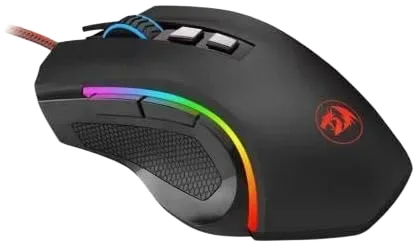
Programmable controls can handle browser navigation, push-to-talk or familiar in-game commands. Test each assignment while moving the mouse, so a shortcut does not depend on an awkward grip change. The software also manages the RGB lighting, with several effects available for the body’s illuminated areas.
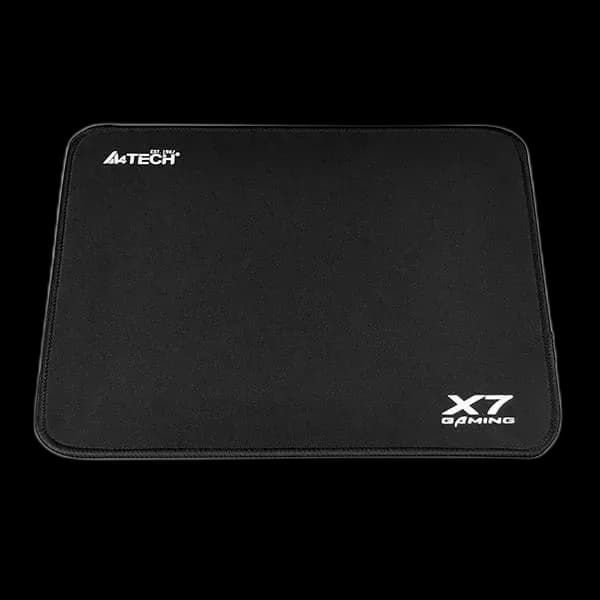
The braided USB lead carries data and power. Route it away from sharp desk edges and leave enough slack for the full mousepad.
Griffin is worth considering for its shaped grip and accessible controls. Choose it around hand comfort and the available desk space, then use the software to make small adjustments.