

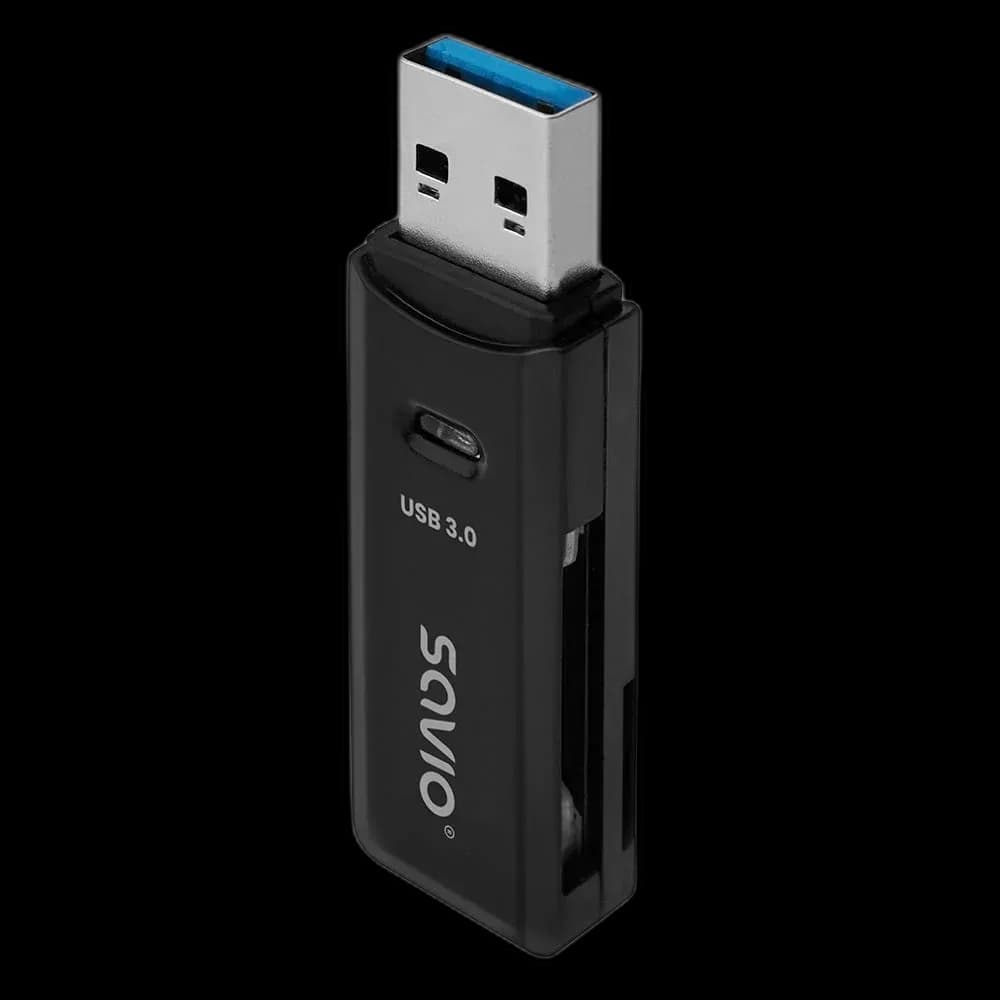
SAVIO AK-64: a small bridge from memory card to computer
A computer without a built-in card slot can still read camera or device cards through USB. SAVIO AK-64 puts SD and microSD support into a small reader that fits beside the other adapters in a laptop bag.
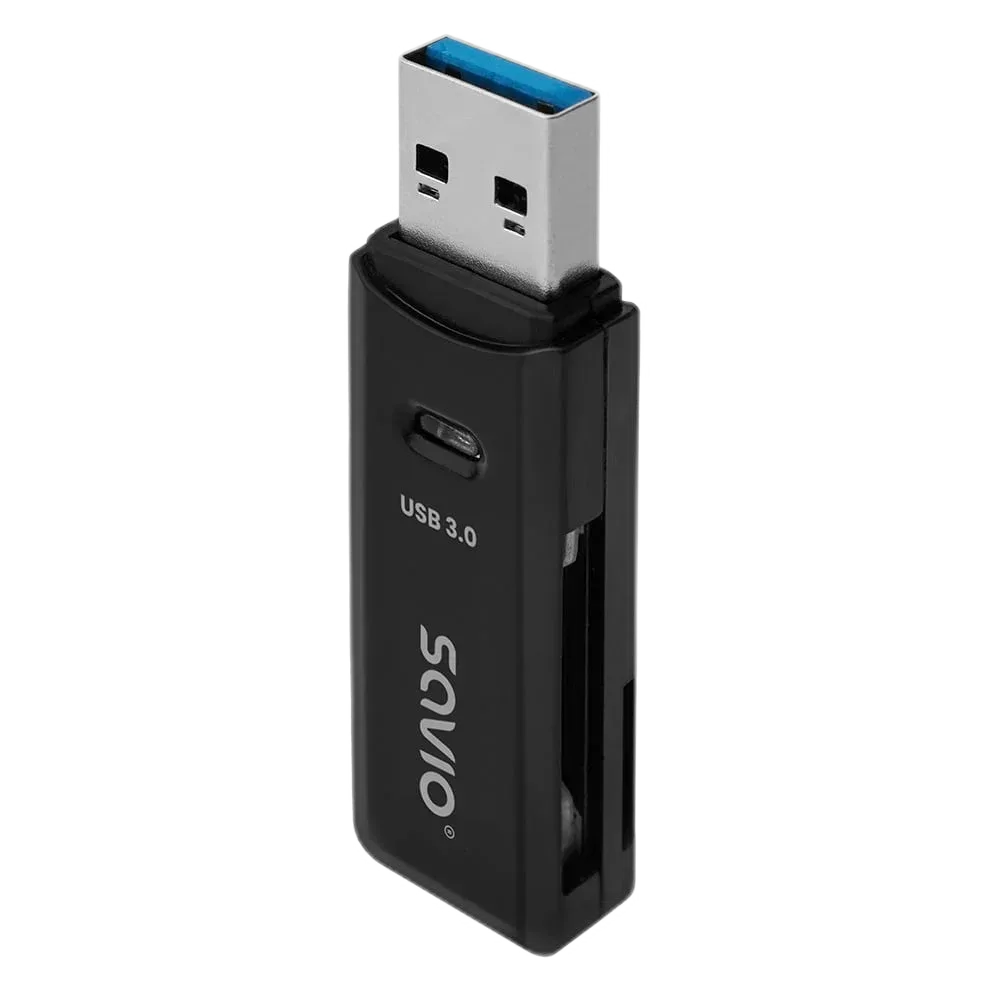
Choose the slot for the card
Supported families include SD, SDHC and SDXC, plus microSD, microSDHC and microSDXC. Insert the card in the correct orientation without forcing it. The reader gives access to the card; it does not add storage capacity by itself.
USB 3.0 leaves room for faster cards
The interface is rated up to 5 Gbps and remains compatible with USB 2.0. This is a bus specification, not a guaranteed card-copy speed. The card's own rating, file sizes and the computer's port affect the result.
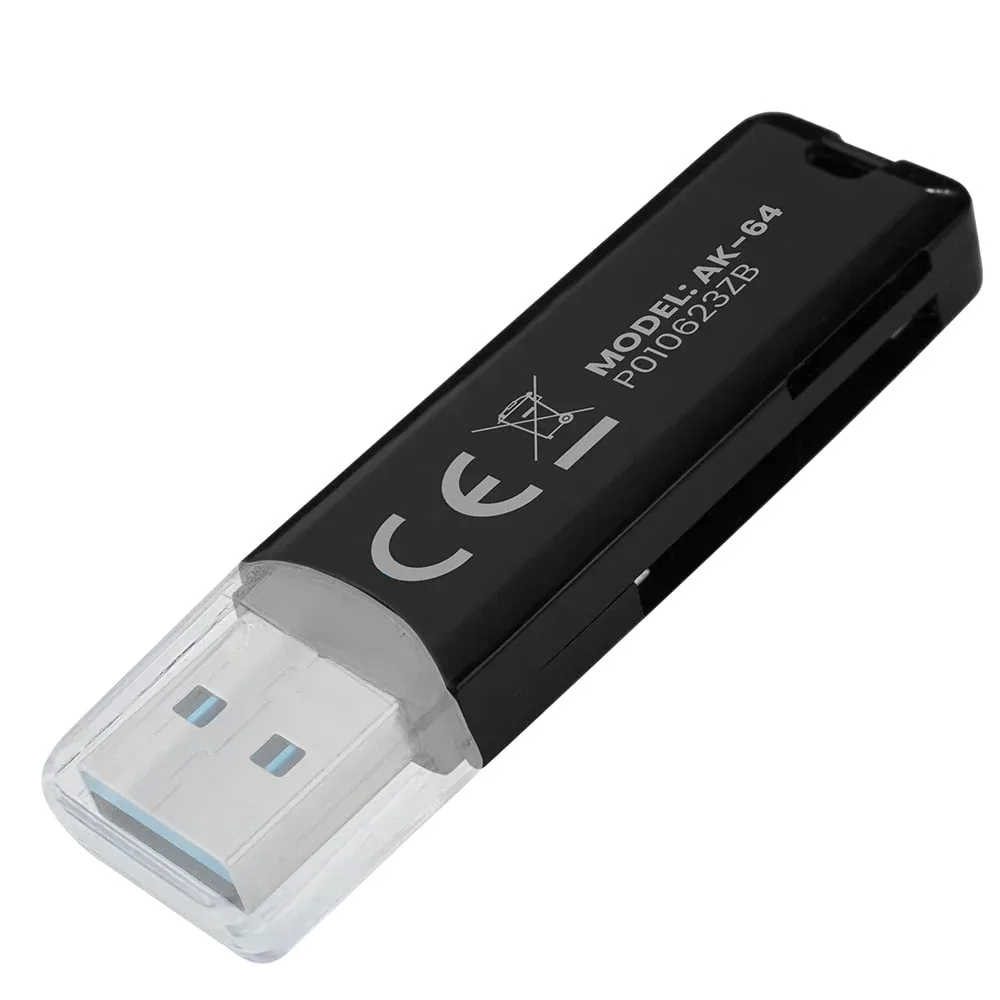
A portable reader with no power brick
The body measures 57.5 × 17 × 8.3 mm and weighs 7 g. It takes power through USB and supports Windows, macOS and Linux. Keep the small reader and cap together so they are easy to find when importing files.
Finish the transfer before unplugging
- Check the card family and its orientation.
- Wait for copying to finish.
- Eject the card or reader in the operating system before removing it.
AK-64 suits occasional photo imports and everyday card access. Keep another copy of important files before formatting the original card.