

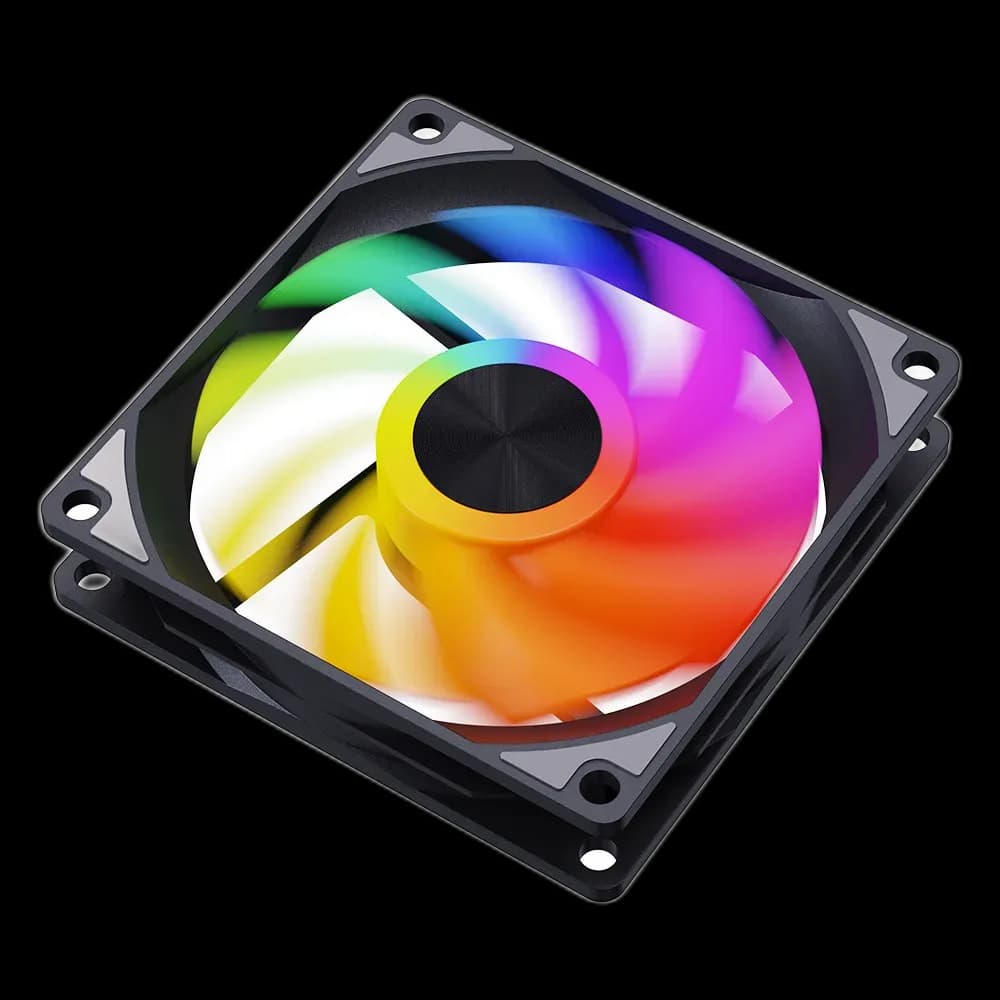
Snowman AK Reverse Black: bring the lit face into view
A row of intake fans can be part of the design in a glass-sided PC. Snowman AK Reverse ARGB Fan Black combines a dark frame with illuminated blades, while its reverse airflow lets the open face remain visible inside the case at a suitable intake position.
What Reverse changes
With reverse blades, air travels from the support-strut side towards the open face. At a suitable side or bottom intake, that lets fresh air enter while the cleaner face remains visible through the glass. Choose the direction for the mounting position; reverse airflow is not automatically a cooling upgrade.
A simple frame around the lighting
The AK family puts the visual emphasis on the illuminated blades and metallic-looking centre. The black surround blends into a dark chassis, leaving the colour concentrated in the fan opening.
A single colour can tie the fans to the rest of the PC. Lighting effects depend on the compatible controller or motherboard connection used; they do not determine fan speed.
Plan the mounting space
The AK120 family uses a 120 × 120 × 25mm frame. Check the case mounting pattern and leave clearance for cables and nearby components. Position the cable exit before fastening the fan, then secure the frame evenly without overtightening.
Before closing the side panel
- Confirm the airflow direction using the fan markings or supplied instructions.
- Match the supplied connectors to the controller or motherboard.
- Keep loose cables clear of the blades and leave the intake filter accessible.
AK Reverse suits a visible intake row where straightforward blade lighting fits the build. Keep an exhaust path elsewhere in the case, then check temperatures under your normal workload.