

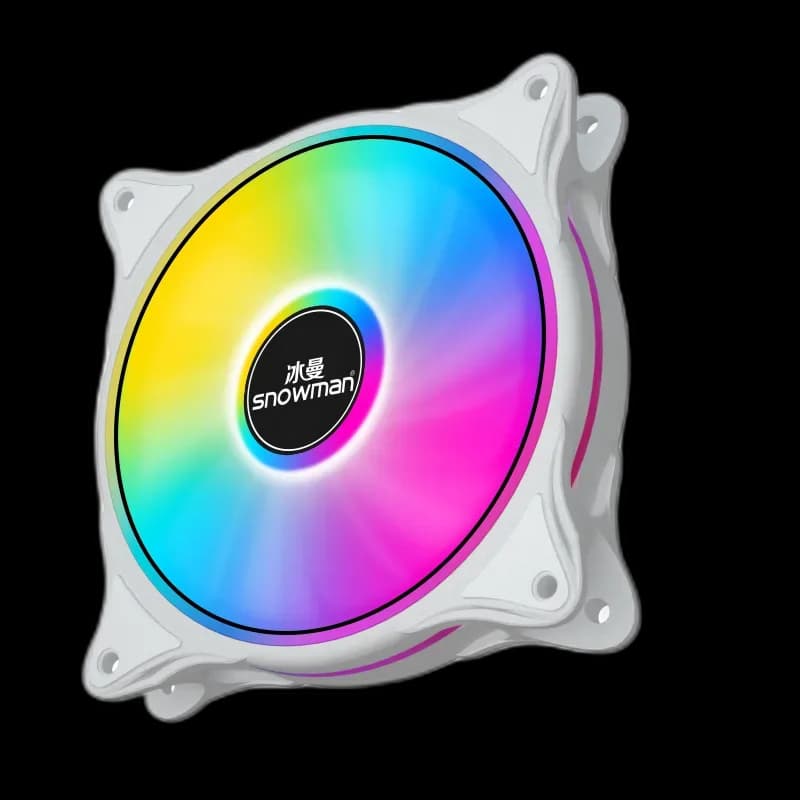
Snowman CF White: a round light effect within a compact frame
Snowman CF White brings a light frame and a circular ARGB effect to a white case interior. The outline around the blades gives the fan a distinct shape, so a matching row can carry the same colour theme across several positions.
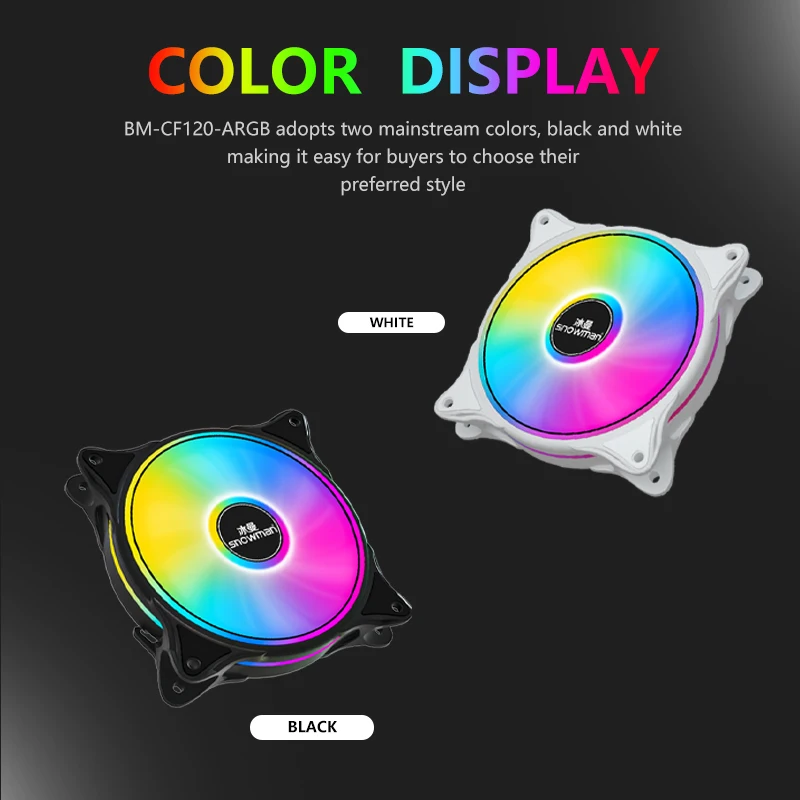
Start with the mount
The CF120 ARGB family uses the familiar 120 × 120 × 25mm format. Check the available depth and the location of nearby cables before selecting a position. Four mounting points hold the frame in place; tighten them evenly and avoid twisting the frame against an uneven surface.
Match the lighting system
ARGB lets a compatible control system set the lighting effect. Check the connectors on your supplied fan against the motherboard or hub before wiring it: a matching brand name alone does not establish that two controllers use the same interface. Keep motor control and lighting control separate in your installation plan.
A small change to the whole case
A consistent colour across the fans can link the front of the case to the cooler and other illuminated components. Begin with one steady colour, then decide whether animated effects add anything to the finished setup. Check the view from your normal seating position before hiding every cable.
Airflow comes before the display face
The face you want to show must still suit the required airflow direction.
- Check the mounting size and depth.
- Confirm the supplied connectors before choosing a hub.
- Keep cables and loose ties clear of the blades.
CF suits a build where a circular lighting effect fits the case style. Plan its position as part of the full airflow path, rather than filling an empty mount only for appearance.