
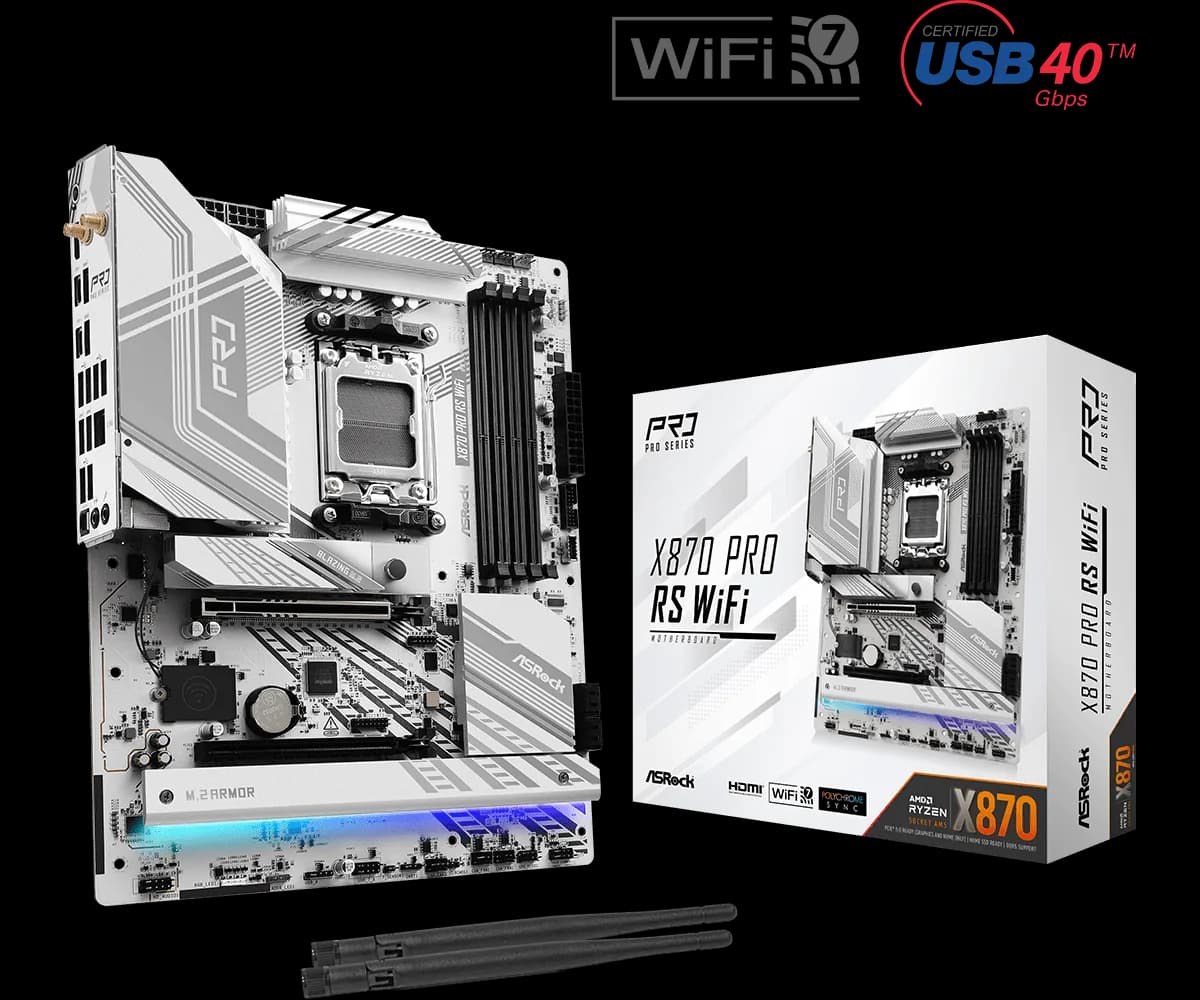
ASRock X870 Pro RS WiFi ATX
28.000 L
In stock

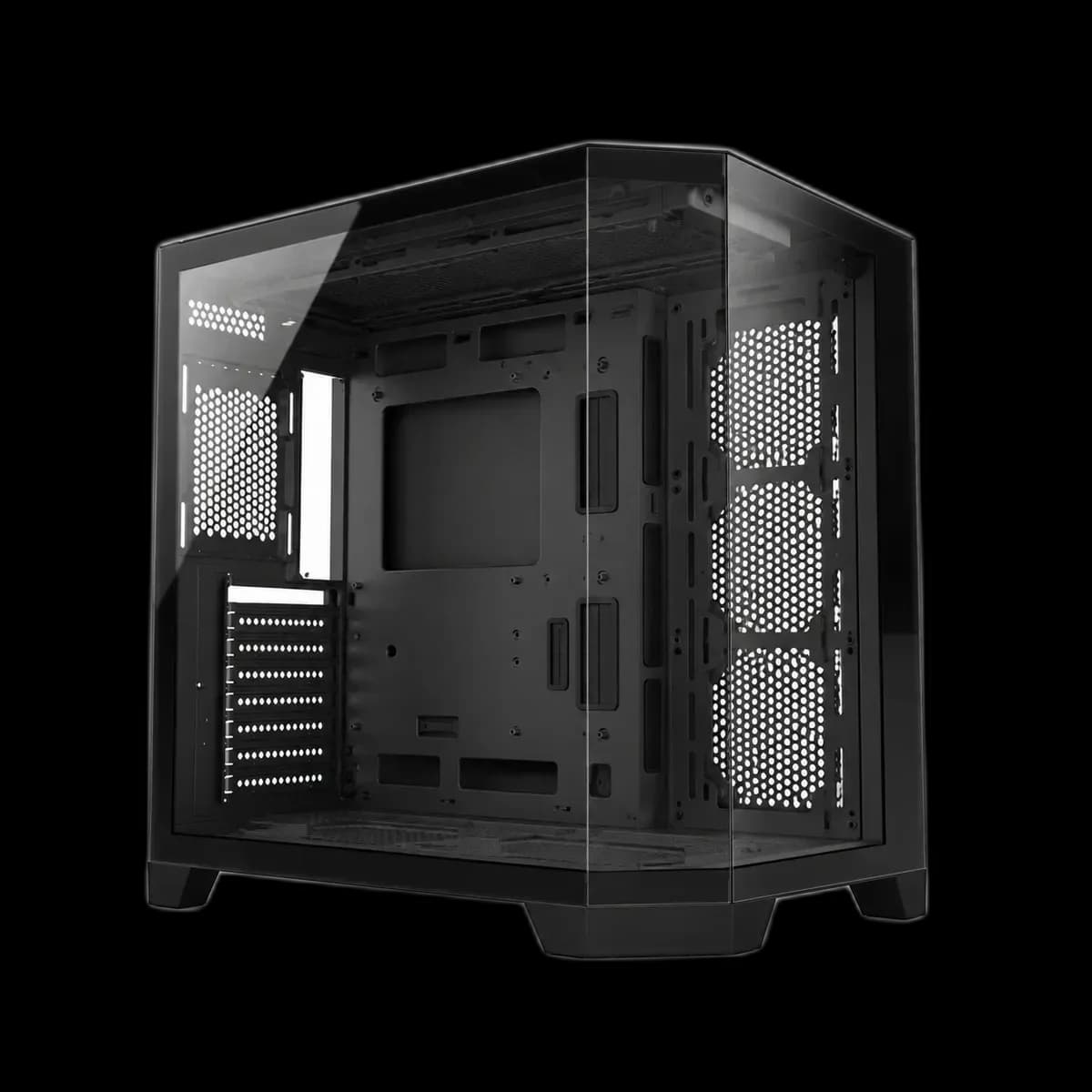
Black ATX case with an angled glass corner and a panoramic view of the components. Supports GPUs up to 400mm; fans are not included.
Estimated courier delivery: 24–48 hours after dispatch.
The same rate applies to every city in Albania.
For 1 of this product. The final fee is recalculated at checkout for your full basket.
Cash on delivery, or pay in store when collecting.
Collect in Durrës with no delivery fee. Wait for confirmation that your order is ready.
24 months warranty
Optional extras, sold separately.
28.000 L
In stock
35.000 L
In stock
22.000 L
In stock
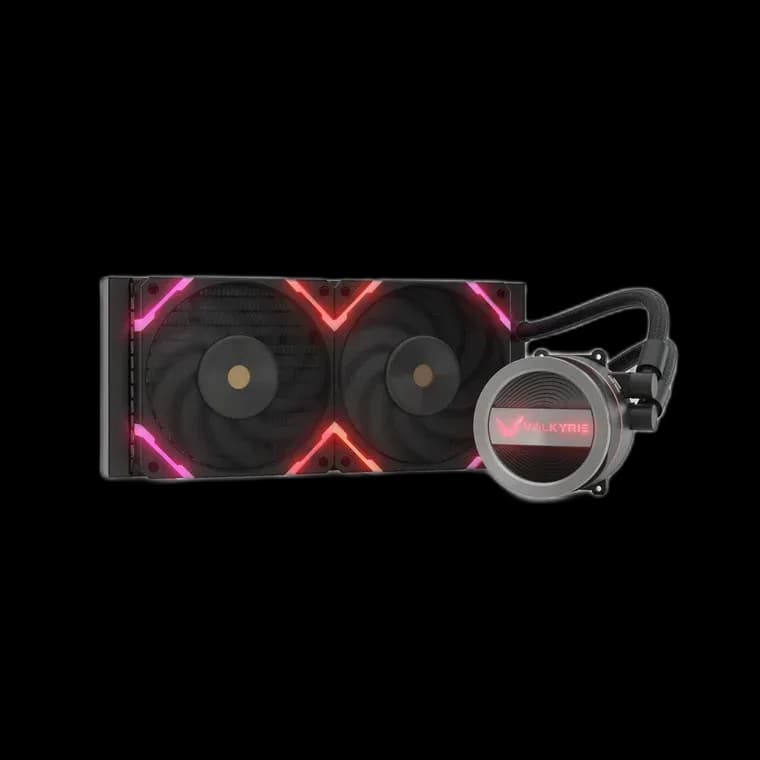
12.000 L
In stock
Extras total: 0 L
One of each selected item. Add the main product separately.
Snowman CS089 uses a cut-away corner and surrounding glass to give the PC a wider viewing angle. The black frame outlines the hardware, making the shape of the case part of the finished setup. It is a chassis for choosing your own components and cooling.

The CS089 joins its front and side with an angled glass section, opening another view into the main compartment. The graphics card and cooler remain visible as you move around the desk. A coordinated colour scheme helps that wider presentation feel organised, especially when the system includes lighting.
The model’s component diagram specifies graphics cards up to 400mm long and CPU coolers up to 157mm high, with ATX, Micro-ATX and Mini-ITX motherboard layouts. The cooler-height limit deserves particular attention when choosing a tower air cooler.
Allow additional room for the graphics-card power cable and any support bracket. The card’s quoted length is only one part of the installation.
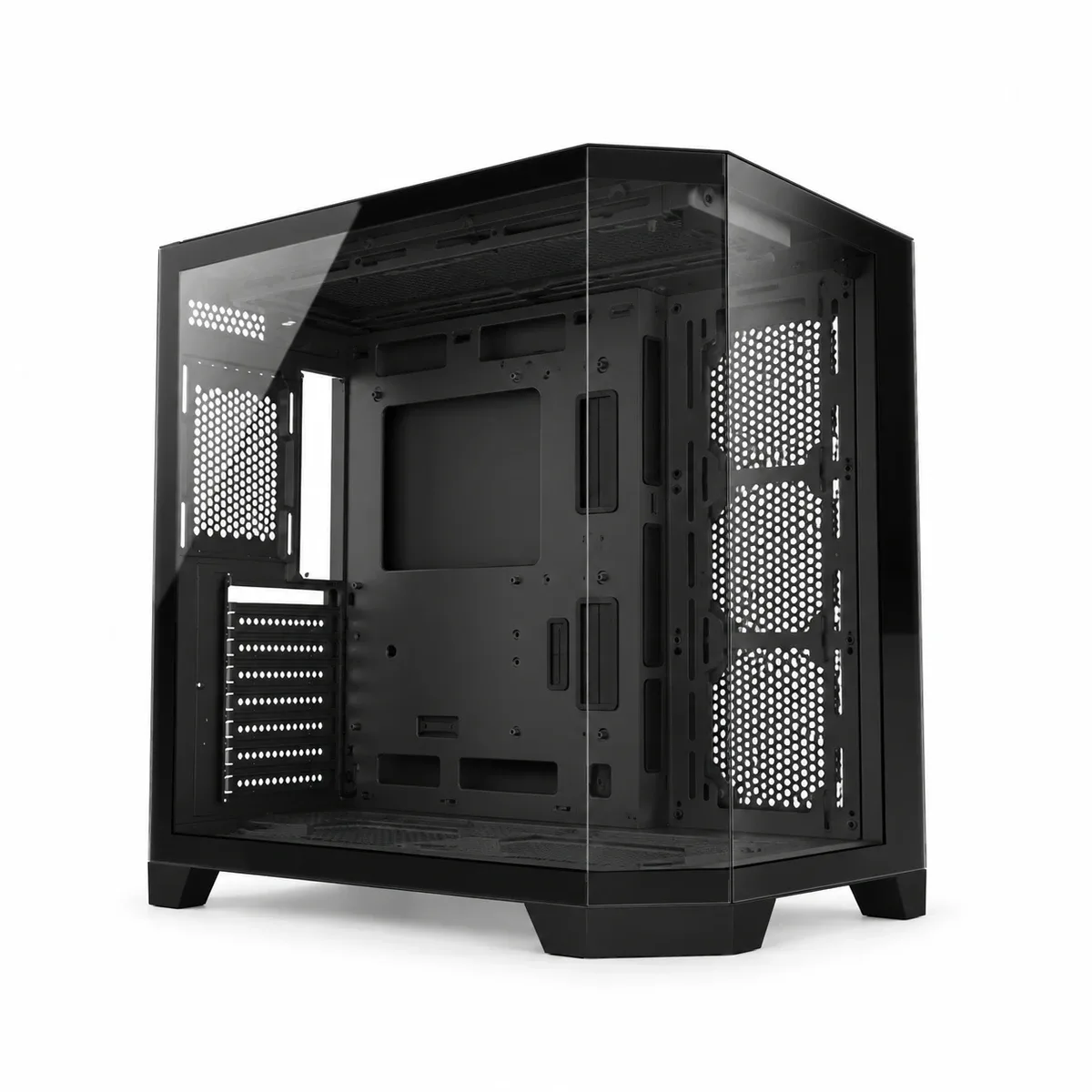
The layout provides fan mounting areas at the top, bottom, side and rear. Plan a route for fresh air to reach the graphics card and for warm air to leave the enclosure. If you choose an AIO, check the full radiator, fan and tube clearance against the installation area.
Fans are not included. Select the fans and any required controller as part of your own build rather than assuming the illuminated example system is supplied.
The space behind the motherboard gives cables a route away from the glass-facing compartment. Finish the main power connections before adding lighting accessories, then check that the panels close without pressing against connectors.
The CS089 suits a PC where the corner view is a deliberate part of the design and the cooling is chosen around the actual hardware.