

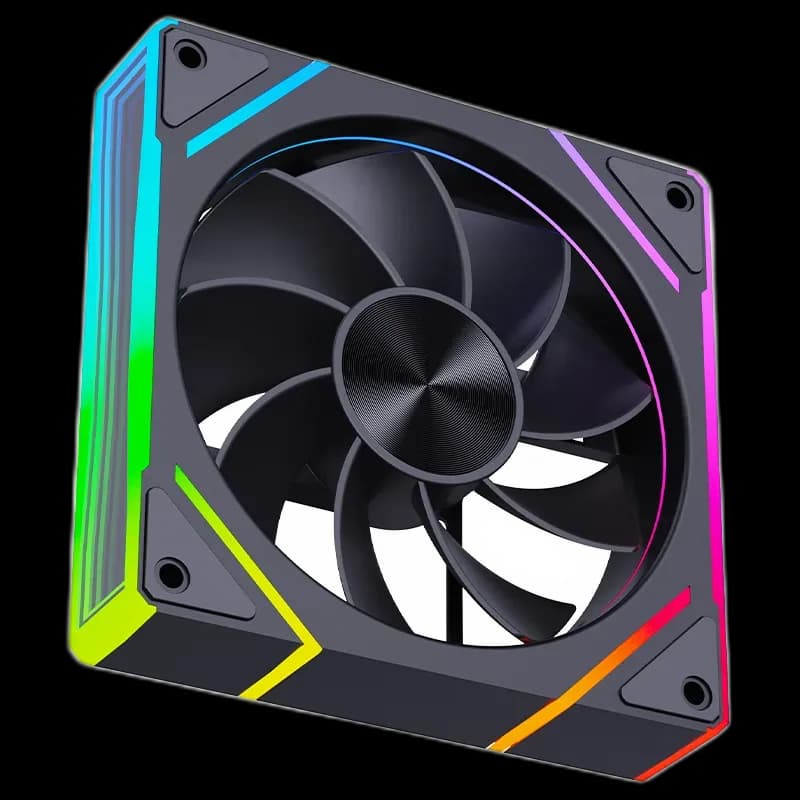
Snowman EK Reverse Black: frame lighting for a visible intake
Snowman EK Reverse ARGB Fan Black places the lighting around the frame and along the side mirror detail. The dark blades give those illuminated edges room to stand out. Reverse airflow makes it an option for an intake row with the open faces visible inside the case.
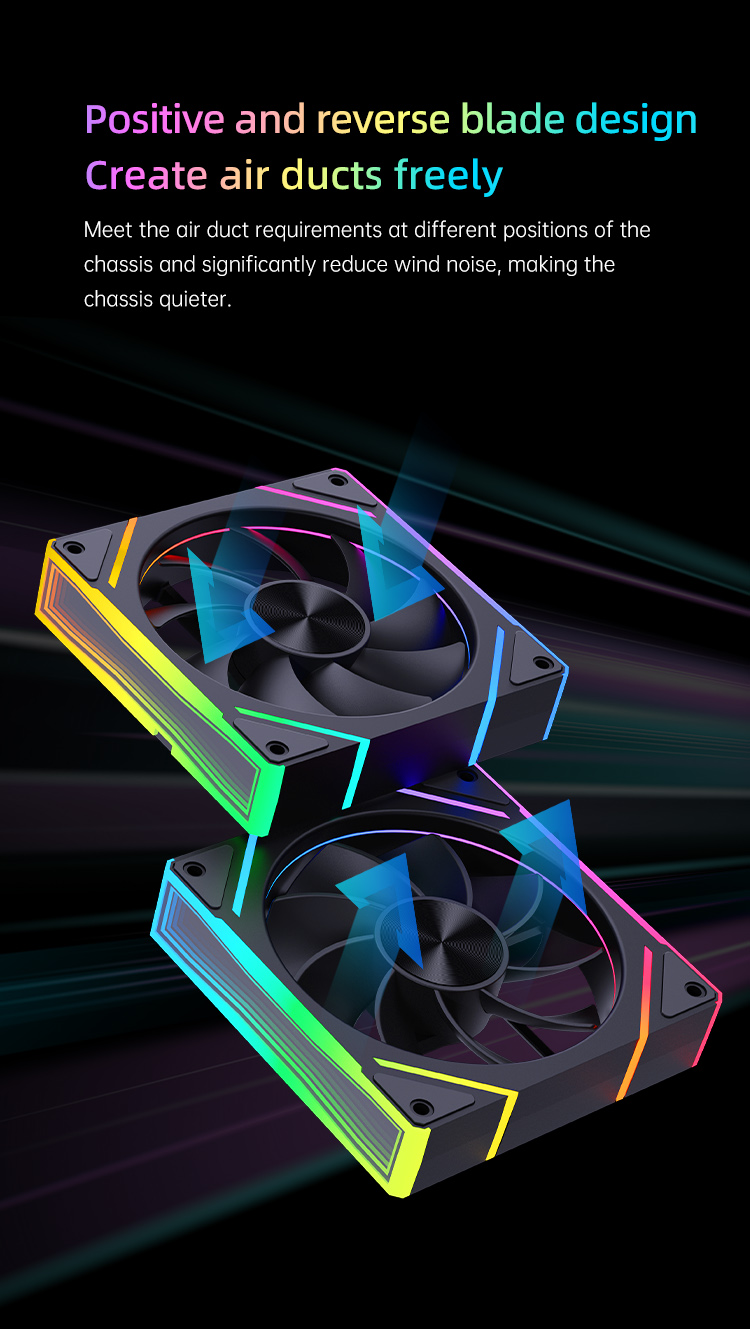
Keep the illuminated face in view
Reverse blades send air from the support-strut side towards the open face. In a suitable side or bottom intake, you can therefore face the open side into the PC while drawing fresh air in. Follow the airflow markings when mounting; the Reverse name describes the blade arrangement, not a software direction setting.
Look at the fan from your seat
The side lighting matters when the case sits at an angle on the desk. The black frame keeps the unlit areas subdued, while the angular accents outline each fan.
Before fastening a whole row, check which edges will be visible and where the cables will leave the frames. Matching that orientation can make the installation look more consistent.
Leave space for the frame and wiring
The EK120 family uses a 120 × 120 × 25mm frame. Check clearance near the GPU, filters and mounting brackets. Match the supplied plugs to the intended hub or motherboard connection before powering the system; lighting and motor control need the appropriate connections.
Finish the airflow layout
- Confirm the intake direction before tightening the screws.
- Keep cables outside the blade path.
- Preserve access to filters for cleaning.
EK Reverse suits a build where the frame lighting is a deliberate part of the design. Plan an exhaust route as well, then evaluate noise and temperatures with the side panel fitted.