

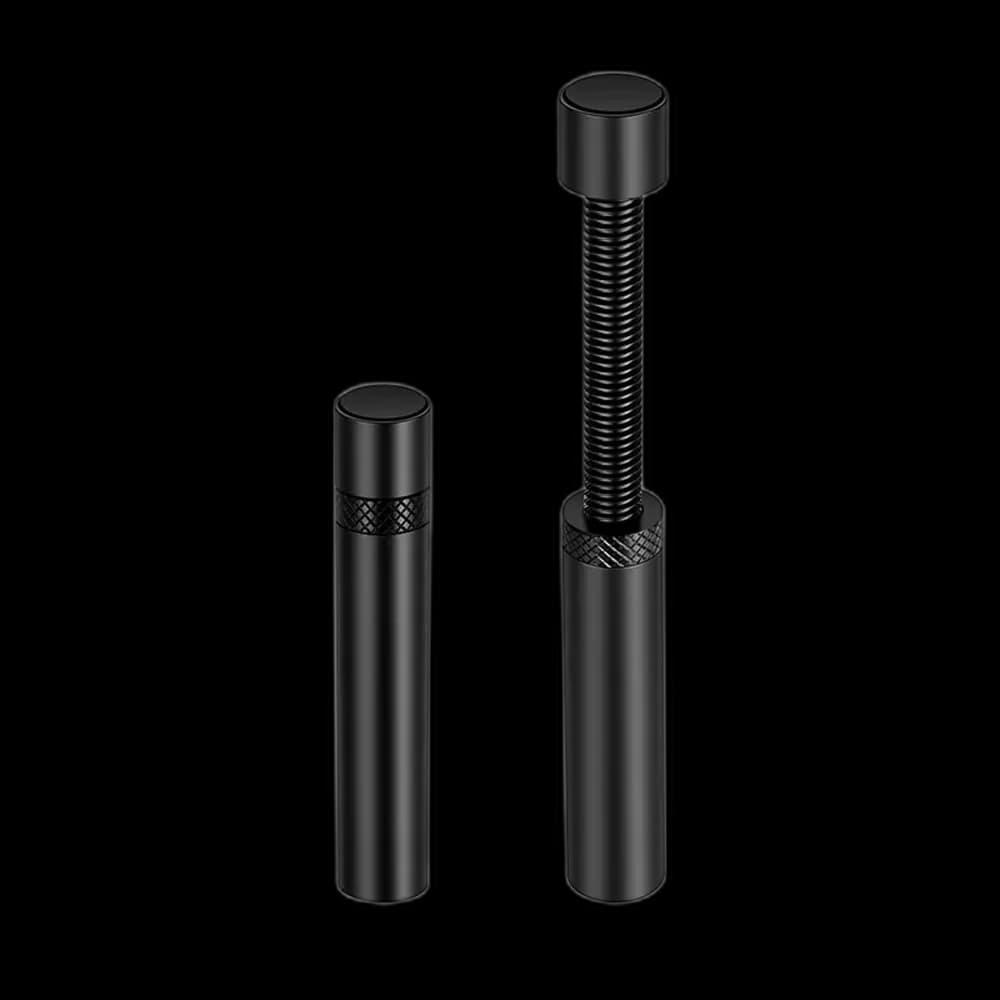
Snowman Medium Black: a discreet support detail
A support bracket can be easy to overlook when choosing the major parts of a PC. Snowman Medium Black is an option for the final fitting stage, when you can measure the space beneath the graphics card and see where support will be useful.
Medium is a variant, not a case standard
Do not choose this bracket simply because your case is described as mid-tower. Compare the bracket’s actual dimensions with the installed card and the surface below it. The internal arrangement matters more than the case’s marketing category.
Keep the original mounting secure
Fit the card correctly before positioning the support. Use a contact point permitted by the installation instructions and keep clear of the fans. Support should help maintain the card’s normal position without lifting it against its mounting screws.
Let the black finish blend in
In a dark case, the black finish can keep attention on the graphics card and the lighting around it. Try the position before securing nearby cables, leaving enough room to reach the bracket during future maintenance.
Make the final check from the side
With the case upright, inspect the card’s alignment, the support contact and nearby fan clearance. Medium Black is a practical fit when its dimensions match your measured space and you want the bracket to stay visually understated.