

Snowman Medium White: finish the support as carefully as the build
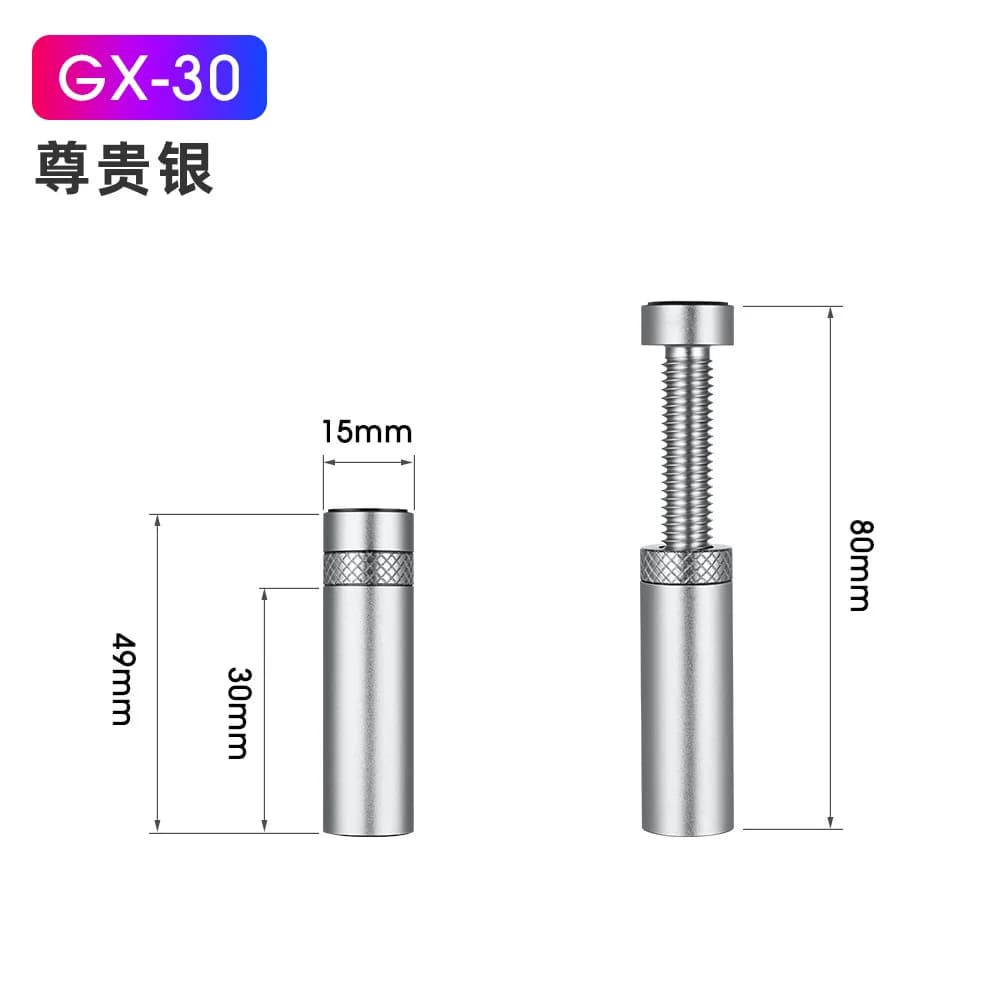
A white case makes even small accessories easy to notice. The Snowman Medium White GPU support bracket offers a matching finish for a support point beneath the graphics card, once you have checked the space and the card’s mounting arrangement.
Start with the installed card
Measure after the graphics card is seated and secured. Compare the available gap with the actual Medium bracket rather than choosing by the card’s length alone. Covers, bottom fans and cable routes can all affect the space you have.
Choose a clear support position
Follow the installation instructions for the point where the bracket touches the card. Avoid moving fan blades and exposed components. The bracket should support the existing alignment, while the card’s original mounting remains fully secured.
Use white as part of the layout
The white finish can connect visually with a white chassis or PSU cover. Keep the surrounding cables organised so the accessory looks intentional. A clean view through the side panel starts with a layout that is easy to work on.
Keep access for maintenance
Leave room to reach the bracket when cleaning or removing the graphics card. Recheck its position after servicing the PC. Medium White suits a build where this specific size fits and the white finish completes the interior.