

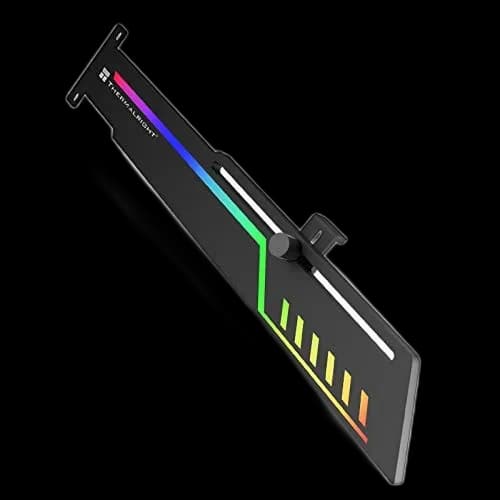
TR-GCSF ARGB: give a long graphics card a little support
A large graphics card can dominate the inside of a PC, both visually and physically. Thermalright TR-GCSF ARGB adds a support point beneath it, with a narrow lighting strip running along the bracket. It suits a horizontal GPU installation where you want support that follows the lines of the card.
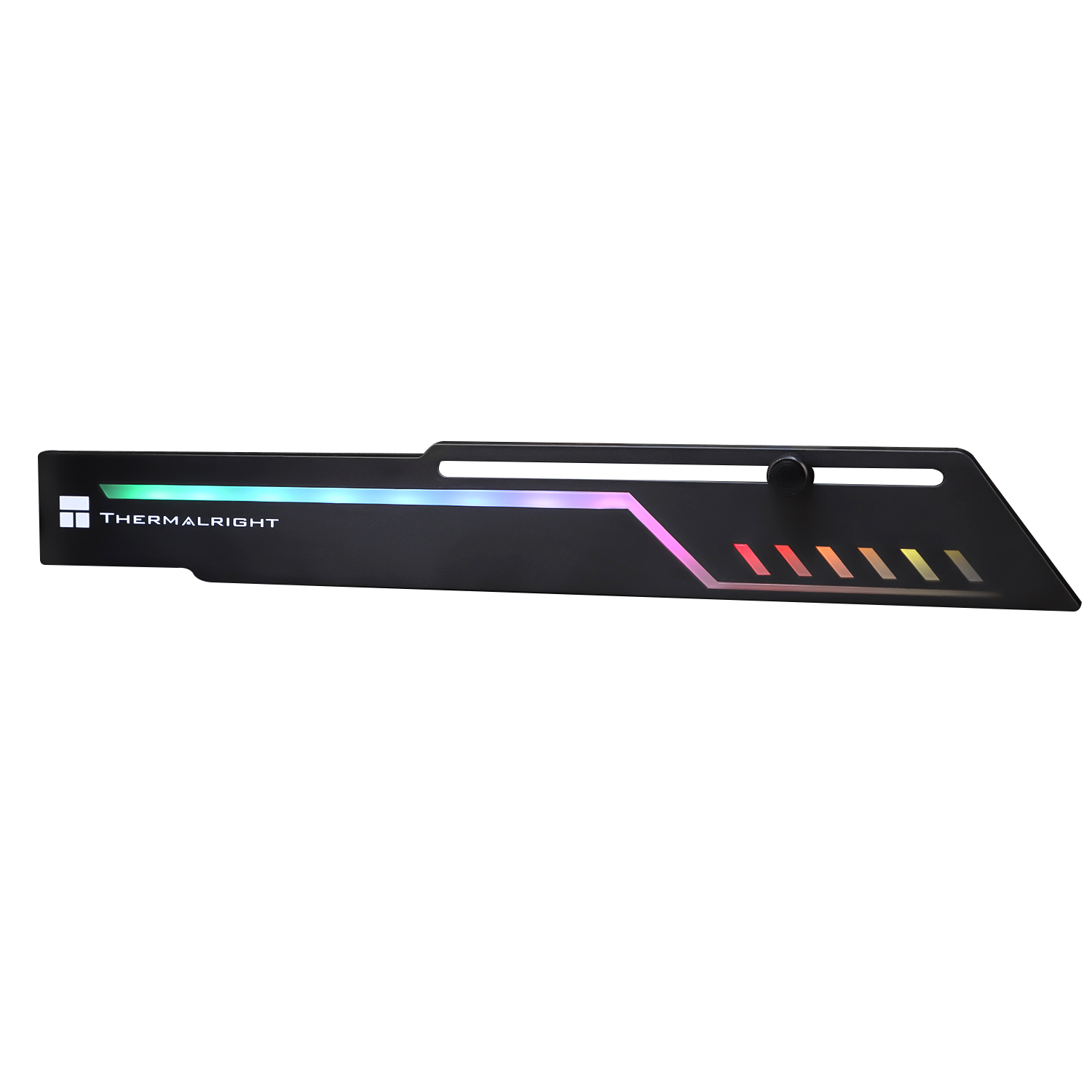
Position the support where it helps
The adjustable contact point lets you align the bracket with a suitable solid area beneath the graphics card. Set it to support the card in its natural, level position. Avoid pushing upward hard or resting it against a fan blade, delicate component or loose trim.
Leave room for the rest of the build
Check the available expansion-slot mounting positions and the space below your GPU. Bottom-mounted fans, another expansion card or a case divider can affect placement. Plan the bracket before tightening the graphics card’s rear screws so the two parts sit comfortably together.
A lighting detail with its own connection
The ARGB connection is 5V 3-pin. Use a compatible motherboard header or lighting controller and check the connector orientation. A 12V 4-pin RGB header is a different standard.
The bracket’s mechanical support does not depend on the lights being switched on, so you can keep the lighting subtle or leave it disconnected.
A final check before closing the case
- Confirm that the GPU is seated and secured normally.
- Keep the support clear of the GPU’s fans.
- Route the lighting cable away from moving blades.
TR-GCSF is a useful finishing piece when the case has room for it. A small adjustment to the support point matters more than applying extra pressure.