
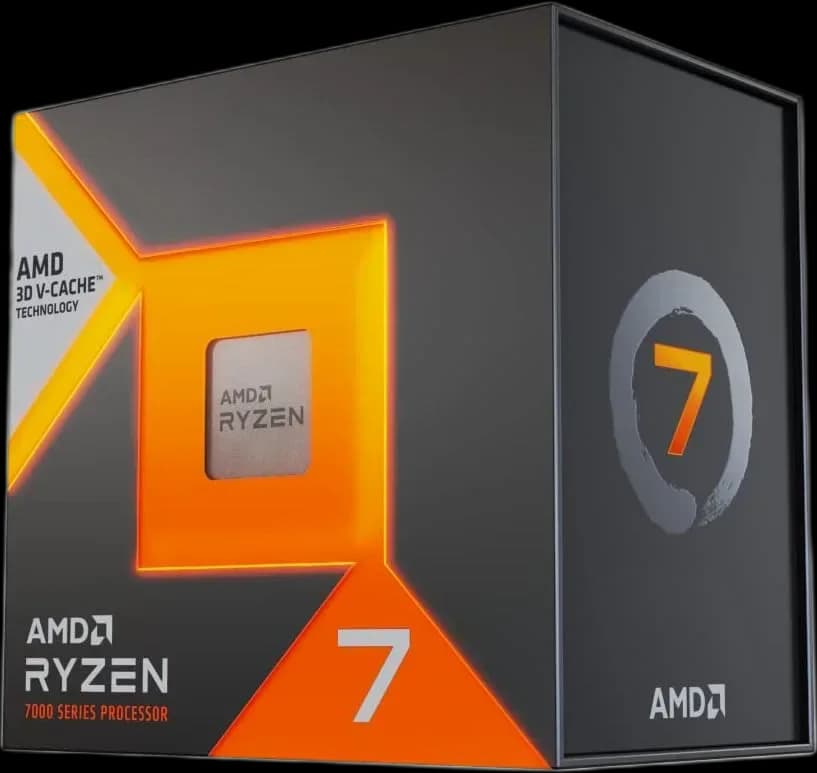
AMD Ryzen™ 7 7800X3D 8 Cores 16 Threads 4.2Ghz Turbo 5.0Ghz
46.000 L
In stock

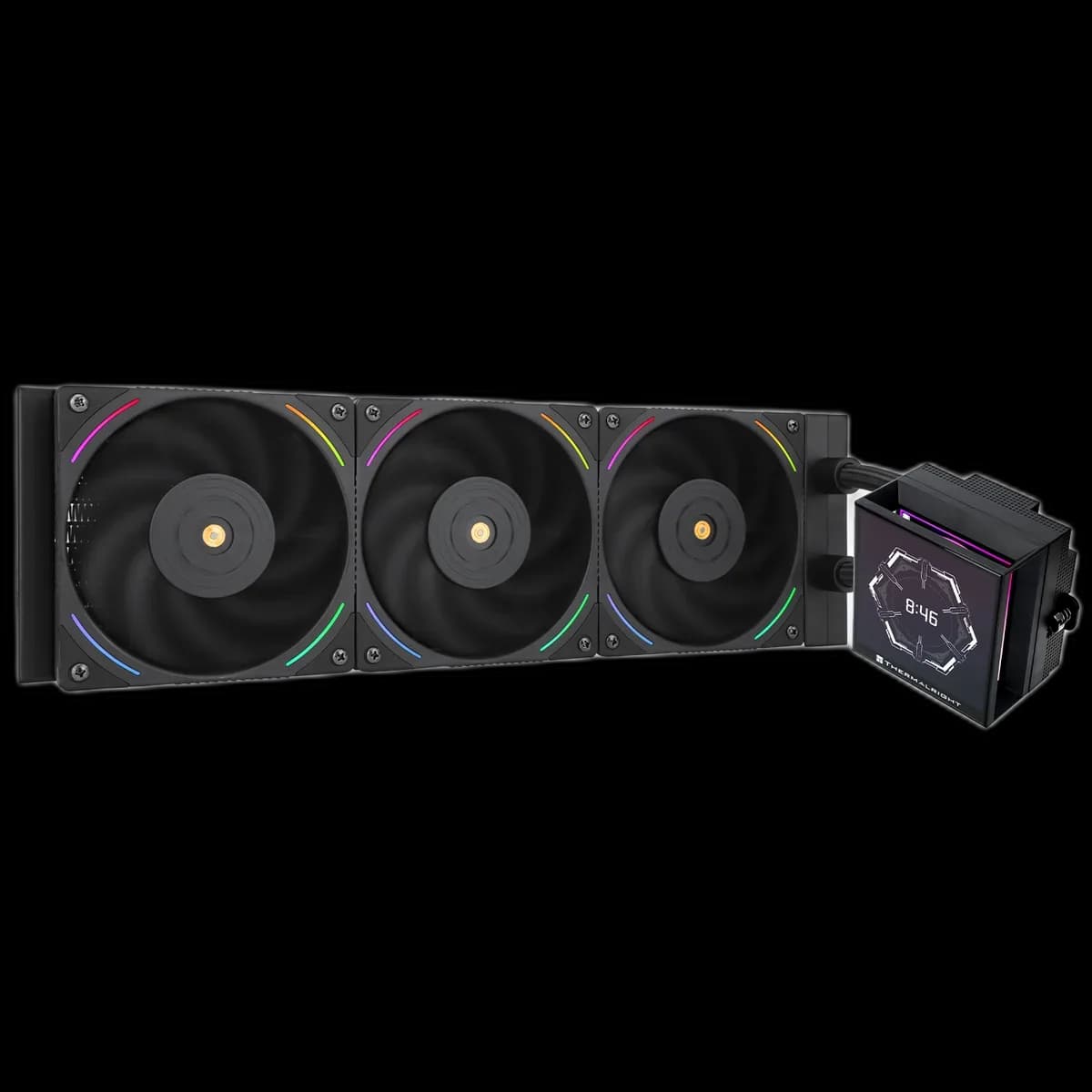
A black 360mm AIO with a display beside the CPU and three TL-K12 ARGB fans. Hyper Vision gives a windowed build a clear visual centre without hiding the practical installation details.
Estimated courier delivery: 24–48 hours after dispatch.
The same rate applies to every city in Albania.
For 1 of this product. The final fee is recalculated at checkout for your full basket.
Cash on delivery, or pay in store when collecting.
Collect in Durrës with no delivery fee. Wait for confirmation that your order is ready.
36 months warranty
Optional extras, sold separately.
46.000 L
In stock
28.000 L
In stock
22.000 L
In stock
15.000 L
In stock
Extras total: 0 L
One of each selected item. Add the main product separately.
A screen inside the case works best when you can actually see it from your desk. Thermalright Hyper Vision 360 Black combines a display above the CPU area with a black radiator and three illuminated fans. It suits a glass-panel PC where that small screen becomes part of the everyday view.

Before choosing the radiator position, look through the side panel from your normal sitting position. A tube crossing the screen or a bright reflection can matter more than how the cooler looks in a straight-on photograph. Leave the display area visible and route nearby cables along the edges of the motherboard.
Start with a simple screen layout. A few readable details are easier to notice at a glance than a crowded dashboard. The manufacturer’s photographs show several display styles; choose one that works with the lighting in your room.
The radiator measures 403 × 120 × 27mm before its fans are added. Check the case specification for that complete space, including the ends of the radiator and room for the tube connections.
A top installation needs clearance above the motherboard and RAM. At the front, measure the space remaining for the graphics card. Plan the route before tightening the assembly so the tubes sit naturally without pulling on the CPU block.

The three TL-K12 fans use 4-pin PWM for speed and 3-pin 5V ARGB for lighting. A restrained colour can make the black frames recede and leave the screen as the main detail.
Tune the fan curve during the games or applications you actually use. Give the system time to warm up, then adjust gradually; maximum fan speed is a setting to evaluate, rather than the automatic starting point for everyday use.
Hyper Vision makes sense when you want both a large radiator and a visible screen in a dark build. A careful layout makes those features easier to enjoy after the installation is finished.