
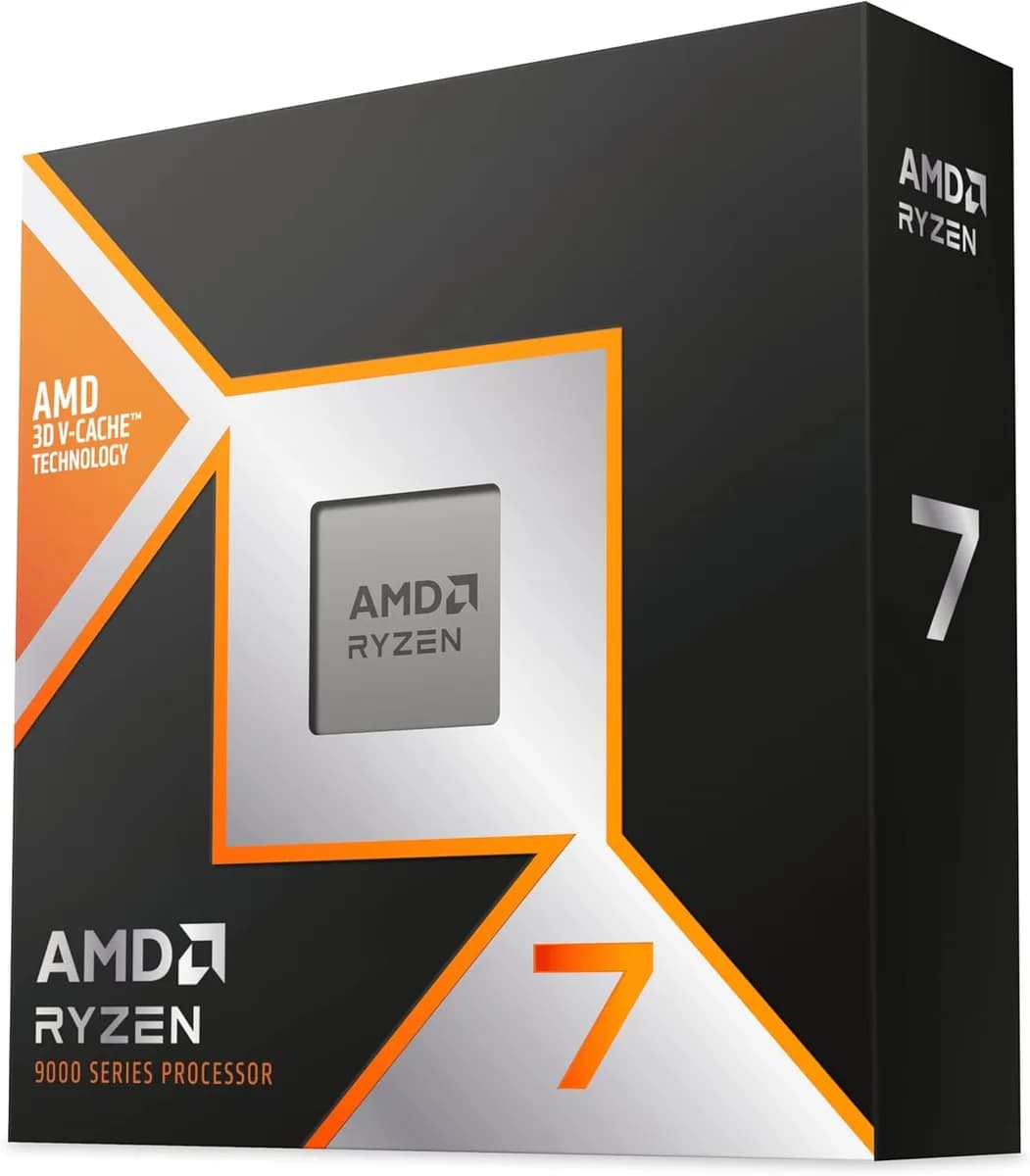
AMD Ryzen™ 7 9800X3D 8 Cores 16 Threads 4.7Ghz Turbo 5.2Ghz
60.000 L
In stock

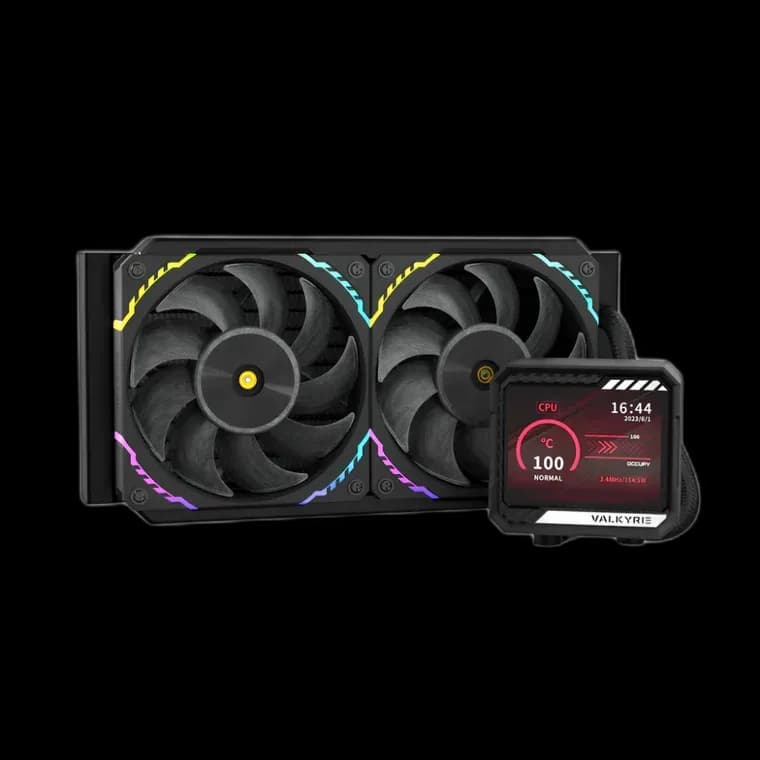
Valkyrie V240 LCD Black combines a 240mm radiator, two S12 ARGB fans and a 3.5-inch IPS display. A screen-equipped AIO for builds planned around a shorter radiator position.
Estimated courier delivery: 24–48 hours after dispatch.
The same rate applies to every city in Albania.
For 1 of this product. The final fee is recalculated at checkout for your full basket.
Cash on delivery, or pay in store when collecting.
Collect in Durrës with no delivery fee. Wait for confirmation that your order is ready.
36 months warranty
Optional extras, sold separately.
60.000 L
In stock
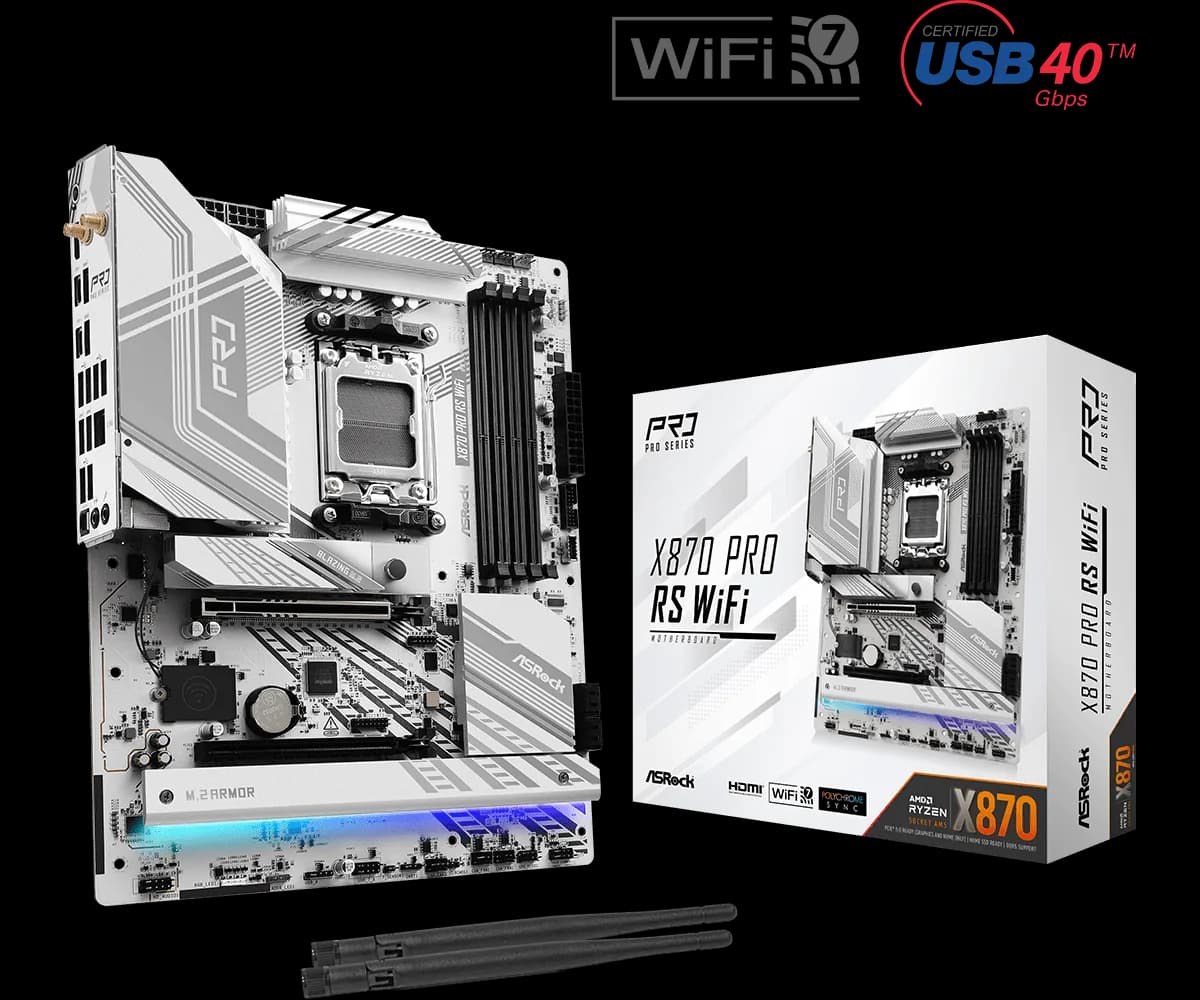
28.000 L
In stock
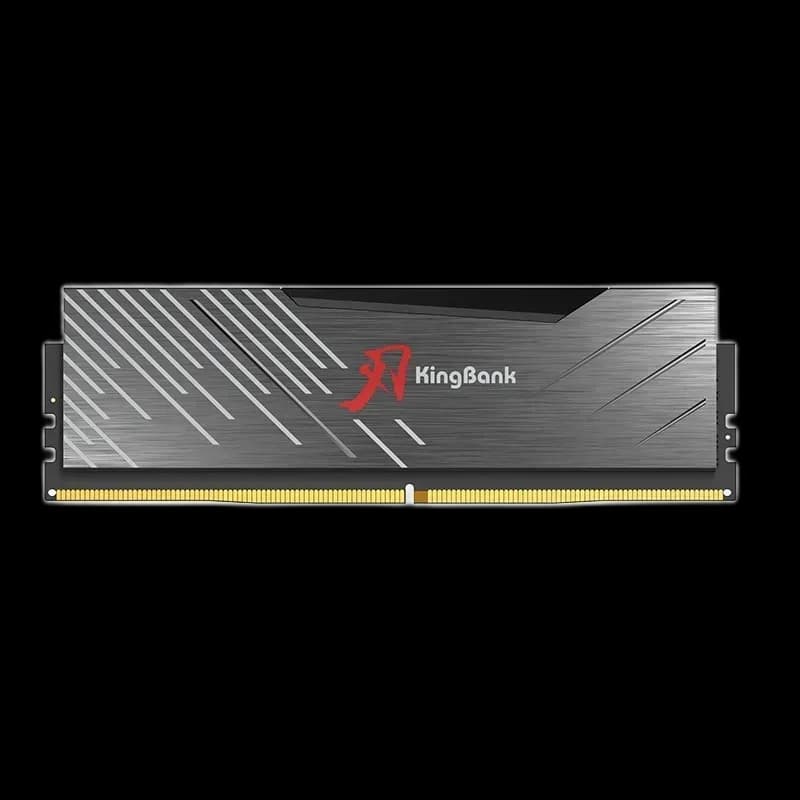
22.000 L
In stock
18.000 L
In stock
Extras total: 0 L
One of each selected item. Add the main product separately.
A display does not have to commit your build to a three-fan radiator. Valkyrie V240 LCD Black pairs its 3.5-inch IPS screen with a 240mm cooling assembly and two S12 ARGB fans. It is an option for a case layout where a shorter radiator makes more sense, while still keeping a visible display beside the CPU.

The IPS display has a specified 60Hz refresh rate. Its practical appeal is the space it gives you for a clear visual detail inside the case. Start with content that you can recognise from your chair, rather than filling the screen with small elements.
Look at the side panel from your normal viewing angle before finalising the tube route. A tidy CPU area helps the display stand out against the black housing and nearby components.
The radiator body measures 276 × 120 × 27mm. Those dimensions exclude the fans; check the combined depth against the case, motherboard heatsinks and RAM. The 240mm label describes the fan format rather than the radiator’s full length.
Choose the mounting position that leaves the tubes a relaxed route to the CPU block. It is worth trial-fitting the assembly before fastening the cable ties, especially in a case with closely packed components.
The two included S12 ARGB fans use PWM speed control. Adjust the fan curve around a workload you know, then give the system time to reach a steady temperature before making another change.
Lighting is a separate part of the setup. A single colour can keep the fan pair and screen visually connected without making the whole case busy. Check the wiring instructions and header requirements before connecting the cooler.
The Black version suits a darker build where the display supplies the main accent. Choose it because its size and features fit your configuration, then tune the cooling to your actual use.