
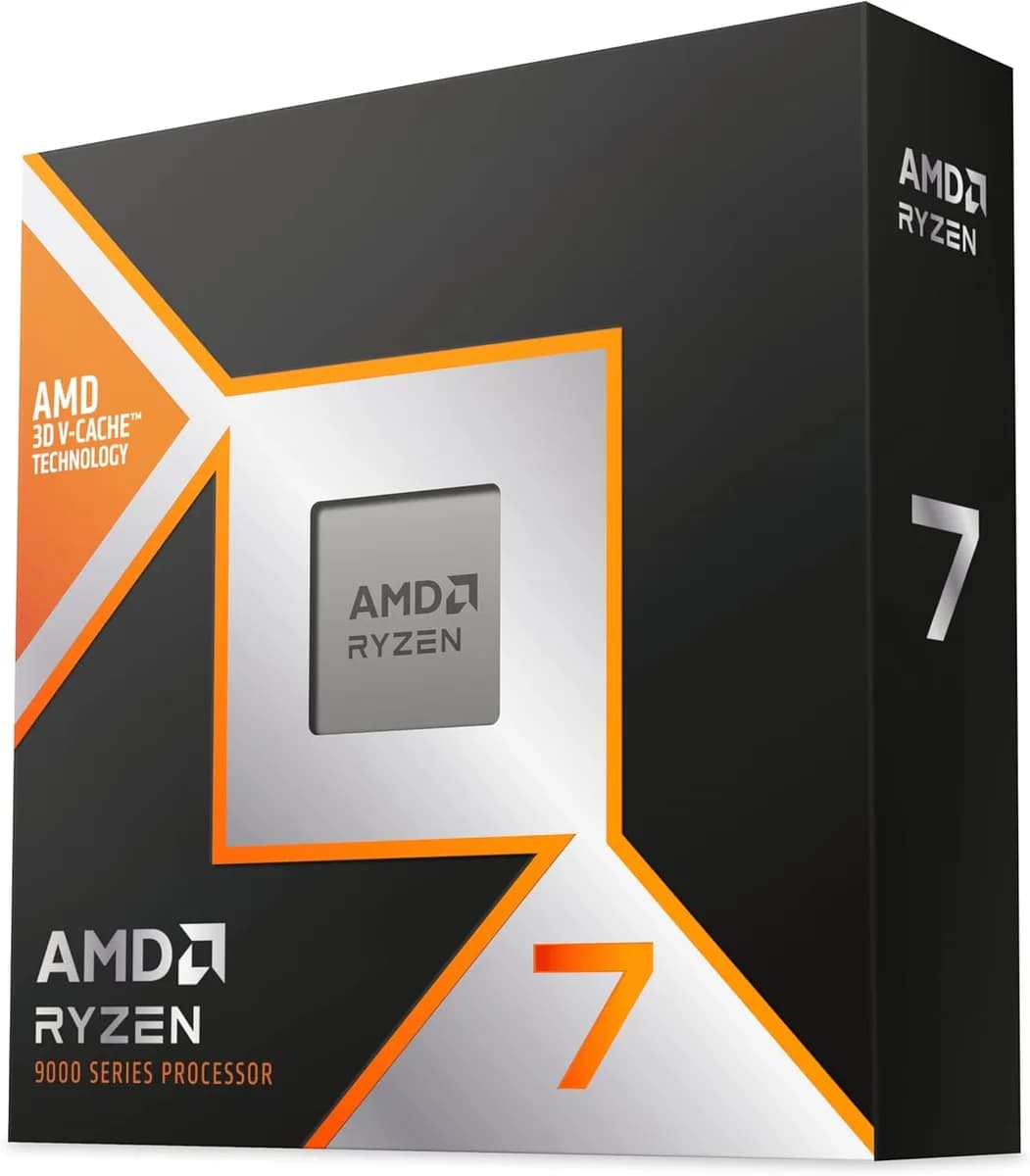
AMD Ryzen™ 7 9800X3D 8 Cores 16 Threads 4.7Ghz Turbo 5.2Ghz
60.000 L
In stock

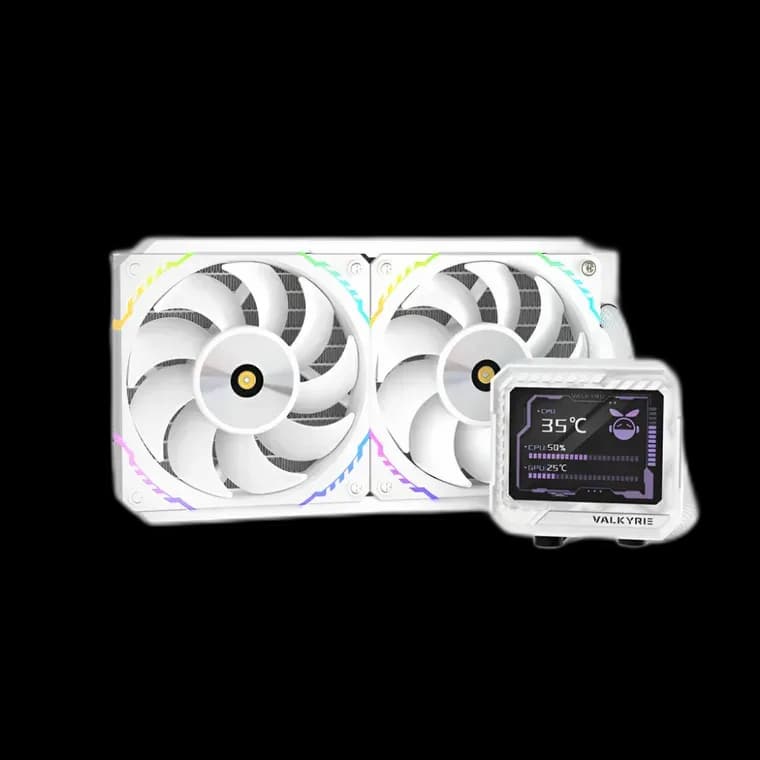
A white 240mm AIO with a 3.5-inch IPS screen and two S12 ARGB fans. Valkyrie V240 LCD White combines a coordinated finish with the shorter radiator format.
Estimated courier delivery: 24–48 hours after dispatch.
The same rate applies to every city in Albania.
For 1 of this product. The final fee is recalculated at checkout for your full basket.
Cash on delivery, or pay in store when collecting.
Collect in Durrës with no delivery fee. Wait for confirmation that your order is ready.
36 months warranty
Optional extras, sold separately.
60.000 L
In stock
28.000 L
In stock
22.000 L
In stock
18.000 L
In stock
Extras total: 0 L
One of each selected item. Add the main product separately.
Valkyrie V240 LCD White carries its light finish from the radiator to the display housing. With two S12 ARGB fans and a 3.5-inch IPS screen, it brings a visible focal point to a white build without asking for a three-fan radiator position. The shorter format gives you a different way to arrange the space around the motherboard.

The display is specified at 60Hz and sits in a white housing beside the CPU. Think about the screen and fan lighting together: a clear image with a restrained colour around it can look more deliberate than several competing effects.
Check the viewing angle through the actual side panel. Reflections and the position of the case on your desk affect what you can see, so plan the tubes around that view instead of judging only from above.
The radiator itself is 276 × 120 × 27mm. Add the fans and allow for the tube connections when checking the mounting space. A shorter radiator can make the layout easier, but the available depth still matters.
At the top, look for interference with RAM or motherboard heatsinks. At the front, measure the remaining graphics-card space. Trial-fit the cooler before committing to the final cable route.
The two S12 ARGB fans use PWM control. Start with a gradual fan curve and test it with your usual applications. Let the case warm up so you can judge sustained behaviour rather than responding to every brief temperature change.
The white frames already establish the visual theme. Try modest lighting first, then adjust it with the side panel in place; the view through glass can be quite different from an open case on the workbench.
V240 LCD White is worth considering for a coordinated white PC where a 240mm radiator fits the plan. Its display is a feature to arrange around, while the final cooling settings should follow how you use the system.