
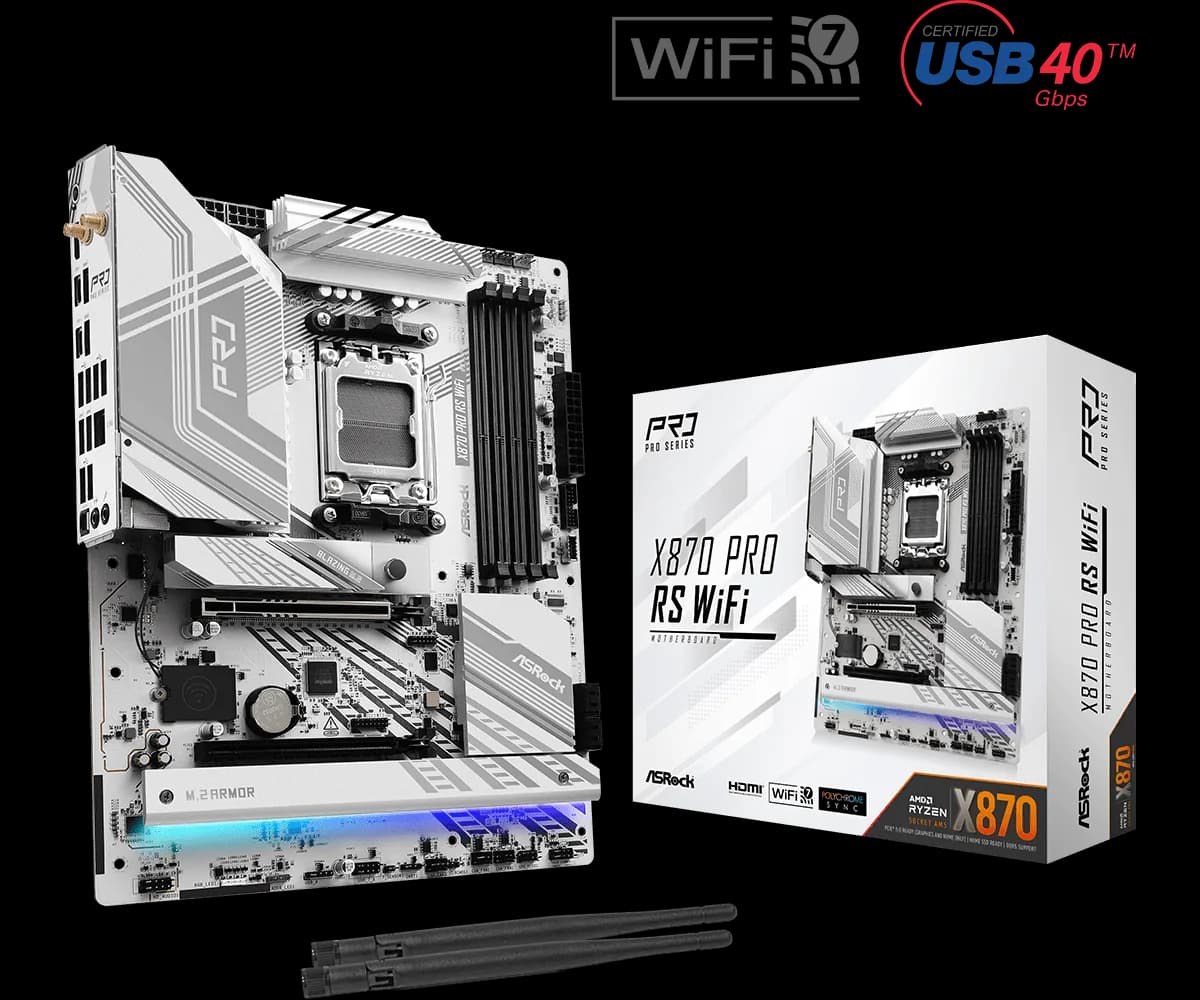
ASRock X870 Pro RS WiFi ATX
28.000 L
In stock

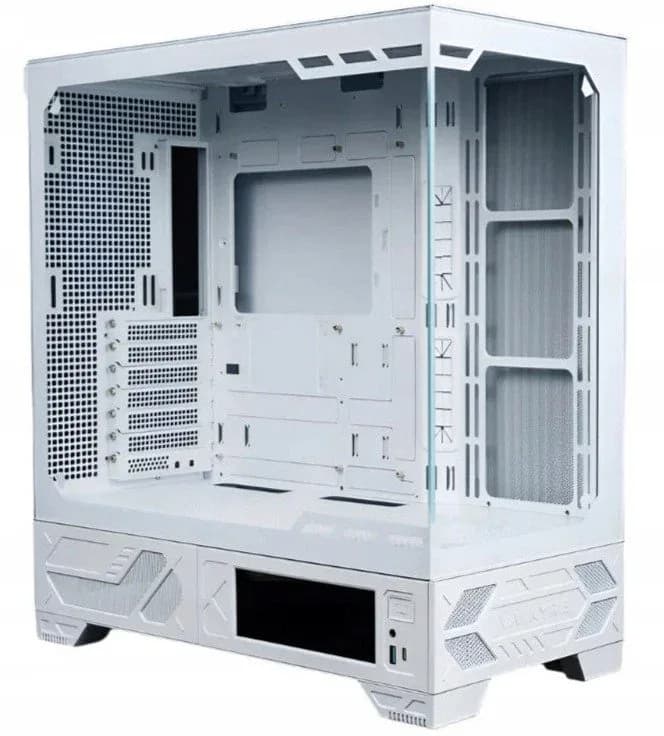
White glass-panel PC case with a 6.2-inch LCD touchscreen, swappable I/O position and top 360mm radiator support. Put a small display beside your hardware.
Estimated courier delivery: 24–48 hours after dispatch.
The same rate applies to every city in Albania.
For 1 of this product. The final fee is recalculated at checkout for your full basket.
Cash on delivery, or pay in store when collecting.
Collect in Durrës with no delivery fee. Wait for confirmation that your order is ready.
24 months warranty
Optional extras, sold separately.
28.000 L
In stock
46.000 L
In stock
22.000 L
In stock
16.000 L
In stock
Extras total: 0 L
One of each selected item. Add the main product separately.
A white case makes the arrangement inside part of the finished desk setup. The Valkyrie VK03 LCD White adds a 6.2-inch touchscreen below the glass, giving the build a second point of interest beyond its fans and graphics card. It is a case to plan around visibility: where the screen faces, how the cables run and which details you want on show.
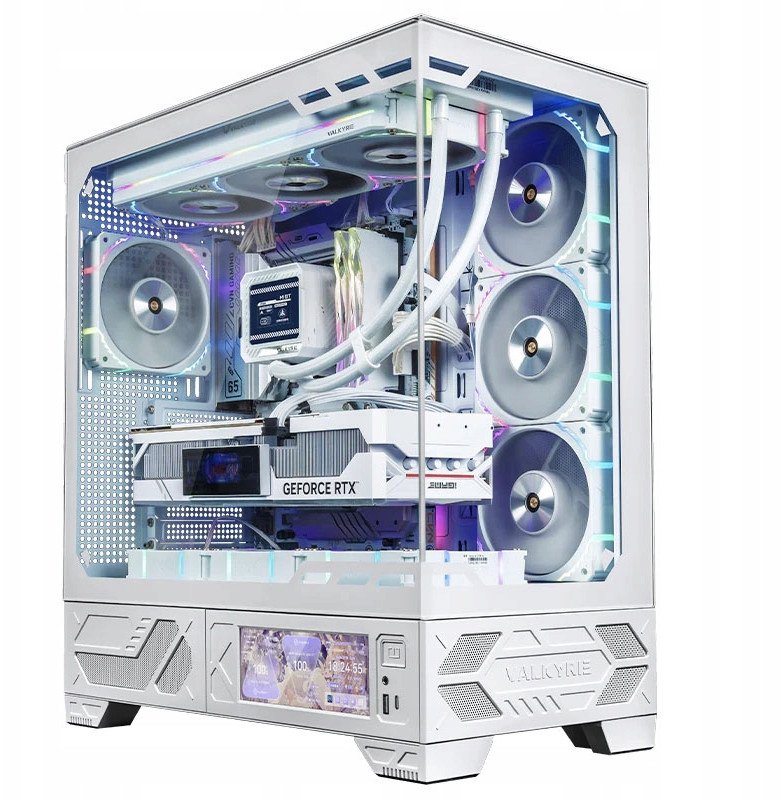
Valkyrie's MYTH.COOL software supports the VK03 display. Configure it after connecting the screen's USB 2.0 cable, and check readability from your usual seat before finalising the case position. The installation guide includes a USB-A adapter option when the motherboard's internal USB 2.0 connections are occupied.
The magnetic I/O module can change position. Plan this before routing its cables so the controls and screen remain accessible in the finished setup.
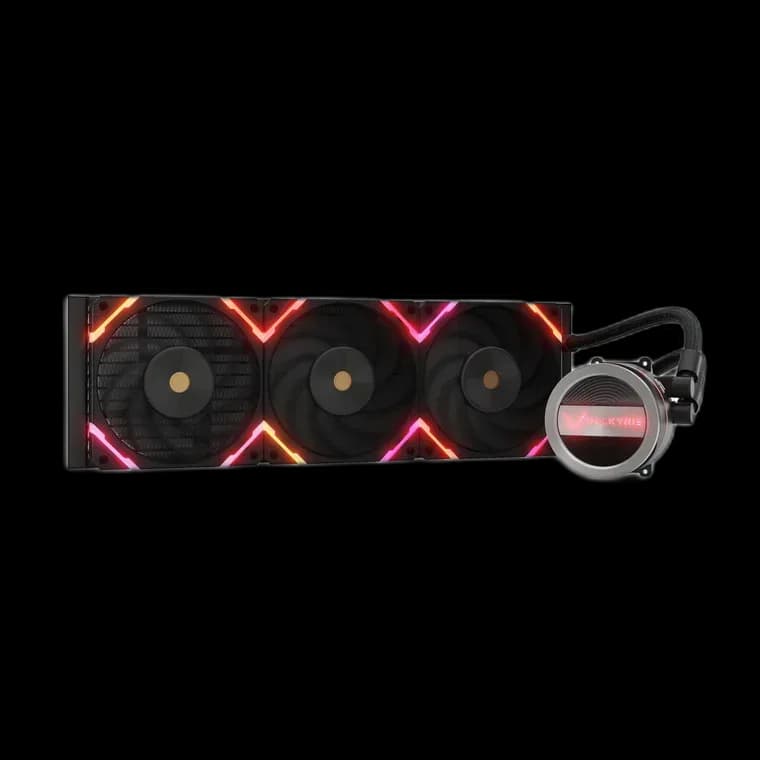
The top mounting area supports a 360mm or 280mm radiator. Fan positions are also provided at the side, rear and above the PSU compartment. Choose a layout that moves air through the components, then check radiator thickness, tubing and cable clearance as a complete assembly.
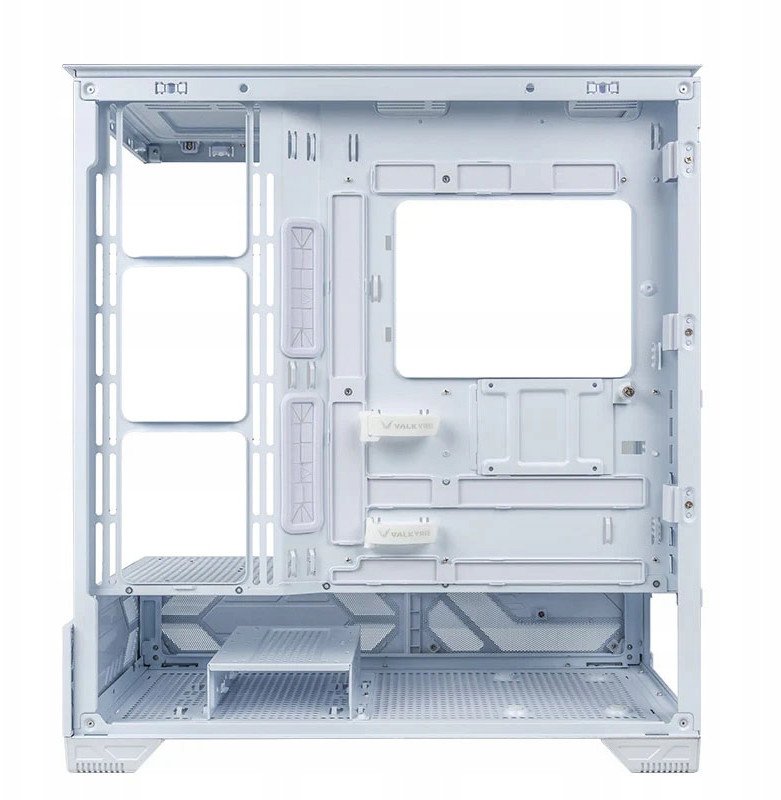
Remove the relevant panels before working inside and keep the glass on a safe surface. Route the display, front USB and audio leads before the main power cables make the rear compartment busy. A little spare cable length at a connector makes later maintenance easier without leaving loops in the fan path.
Choose the white LCD version when you want the case finish, cable colours and screen theme to form one coordinated setup. The display is most useful when it remains readable from the position where you actually use the PC.