
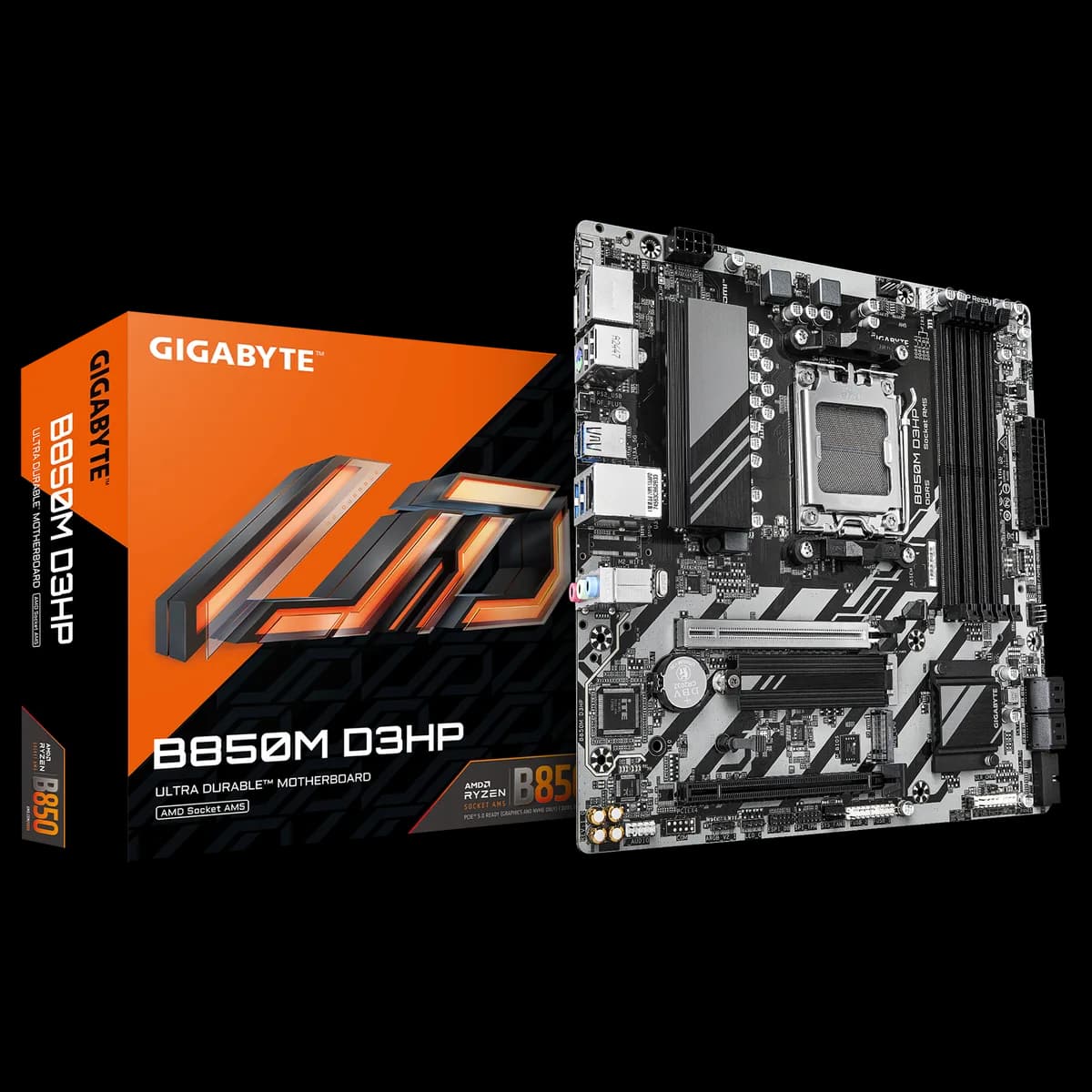
Gigabyte B850M D3HP Micro ATX
17.000 L
In stock

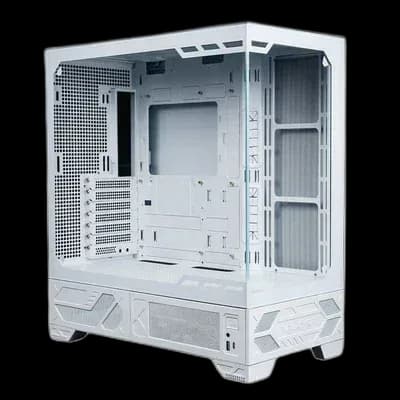
White VK03 Lite PC case with glass panels and a mesh I/O panel in place of the LCD. A spacious display layout for your own choice of cooling and lighting.
Estimated courier delivery: 24–48 hours after dispatch.
The same rate applies to every city in Albania.
For 1 of this product. The final fee is recalculated at checkout for your full basket.
Cash on delivery, or pay in store when collecting.
Collect in Durrës with no delivery fee. Wait for confirmation that your order is ready.
24 months warranty
Optional extras, sold separately.
17.000 L
In stock
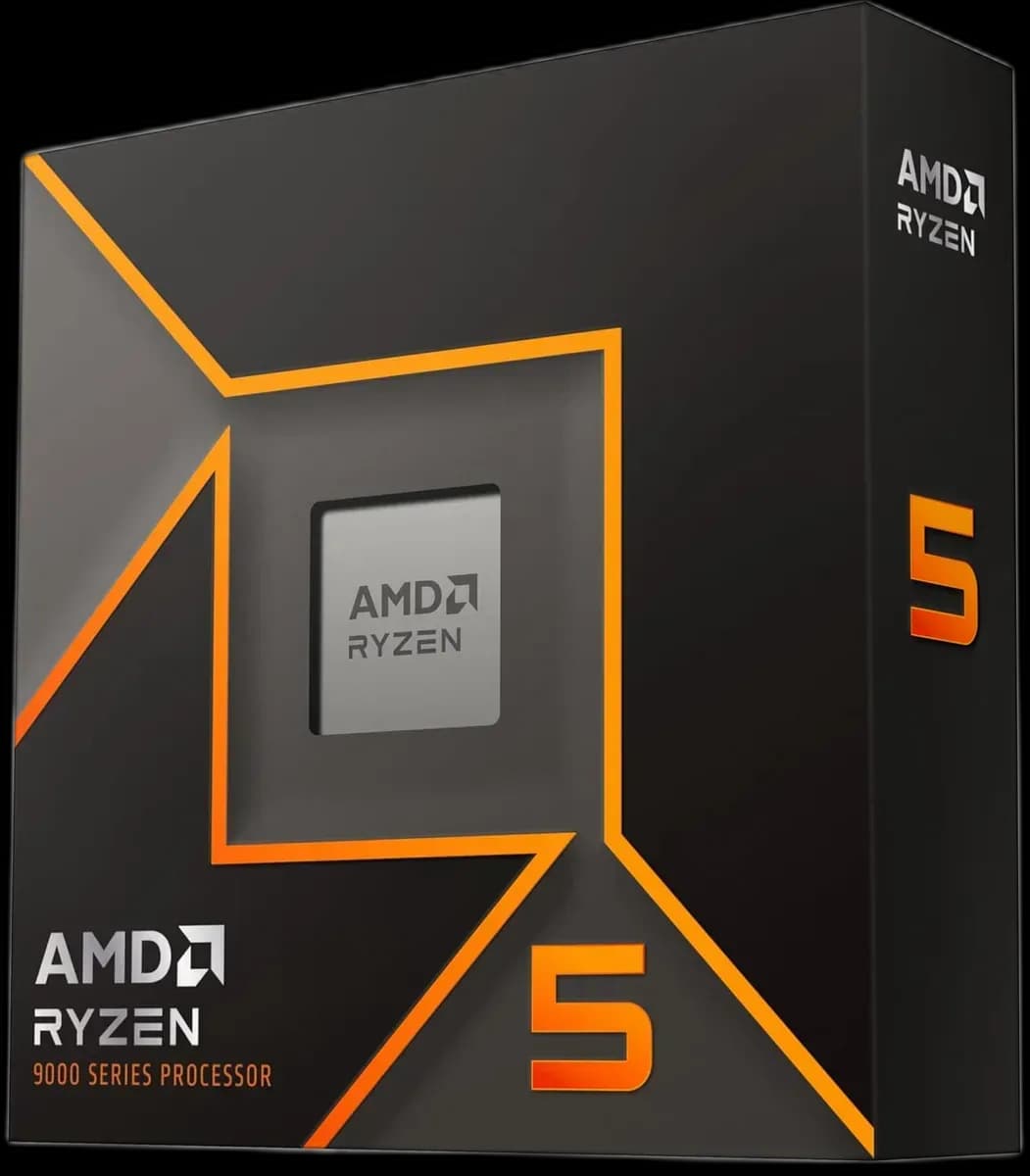
24.000 L
In stock
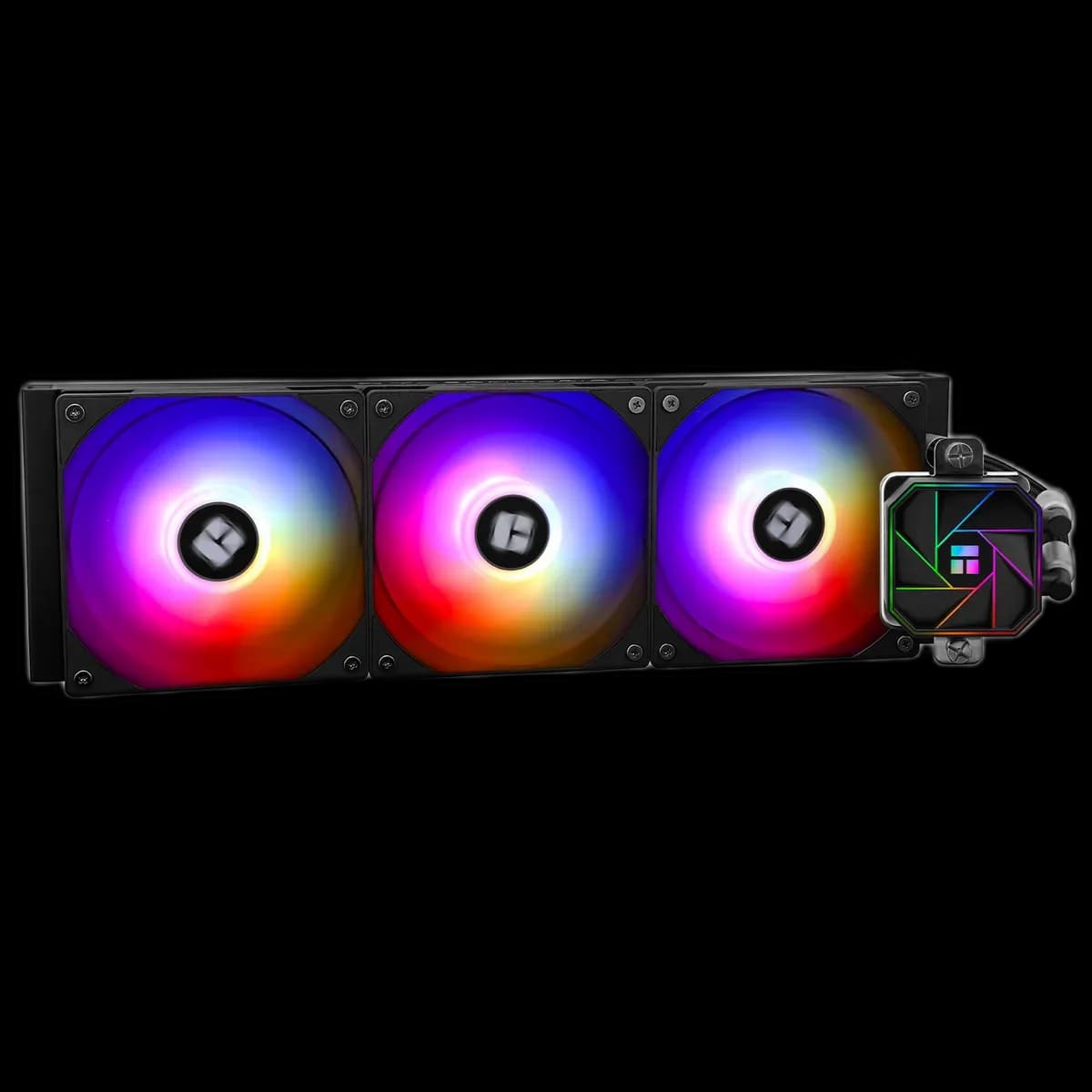
9.500 L
In stock
Extras total: 0 L
One of each selected item. Add the main product separately.
The Valkyrie VK03 Lite White gives a coordinated white PC a broad glass-facing stage. A mesh section takes the place of the LCD fitted to the screen version, leaving the components, cables and lighting to define the finished look. It is a useful choice when the case itself should stay visually consistent with the rest of the setup.

Start with the parts you want to see through the front and side glass. Position cable exits before tightening everything down, and keep unused leads in the rear compartment. The supplied case is the foundation of the build; the finished appearance comes from how you arrange your chosen hardware.
The magnetic I/O module can be moved between its supported positions. Choose the more accessible location while the case is empty, then route its cables accordingly.
The top of the VK03 supports a 360mm or 280mm radiator. Fan mounting areas at the side, rear and above the PSU compartment give you further ways to direct air through the build. Check the radiator, its fans and the tubing route together before committing to an AIO.
For an air-cooled configuration, plan a clear intake and exhaust path around the CPU cooler and graphics card. More mounting positions give you options; the useful arrangement depends on the components and fan speeds you choose.
Connect front USB and audio leads early, while the motherboard headers are accessible. Separate small signal cables from bulky PSU bundles and leave enough slack to unplug a connector later. Replace the rear panel without forcing it against a cable stack.
The white Lite version suits a build where the case finish and component colours carry the design. You can keep the lighting subtle or use it as an accent while the glass provides a clear view of the layout.