
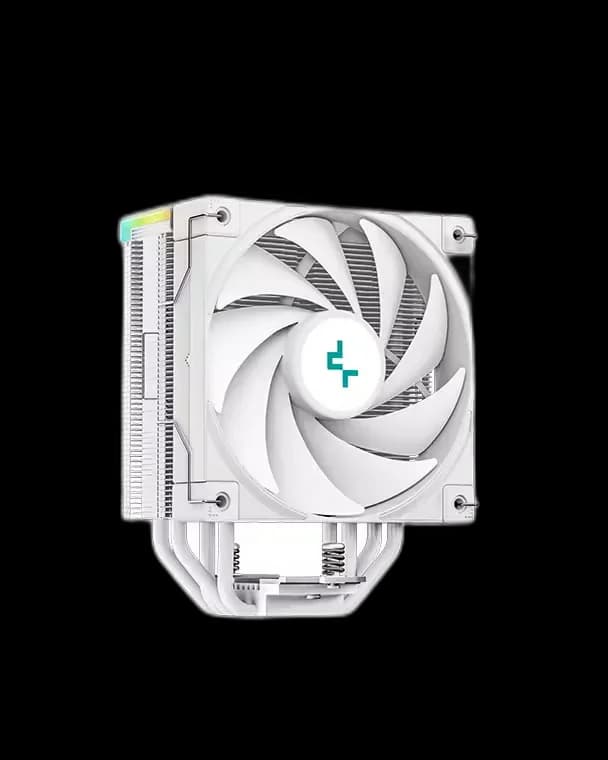
DeepCool AK400 Digital White
7.500 L
In stock

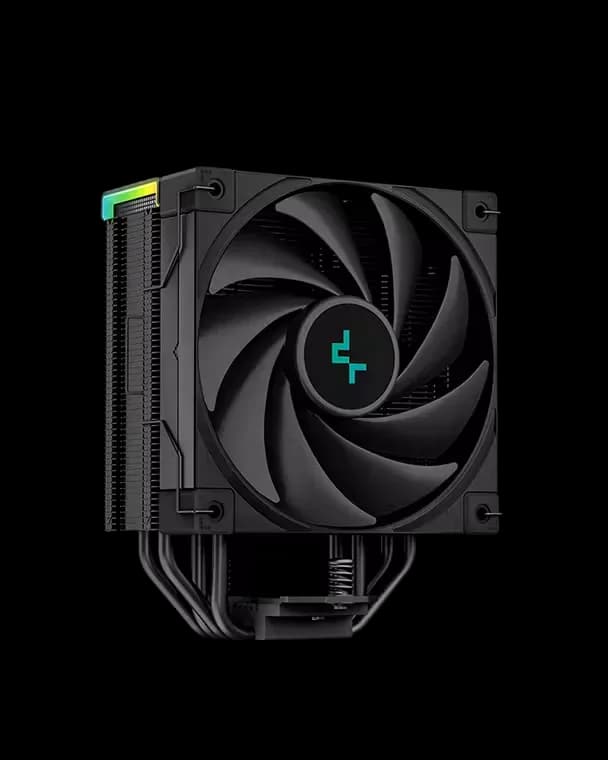
A black air cooler with a CPU temperature/usage display, four heat pipes and an FK120 PWM fan. The screen uses an internal USB 2.0 connection.
Delivery is currently unavailable for this product.
Cash on delivery, or pay in store when collecting.
Collect in Durrës with no delivery fee. Wait for confirmation that your order is ready.
36 months warranty
Different available models, each with its own price and specifications.
7.500 L
In stock
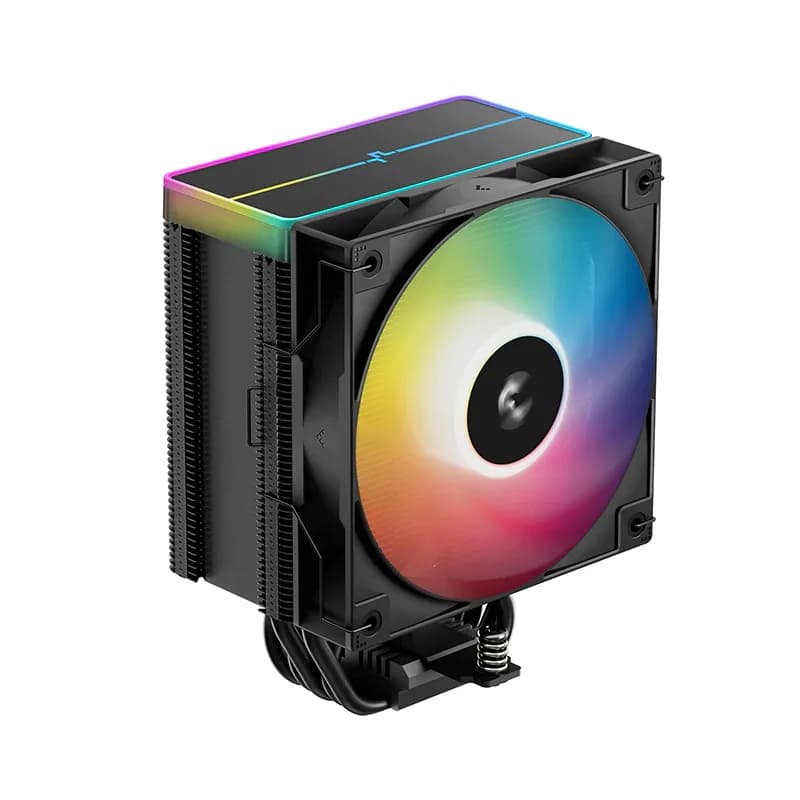
6.000 L
In stock
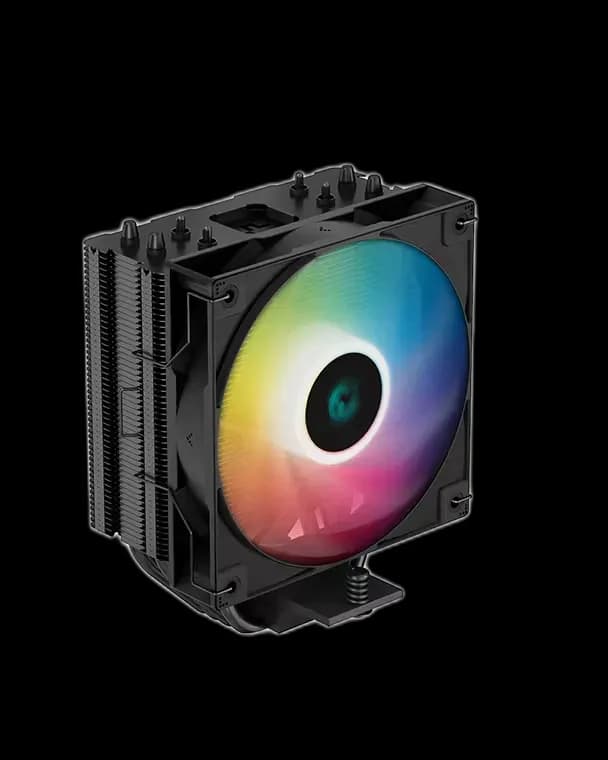
5.000 L
In stock
AK400 Digital Black gives a familiar air-cooling layout a useful visual detail: a small status screen above the CPU. Its dark tower and fan stay understated, while the display provides a quick reference during a game or a longer work session.
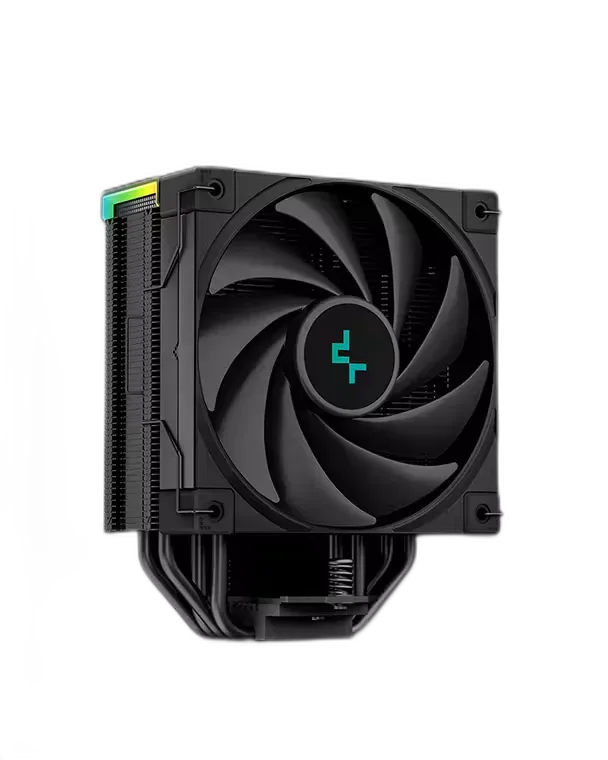
The screen shows CPU temperature and utilisation, with a high-temperature warning. Treat it as a convenient status check; detailed diagnosis still belongs in monitoring software. Its usefulness also depends on where the case sits, so consider the viewing angle before choosing it for the display alone.
The overall height is 156mm, including the display. Check that figure against the case clearance and look at nearby RAM and motherboard heatsinks before assembly. The single-tower design uses four heat pipes and one FK120 fan.
You still need a clear route for warm air to leave the case. A well-planned rear exhaust is more useful than filling every unused fan position without checking airflow direction.
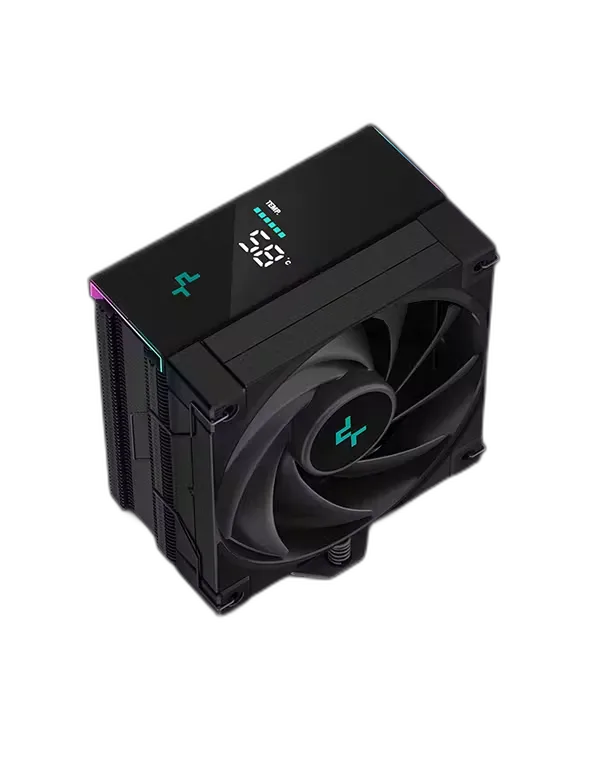
The fan uses 4-pin PWM, the ARGB strips use 3-pin 5V, and the display needs an available internal USB 2.0 header plus DeepCool’s software. Check those connections before finishing the cable routing.
Use the motherboard’s fan controls to choose how quickly the fan responds to load. A gradual curve can avoid distracting speed changes during brief temperature spikes.
Choose this model when the small screen adds something useful to your build and you prefer the layout of a single air tower.