
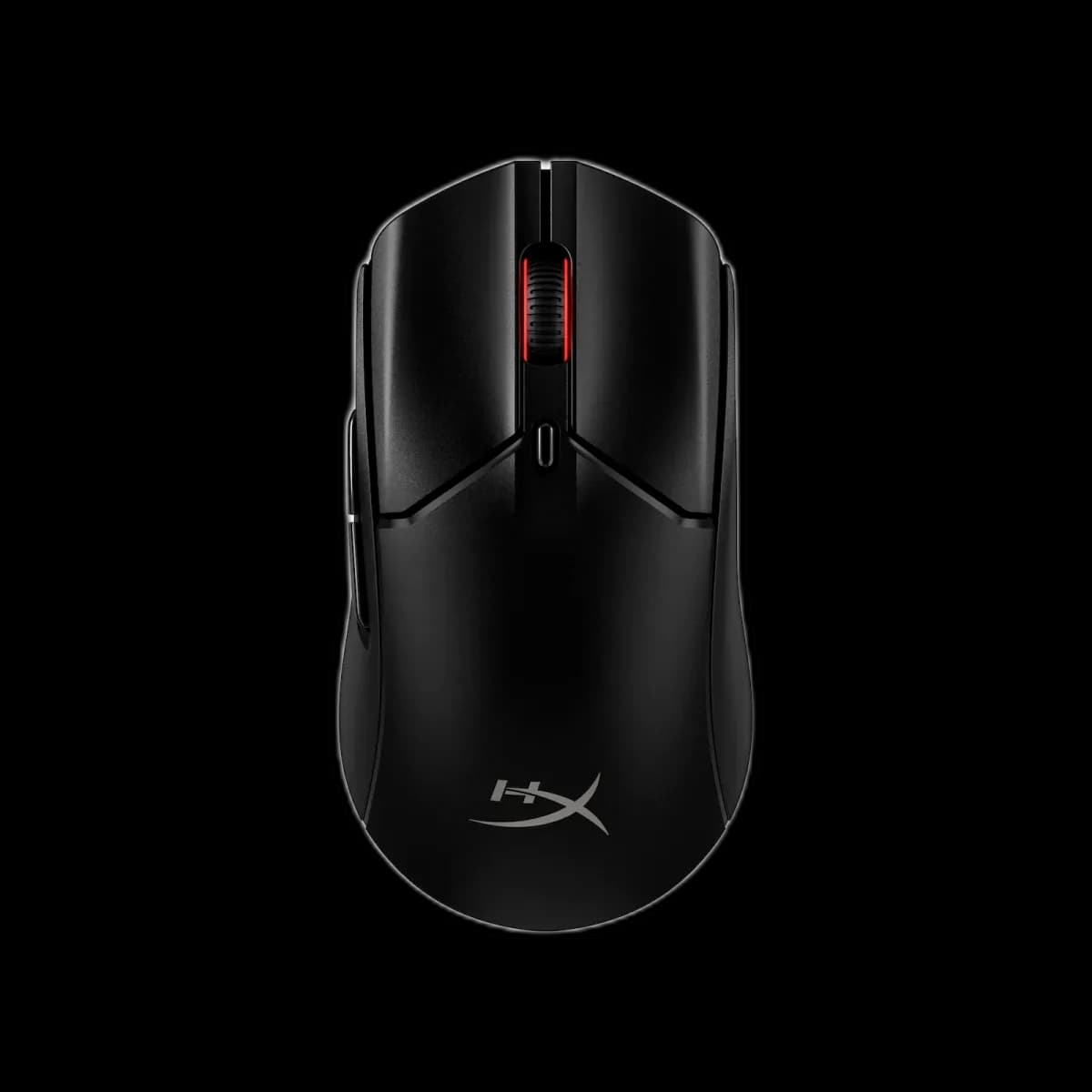
HyperX Pulsefire Haste 2
9.000 L
In stock

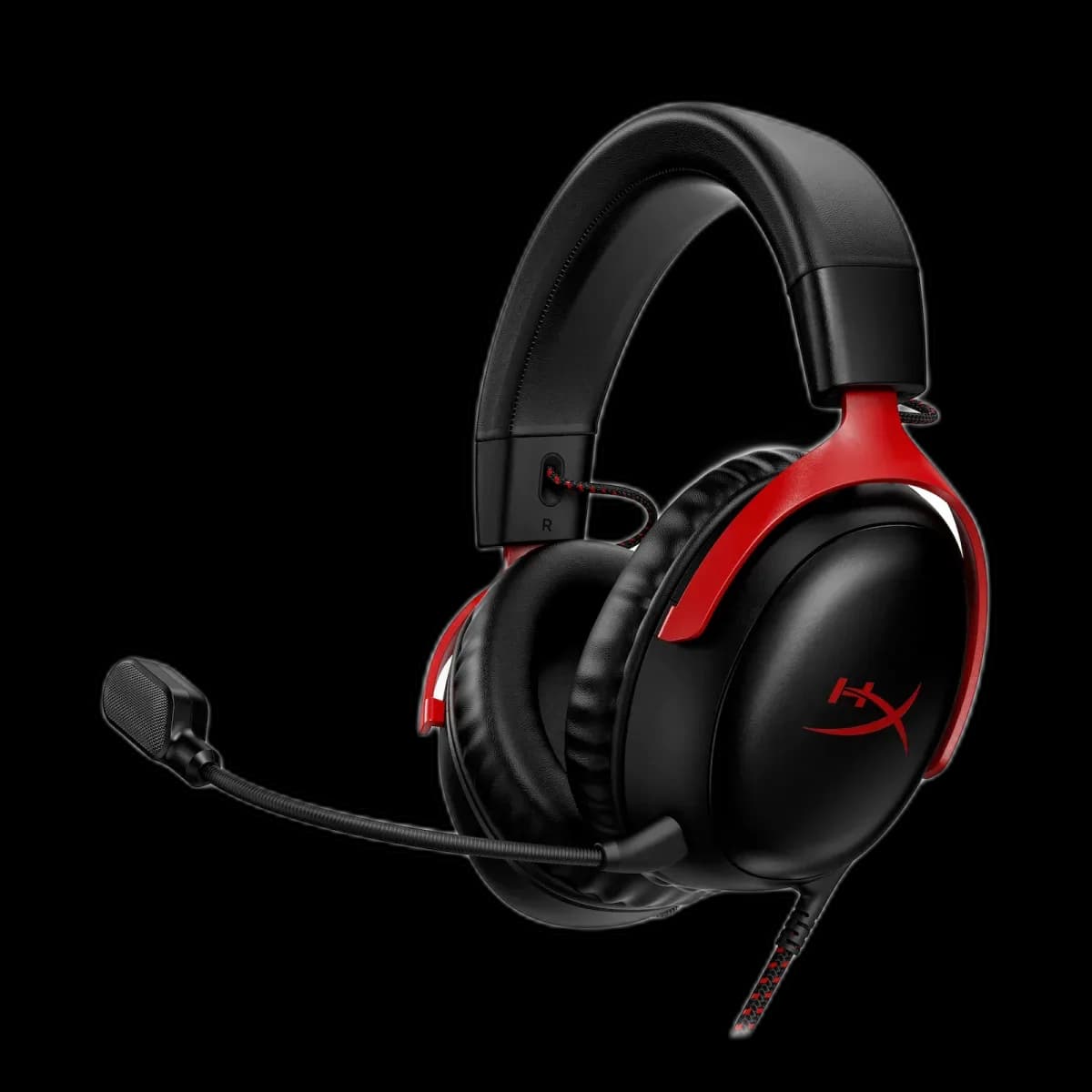
HyperX Cloud III offers angled 53mm drivers, a detachable microphone with a mute LED, and wired 3.5mm, USB-C and USB-A connection options.
Estimated courier delivery: 24–48 hours after dispatch.
The same rate applies to every city in Albania.
For 1 of this product. The final fee is recalculated at checkout for your full basket.
Cash on delivery, or pay in store when collecting.
Collect in Durrës with no delivery fee. Wait for confirmation that your order is ready.
24 months warranty
Optional extras, sold separately.
9.000 L
In stock
12.000 L
In stock
Extras total: 0 L
One of each selected item. Add the main product separately.
The wired Cloud III is built for a setup that may include a desktop, console and laptop. Its supplied connection options cover 3.5mm, USB-C and USB-A, while the black-and-red frame keeps the familiar Cloud appearance. The useful details are close to hand: earcup controls and a microphone with a visible mute indicator.
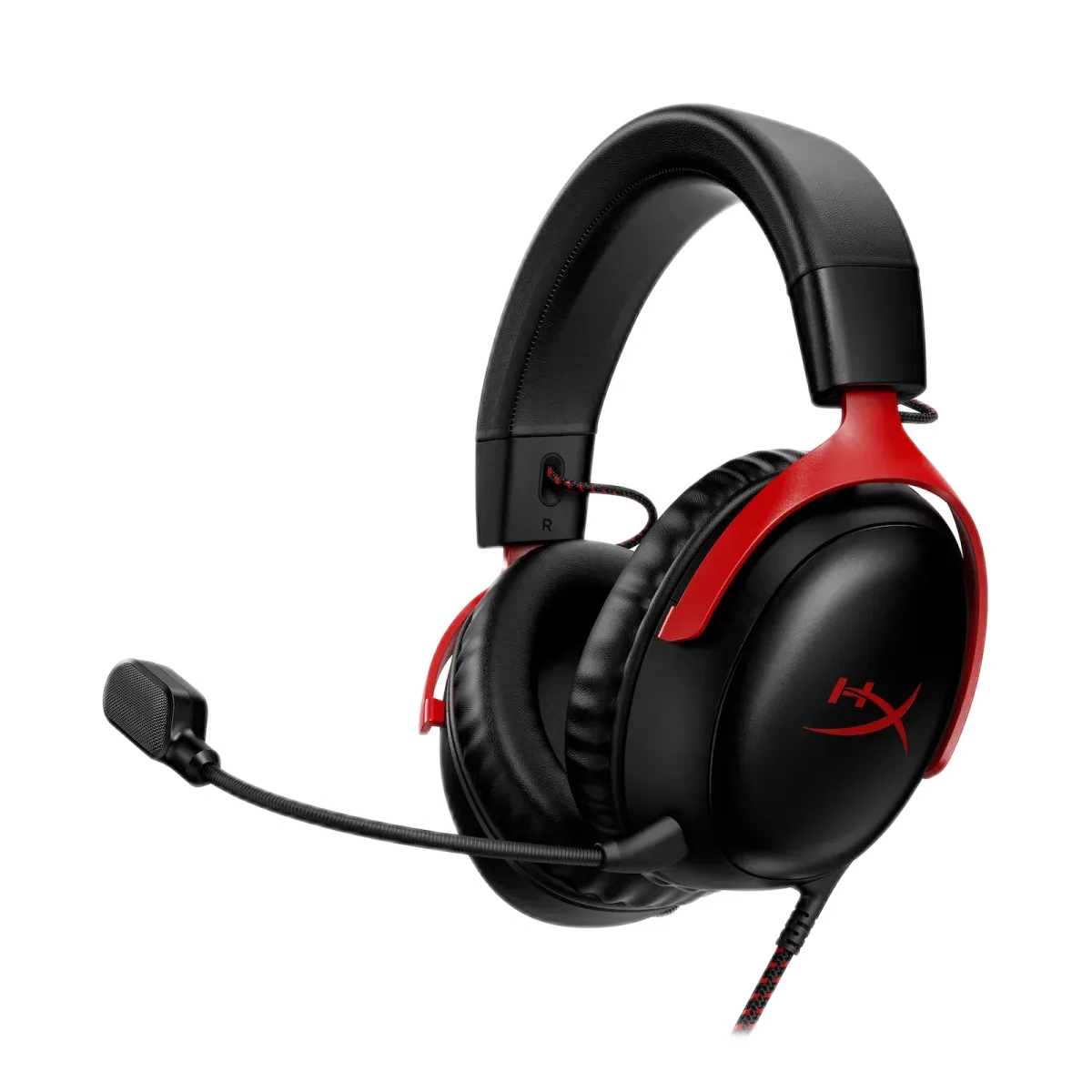
HyperX positions the 53mm drivers at an angle inside the earcups. Together with the closed design and memory-foam cushions, this forms the headset’s listening arrangement. The quoted driver diameter alone does not tell you how a particular game or recording will sound.
DTS Headphone:X is available through compatible Windows software and activation. Treat it as an optional spatial processing mode: compare it with stereo in a familiar game and avoid stacking it with a second virtual surround effect.
Use the supplied USB path for a compatible computer or console, or the 3.5mm plug where analogue headset audio is required. Xbox use is through its compatible 3.5mm connection, rather than assuming that the USB adapter works on every console.
When changing devices, check both playback and microphone settings. A laptop can continue using its built-in microphone even after sound starts playing through the headphones.
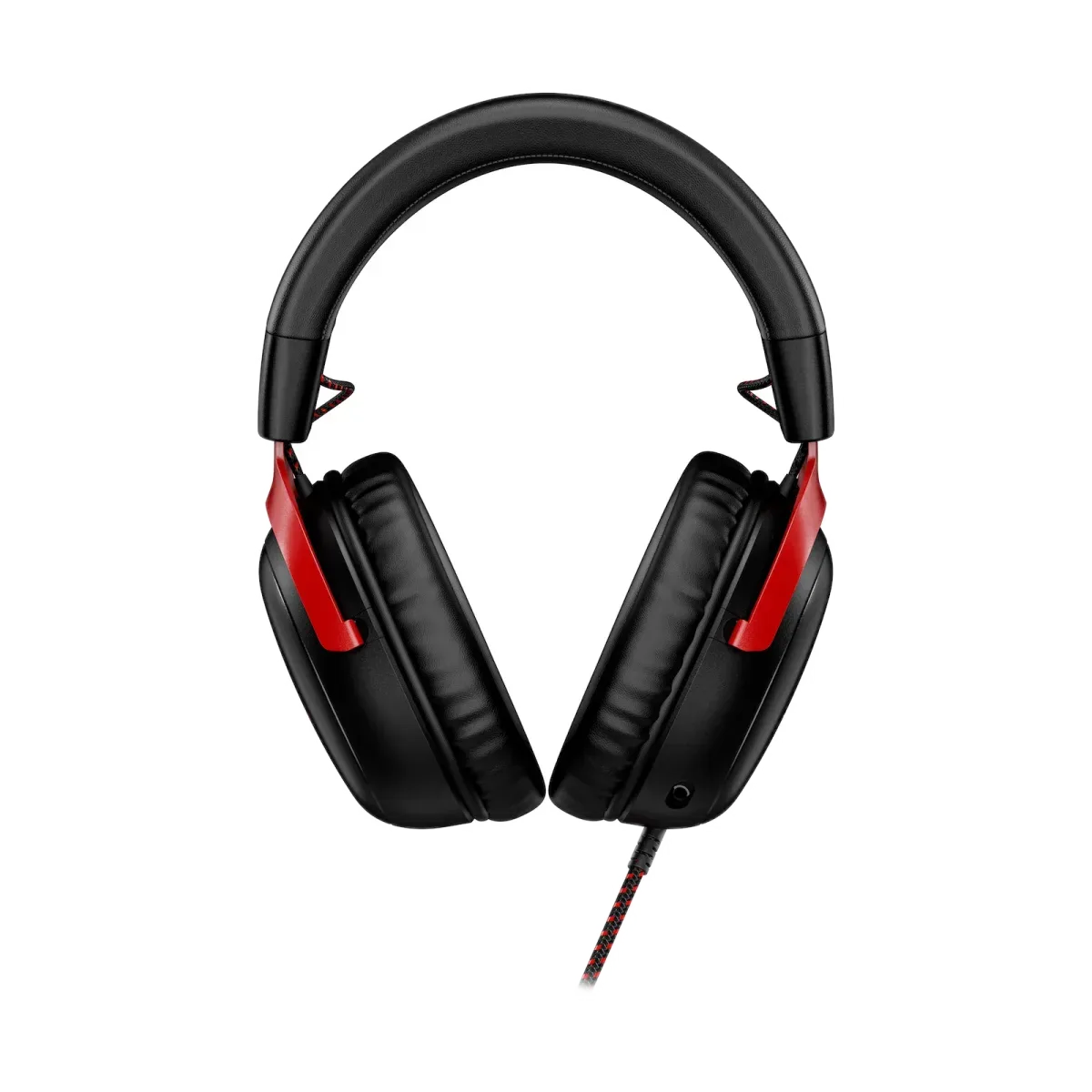
The detachable 10mm unidirectional microphone includes an LED mute indicator. Earcup controls handle volume and mute, so you do not need to search along the cable during a session. Aim the microphone toward your mouth without placing it directly in the airflow from your breath.
Memory-foam padding and a flexible metal frame let you adjust the headset to sit evenly. It weighs 308g without the microphone, or 320g with it. Take a moment to set the headband before judging how the cushions feel.
Cloud III suits someone who wants wired audio across several devices, with convenient microphone controls and no battery to maintain.