
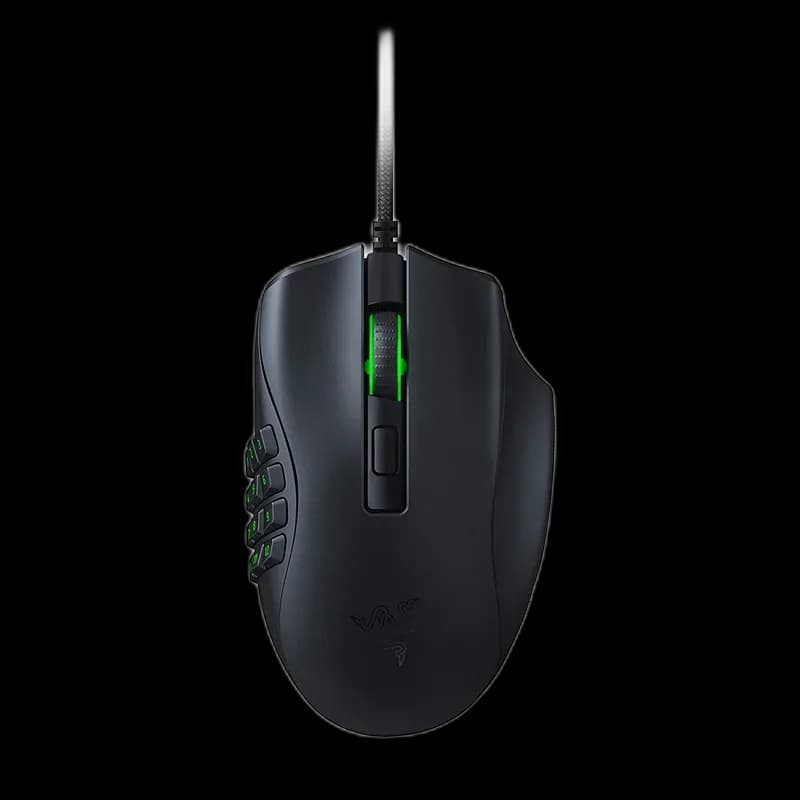
Razer Naga X
8.000 L
In stock

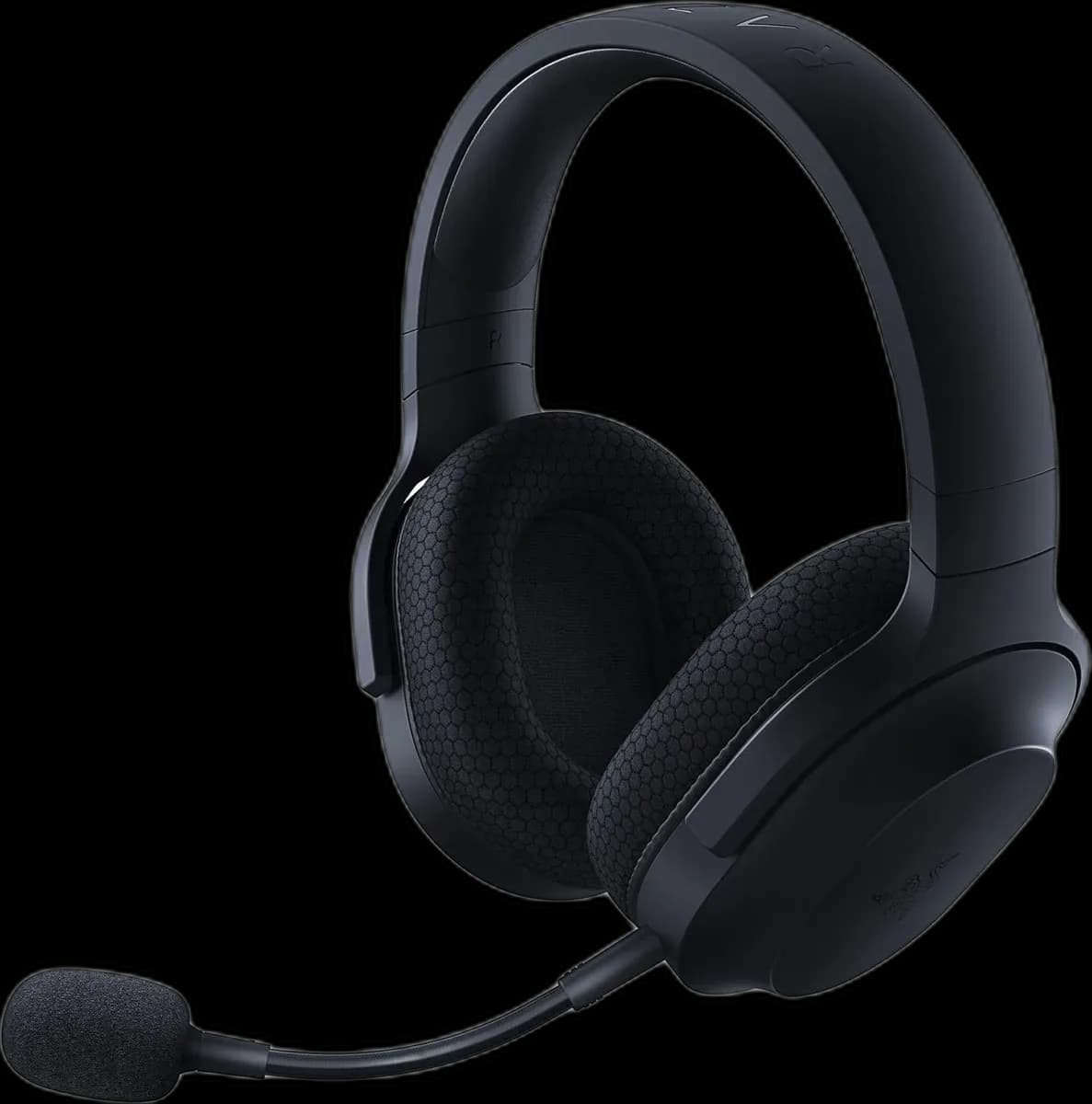
Razer Barracuda X offers 2.4GHz wireless, Bluetooth 5.2 and 3.5mm audio, with 40mm TriForce drivers, a removable microphone and up to 50 hours of battery.
Estimated courier delivery: 24–48 hours after dispatch.
The same rate applies to every city in Albania.
For 1 of this product. The final fee is recalculated at checkout for your full basket.
Cash on delivery, or pay in store when collecting.
Collect in Durrës with no delivery fee. Wait for confirmation that your order is ready.
24 months warranty
Optional extras, sold separately.
8.000 L
In stock
12.000 L
In stock
Extras total: 0 L
One of each selected item. Add the main product separately.
Barracuda X keeps a restrained black appearance and lets you remove the microphone when the game ends. This is the 2022 model with Bluetooth and SmartSwitch, alongside the USB-C wireless receiver and analogue audio option. The 250g design makes sense for someone who wants one headset across several compatible devices.
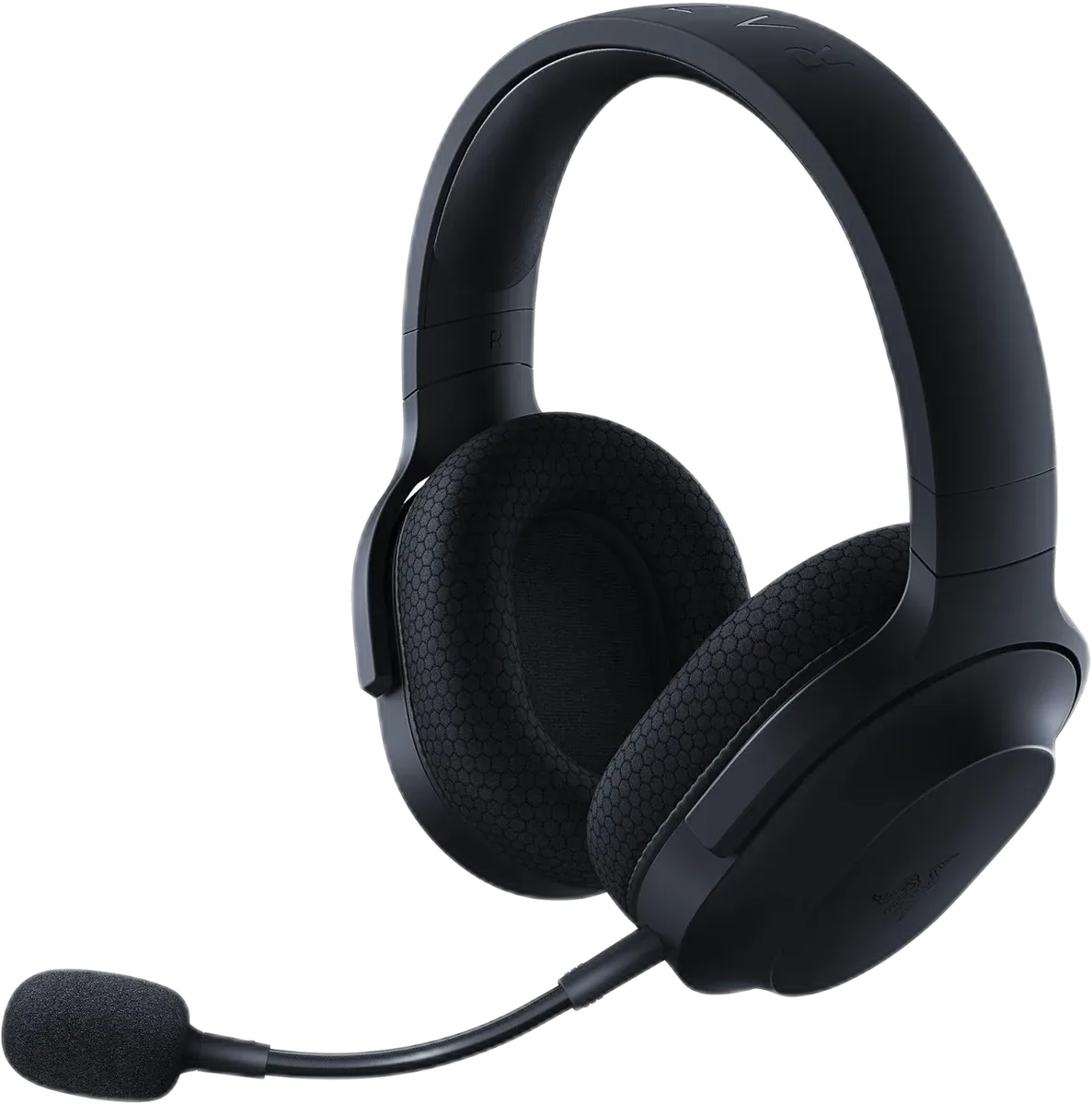
The USB-C receiver provides the dedicated 2.4GHz wireless connection. Bluetooth 5.2 gives you another route for compatible phones and tablets, and a 3.5mm cable can be used for analogue audio. Select the connection your computer, console or mobile device actually supports.
SmartSwitch helps move between the wireless receiver and Bluetooth, including handling a call while connected to a gaming device. Think of it as switching between sources: it is not a mixer that plays two independent soundtracks together.
The detachable HyperClear cardioid microphone supports voice chat at the desk. Removing it gives the headset a simpler shape for music or video away from the computer. For a call, refit it securely and position it beside your mouth.
Earcup volume and mute controls handle the frequent adjustments. A quick recording is useful after moving to another device, because its microphone level and input selection may differ from your previous setup.
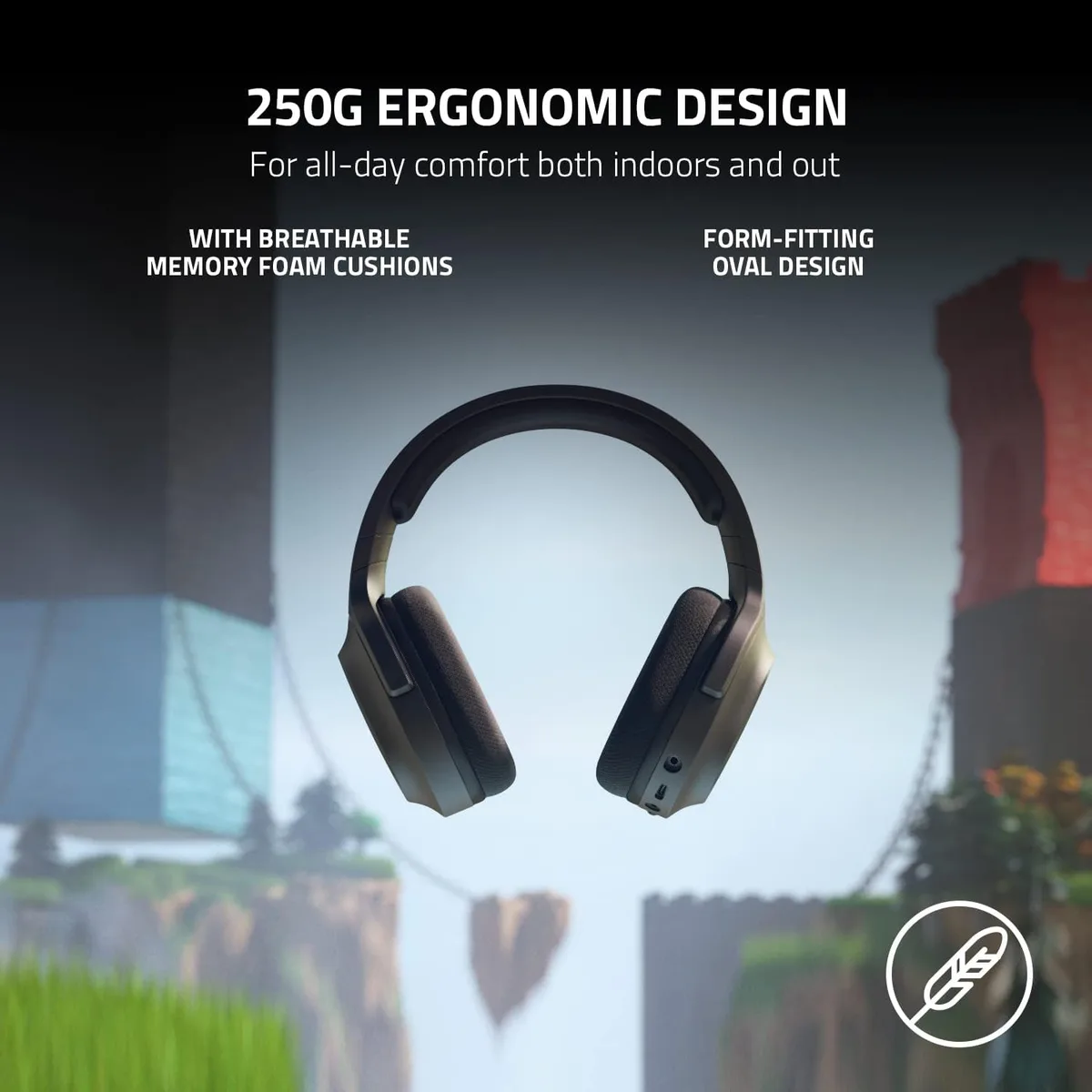
The 40mm TriForce drivers sit behind memory-foam cushions. Adjust the headband evenly and check that each cushion surrounds the ear without a gap. This helps the passive seal and keeps pressure from concentrating on one side.
Razer quotes up to 50 hours of battery life for this version, with actual duration depending on use. The detachable microphone and compact wireless receiver also make it easier to organise what you carry; keep small accessories together when travelling.
Barracuda X suits a mixed gaming and everyday setup, especially when a discreet appearance and several connection choices matter.