
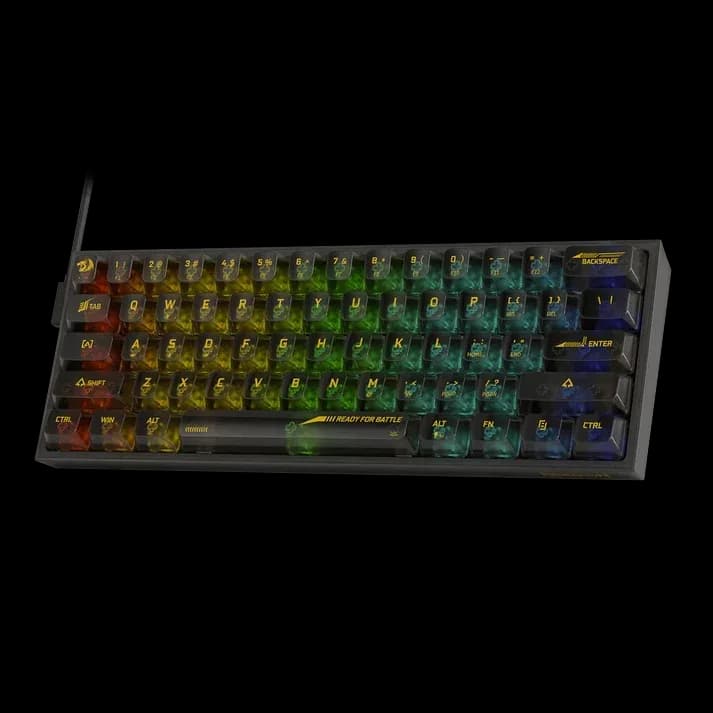
Redragon Fizz Black RGB
5.199 L
In stock

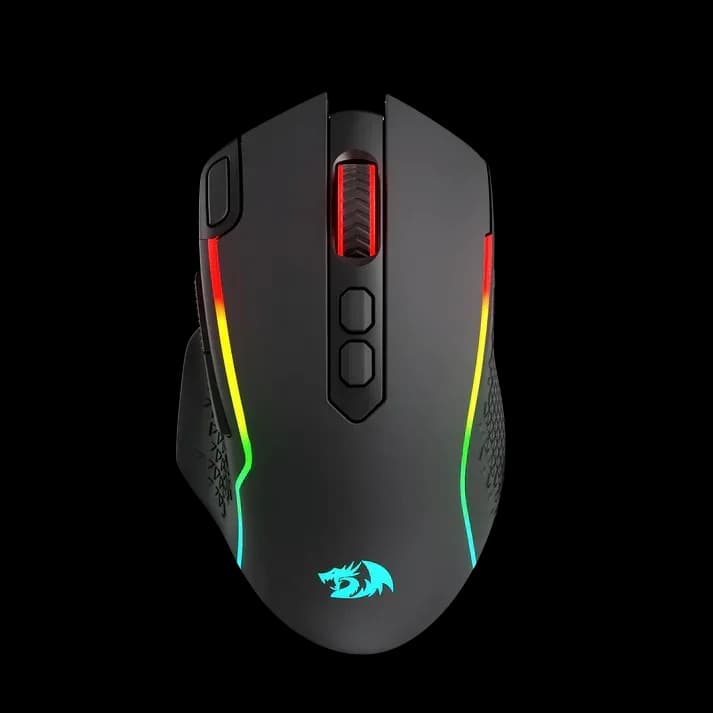
Taipan Pro M810 offers 2.4GHz wireless and wired USB-C operation, a 10,000 DPI PixArt sensor and up to 45 hours of use with RGB off.
Estimated courier delivery: 24–48 hours after dispatch.
The same rate applies to every city in Albania.
For 1 of this product. The final fee is recalculated at checkout for your full basket.
Cash on delivery, or pay in store when collecting.
Collect in Durrës with no delivery fee. Wait for confirmation that your order is ready.
24 months warranty
Optional extras, sold separately.
5.199 L
In stock
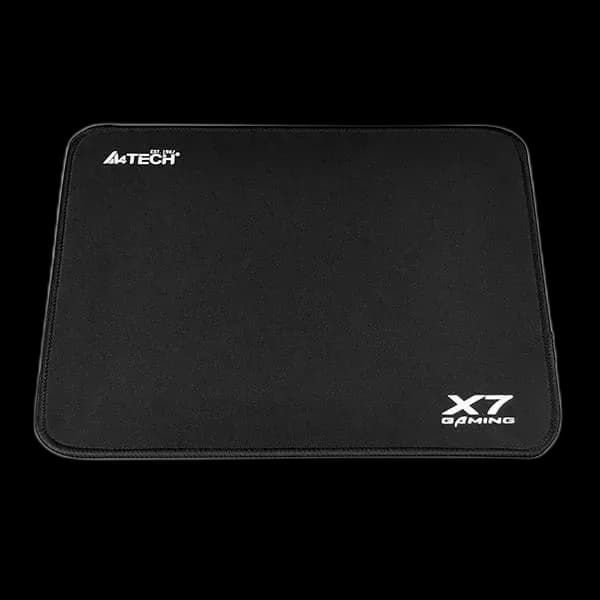
400 L
In stock
Extras total: 0 L
One of each selected item. Add the main product separately.
Taipan Pro M810 lets you remove the cable from the mousepad while keeping a wired connection available when needed. This is the original dual-mode version with a 2.4GHz USB receiver and USB-C wired operation. Its broad shape, thumb controls and RGB outline make it a useful option for a desk shared between games and ordinary PC work.
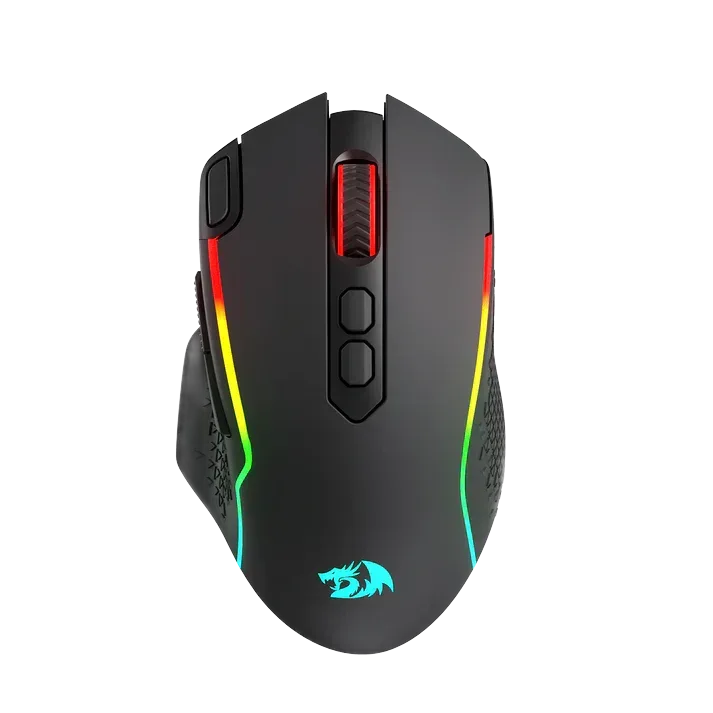
Wireless operation uses the supplied 2.4GHz receiver, rather than Bluetooth. Connect it to a suitable USB port and avoid burying it behind a large metal PC enclosure. Keep its position reasonably close to the mouse and away from unnecessary obstruction.
The USB-C cable provides a wired alternative, useful when charging or when you prefer a direct connection for a session.
Redragon rates this version for up to 45 hours with RGB switched off. Actual runtime depends on settings and use, so treat the quoted figure as an upper limit. A regular charging routine is more useful than waiting until the battery runs low during a match.
Use the lighting mode that suits your desk, then check how it fits your usual time between charges.
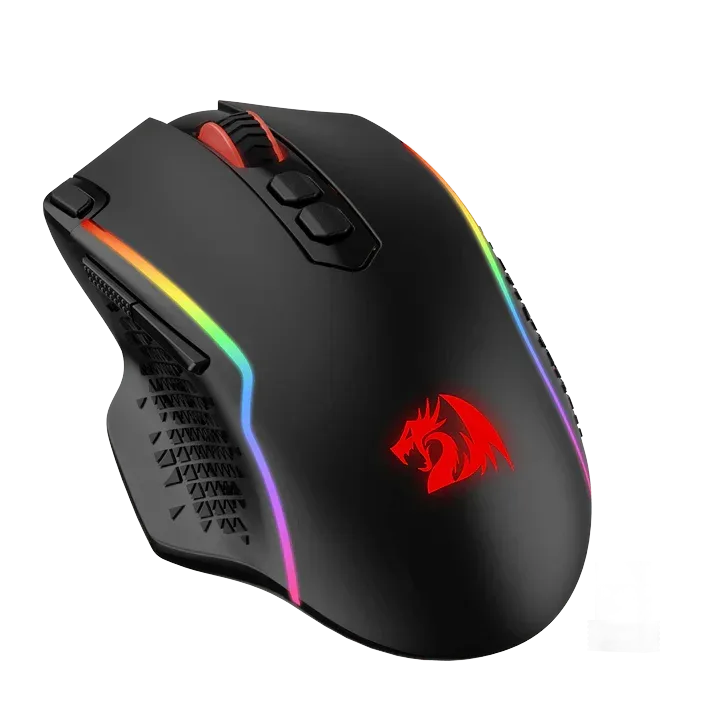
The PixArt PAW3325 sensor supports sensitivity up to 10,000 DPI and polling up to 1,000 Hz. Eight programmable buttons give space for everyday commands and game shortcuts. Start with a manageable sensitivity and a simple button layout before adding macros or several profiles.
Test whether the side controls sit naturally under your thumb. The shape and reach matter just as much as the list of programmable functions.
Taipan Pro suits someone who wants wireless desk movement with a real wired operating mode available as well.