
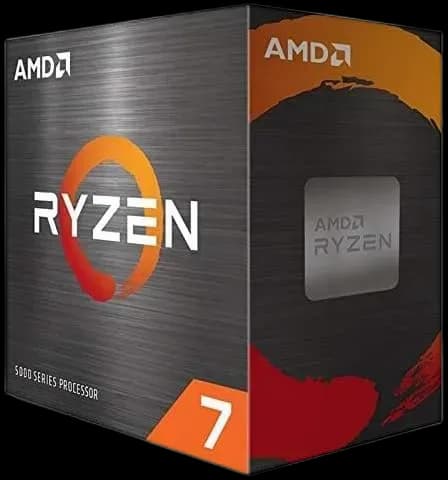
AMD Ryzen™ 7 5800X 8 Cores 16 Threads 3.8Ghz Turbo 4.7Ghz
21.500 L
In stock

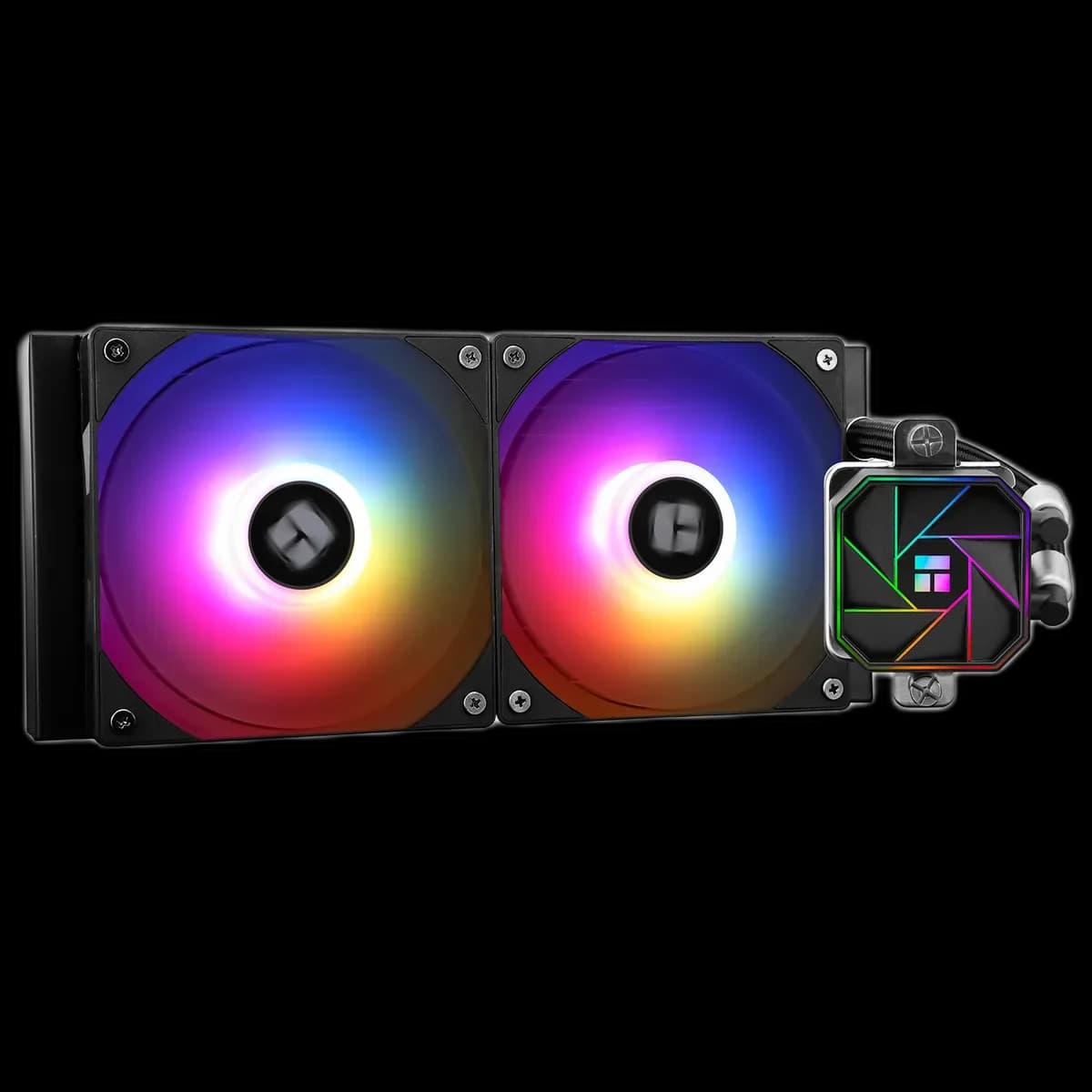
A black 240mm AIO with two ARGB fans and a geometric illuminated pump cover. The Aqua Elite V3 brings a coordinated look to builds with a suitable two-fan radiator mount.
Estimated courier delivery: 24–48 hours after dispatch.
The same rate applies to every city in Albania.
For 1 of this product. The final fee is recalculated at checkout for your full basket.
Cash on delivery, or pay in store when collecting.
Collect in Durrës with no delivery fee. Wait for confirmation that your order is ready.
36 months warranty
Optional extras, sold separately.
21.500 L
In stock
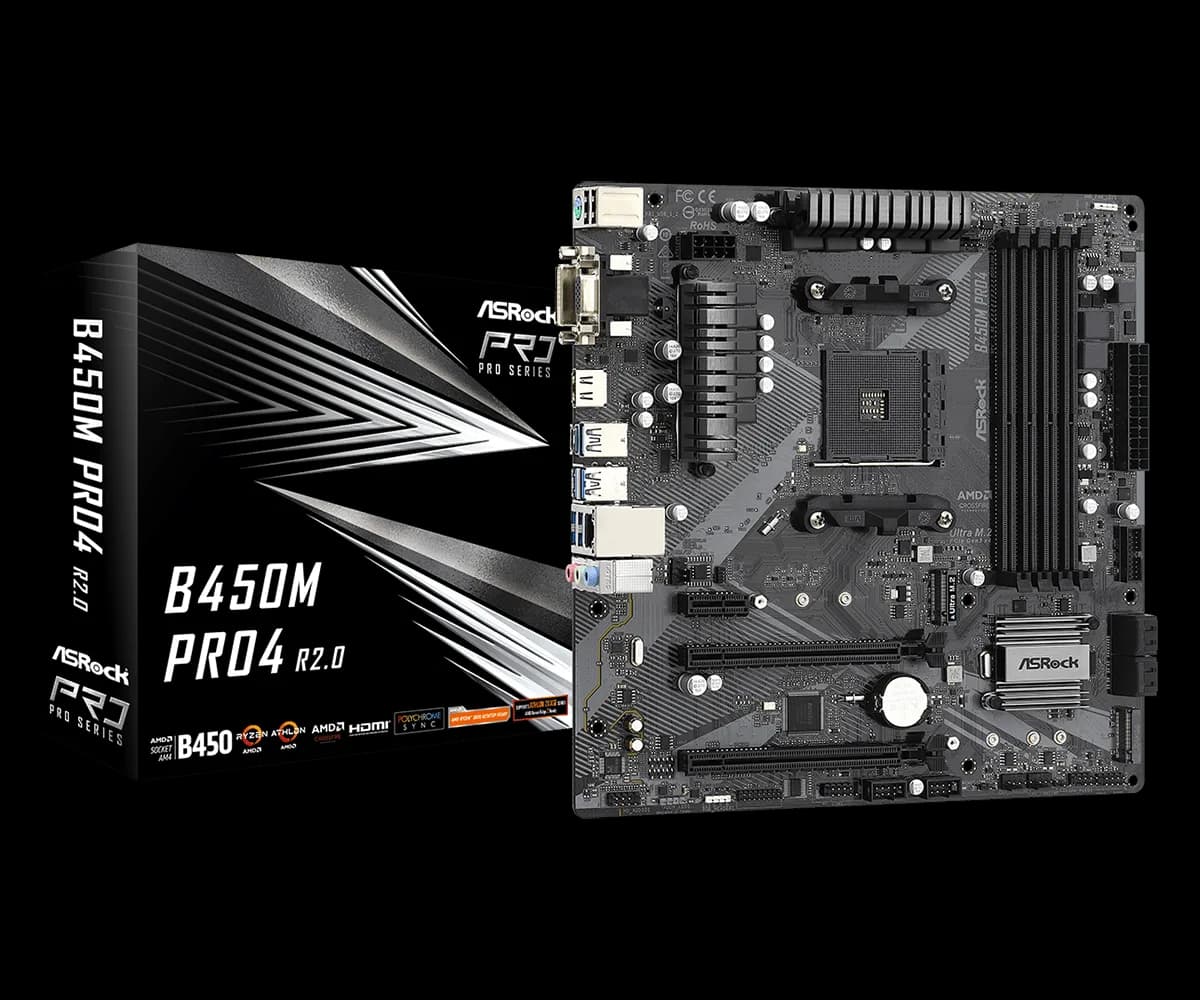
11.000 L
In stock
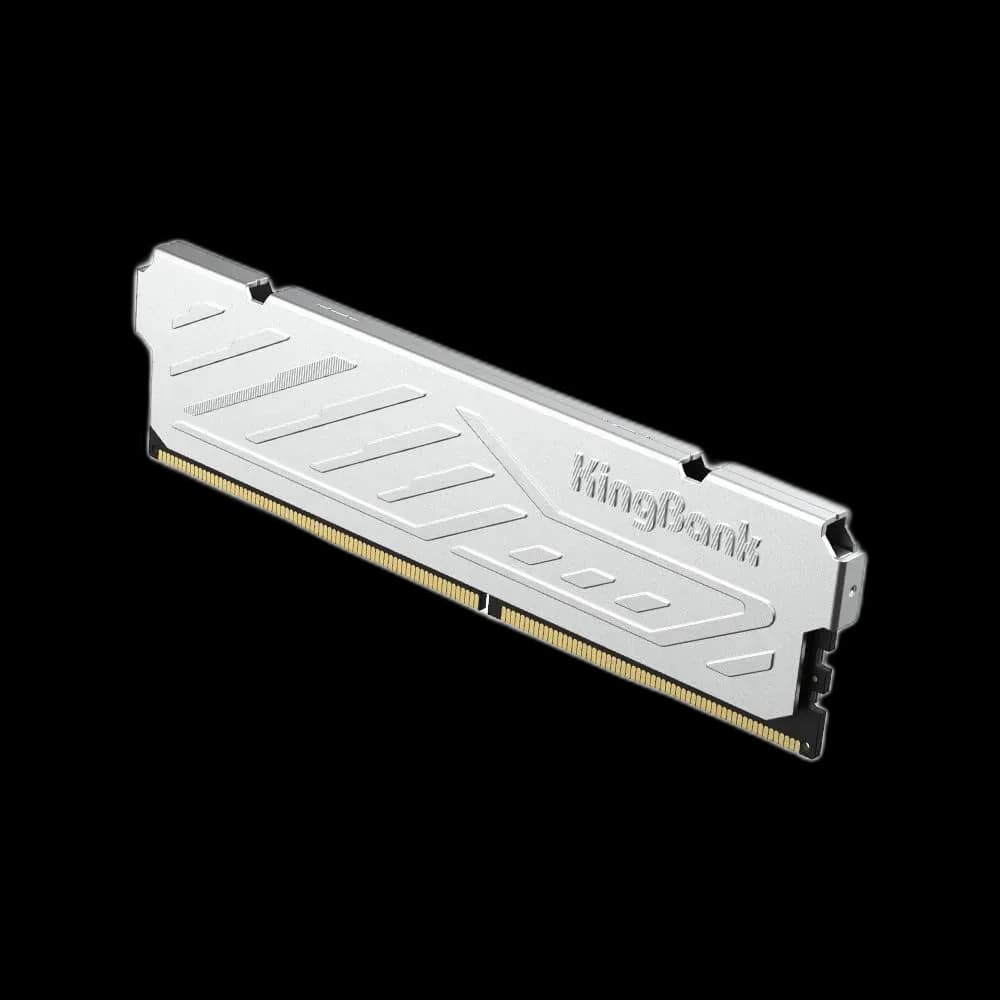
8.000 L
In stock
7.500 L
In stock
Extras total: 0 L
One of each selected item. Add the main product separately.
The Thermalright Aqua Elite 240 Black V3 puts the visual detail where you can see it: two illuminated fans along the radiator and a geometric pattern over the CPU. Its black finish gives the lighting a clear outline, making it an easy starting point for a dark build with one chosen accent colour.
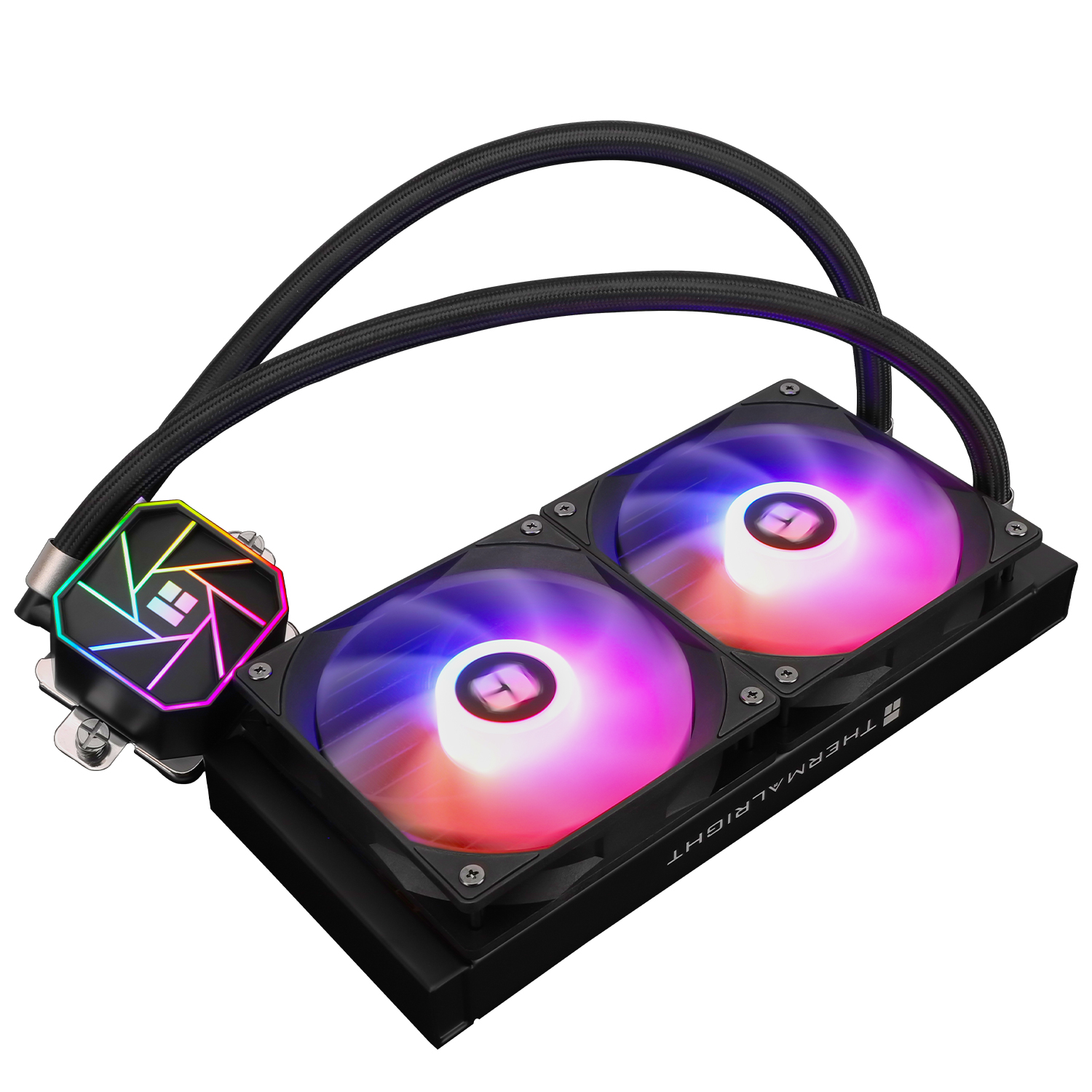
A 240mm cooler uses two 120mm fan positions, which can leave more mounting options than a longer three-fan unit. That is useful when the top of a case is also crowded by RAM, motherboard heatsinks or power cables.
Check the case's radiator support separately from its fan support. Leave space for the radiator end tanks, the fans and the tube connections; the nominal 240mm size does not describe the complete assembly. A quick measurement now is easier than moving components after installation.
The included TL-C12B-S V2 fans use PWM control. Start with a gradual fan curve, then listen during the games or applications you actually run. Brief temperature changes and a sustained workload need not produce the same sudden jump in fan speed.
Treat the lighting as a separate setting. Once the cooling behaviour feels right, choose a steady colour or a restrained effect that works with the rest of the case.
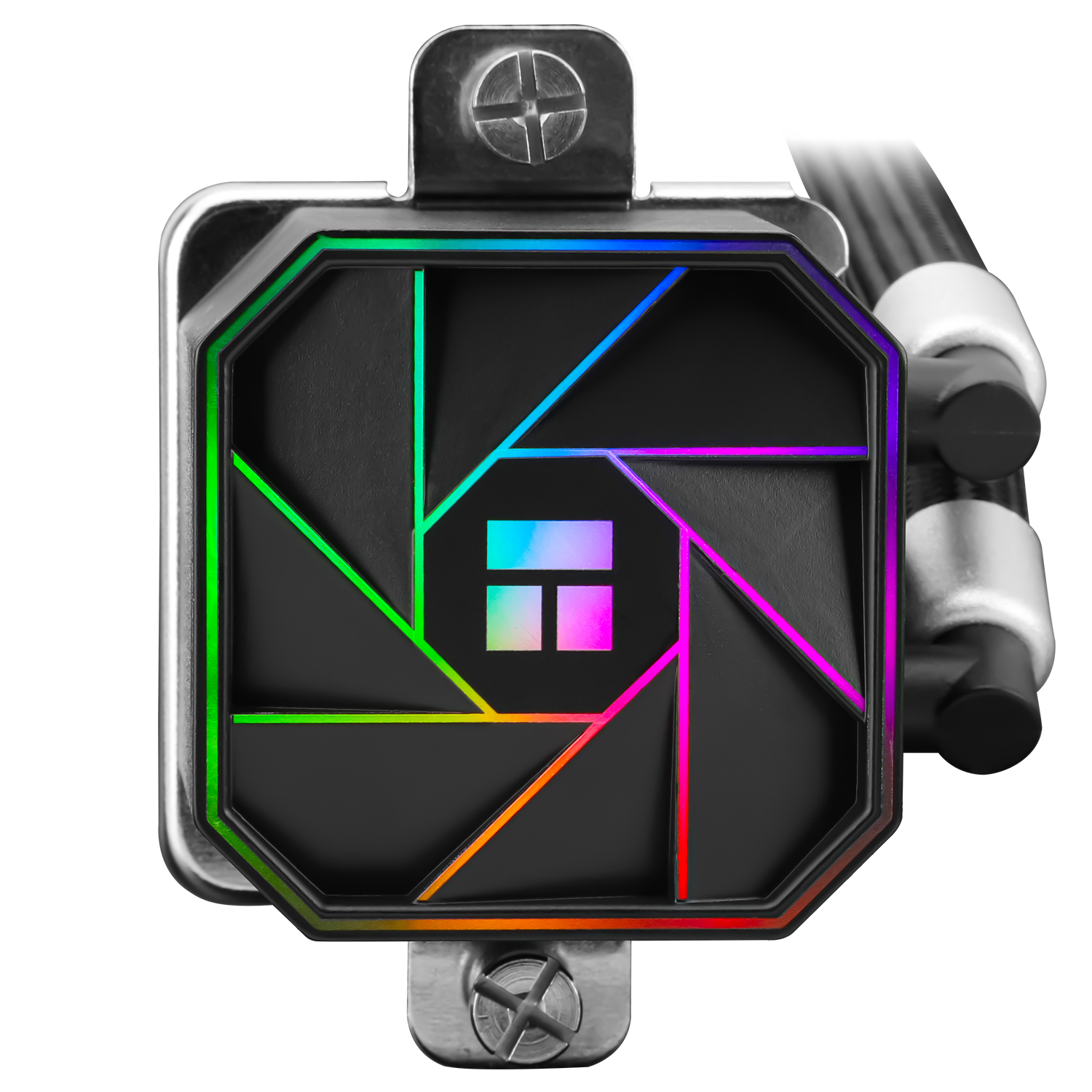
The pattern on the pump cover works best when loose cables do not cross in front of it. Decide the tube route before tightening the final cable ties, allowing a natural curve towards the radiator without pulling against the block.
A matching accent on the case fans can connect the two illuminated areas visually. You do not need every component to use a different effect for the cooler to stand out.
This is a sensible format to consider when you want visible liquid cooling in a black build and have confirmed a proper 240mm mounting position.