
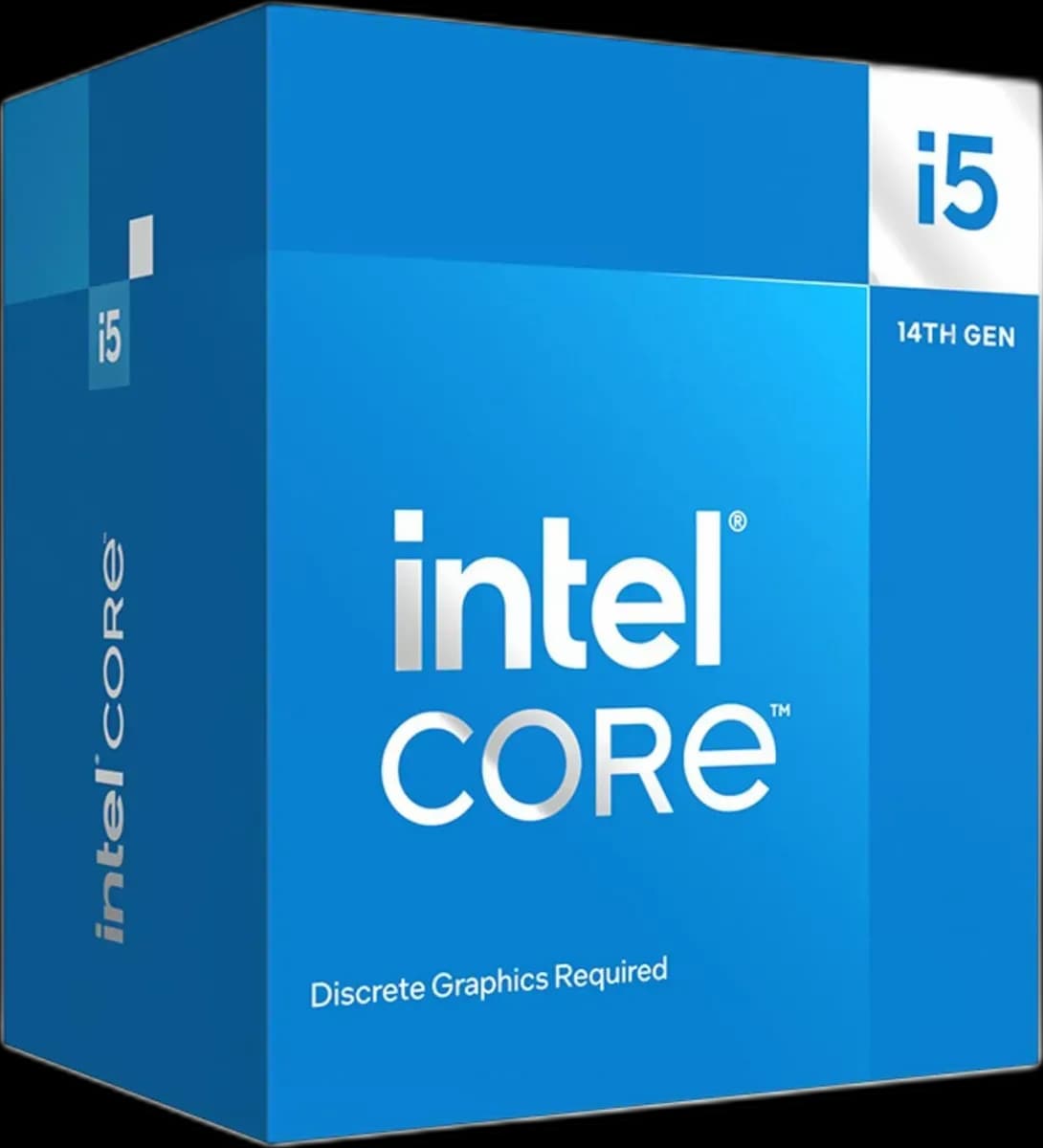
Intel® Core™ i5-14400F 10 cores up to 4.7Ghz
19.000 L
In stock

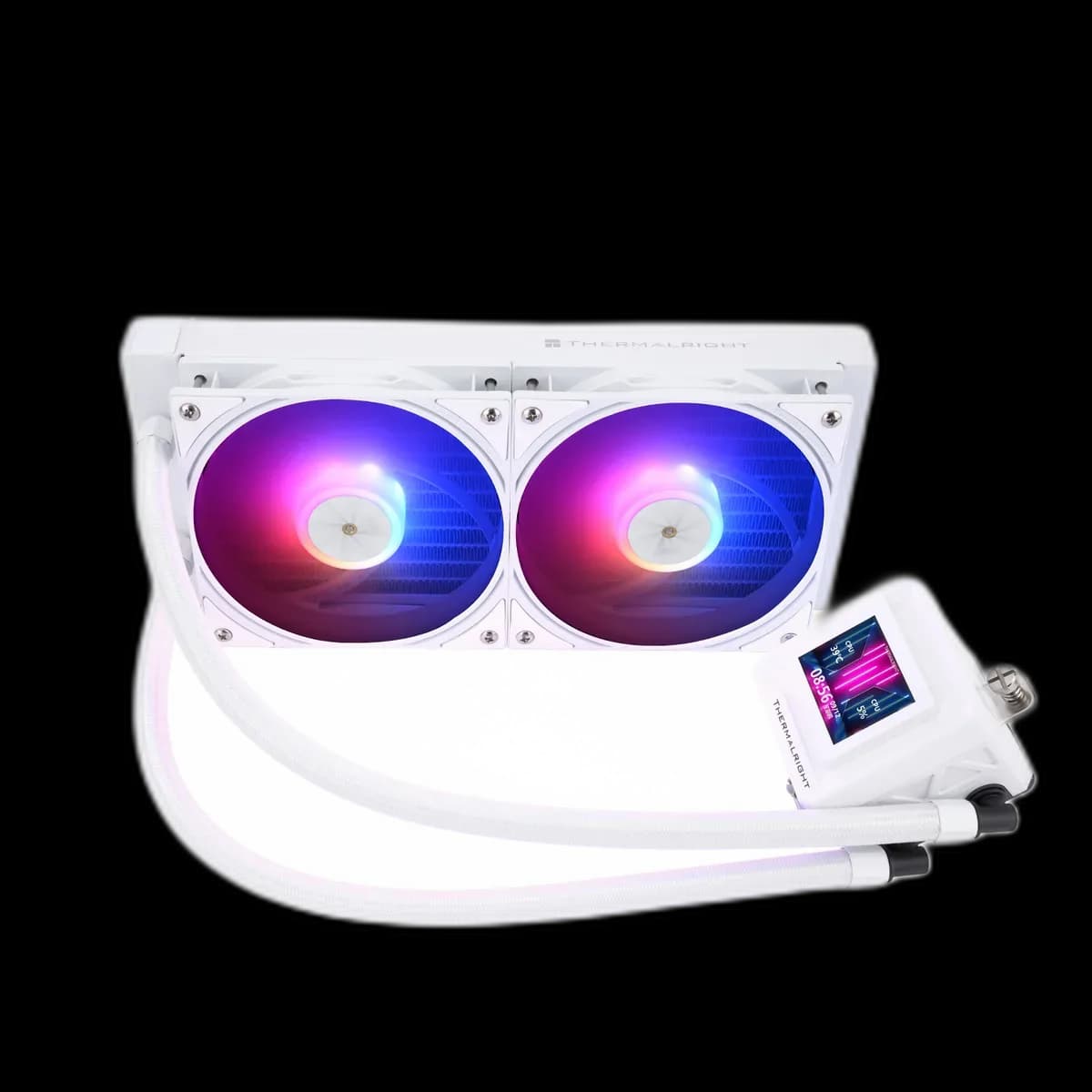
The Frozen Warframe SE 240 White combines a white two-fan cooling assembly with an LCD on the pump. Matching tubing and ARGB fans let the screen become part of a coordinated white PC.
Estimated courier delivery: 24–48 hours after dispatch.
The same rate applies to every city in Albania.
For 1 of this product. The final fee is recalculated at checkout for your full basket.
Cash on delivery, or pay in store when collecting.
Collect in Durrës with no delivery fee. Wait for confirmation that your order is ready.
36 months warranty
Optional extras, sold separately.
19.000 L
In stock
12.000 L
In stock
8.500 L
In stock
10.000 L
In stock
Extras total: 0 L
One of each selected item. Add the main product separately.
The Thermalright Frozen Warframe SE 240 White places a dark display inside a white pump housing, creating a clear point of contrast around the CPU. White tubing and fan frames continue the finish towards the radiator, while ARGB lighting gives you another way to coordinate the cooler with the rest of the PC.

The radiator measures 277 × 120 × 27mm without its fans. Check that complete footprint against the intended mounting area, then allow for the extra depth of the fans and the space needed by the tube fittings.
In a white build, cable placement is especially visible. Choose a mounting position that gives the tubes a natural route and lets the wiring follow the case edges. It is easier to plan that path before the radiator blocks access to nearby connectors.
Two TL-P12W-S fans provide matching white frames and ARGB lighting. Try a single accent colour that appears in the display theme, then check how it looks through the closed side panel.
Brightness matters as much as colour. A gentler setting can keep the screen readable without making the radiator the brightest object beside your desk. The fans' PWM control lets you adjust their cooling response separately from these visual choices.

The magnetic cover offers four screen orientations. Set the display upright for the way the PC will sit on your desk or beside it, keeping the tube route in mind.
A clear layout with only a few values is easier to read at a glance than several small graphs. Look at it from your chair before committing to a theme; a design that is legible at arm's length may look very different through tinted glass.
This model suits a white build where you want the display to feel integrated into the cooling system, with a 240mm radiator that leaves more length available elsewhere in the case than a three-fan format.