
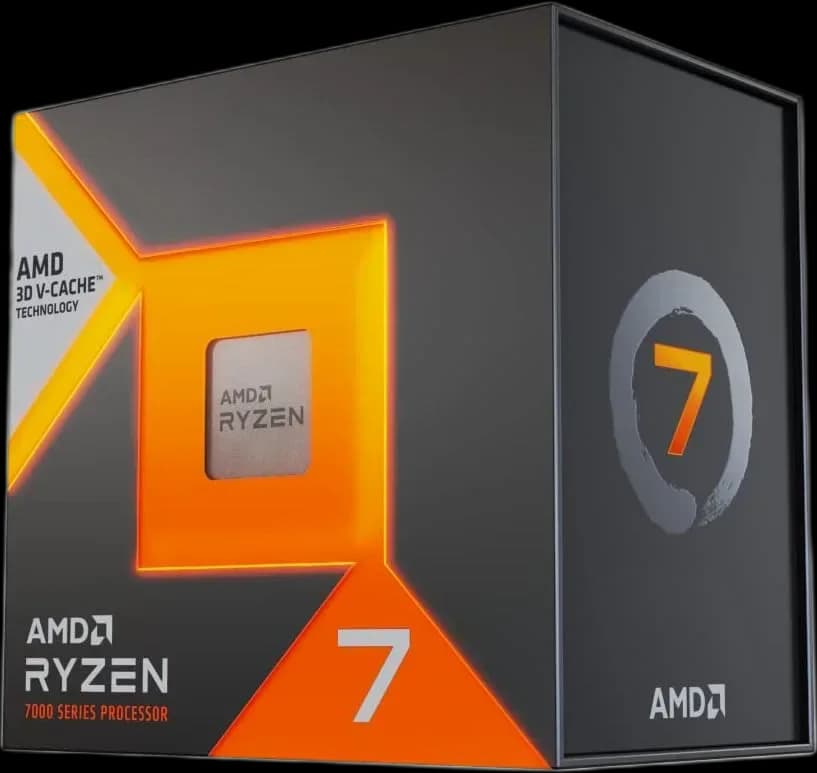
AMD Ryzen™ 7 7800X3D 8 Cores 16 Threads 4.2Ghz Turbo 5.0Ghz
46.000 L
In stock

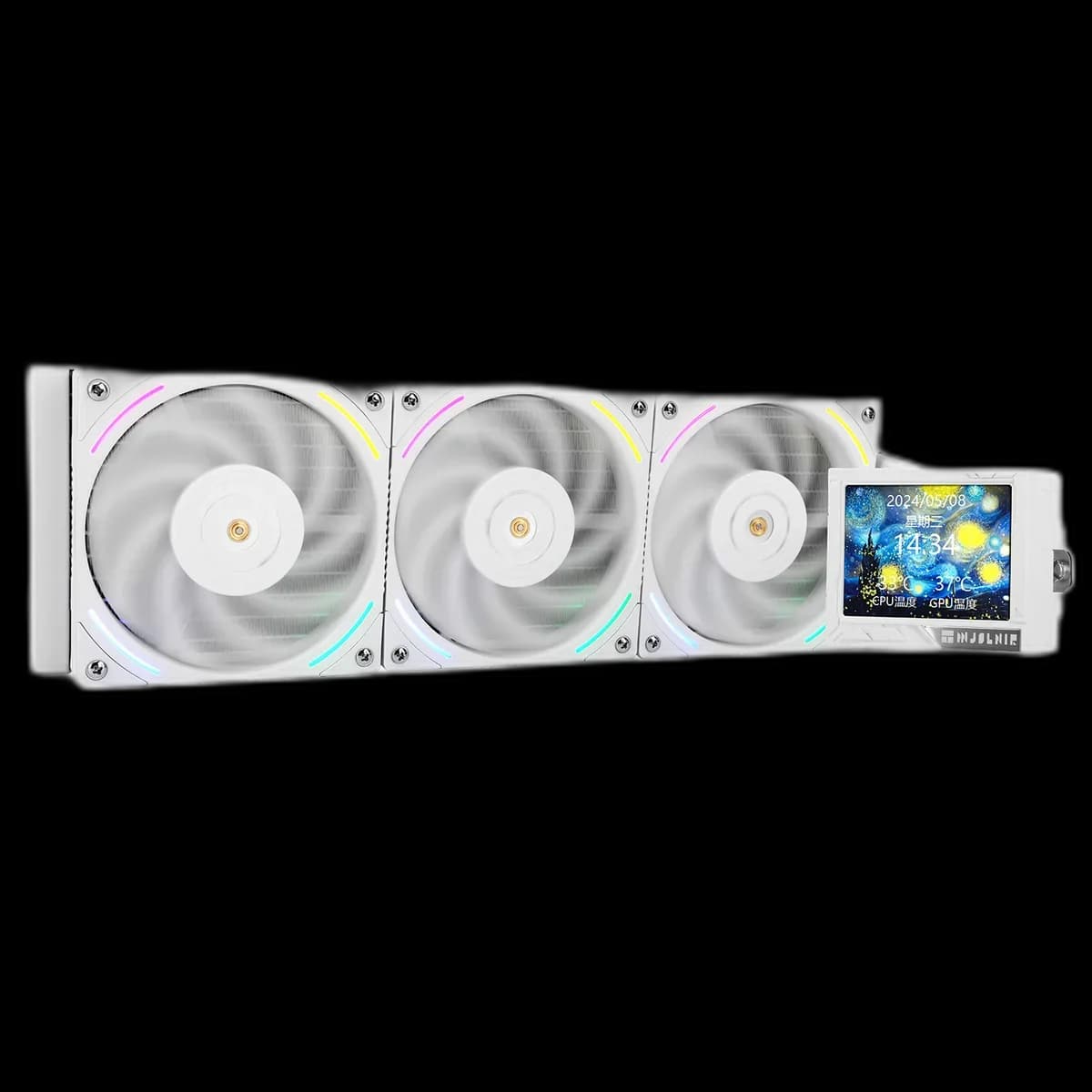
A white 360mm AIO built around a square CPU-area display and three TL-K12W ARGB fans. Mjolnir Vision White brings the radiator, tubing and screen housing into a coordinated design.
Estimated courier delivery: 24–48 hours after dispatch.
The same rate applies to every city in Albania.
For 1 of this product. The final fee is recalculated at checkout for your full basket.
Cash on delivery, or pay in store when collecting.
Collect in Durrës with no delivery fee. Wait for confirmation that your order is ready.
36 months warranty
Optional extras, sold separately.
46.000 L
In stock
28.000 L
In stock
22.000 L
In stock
16.000 L
In stock
Extras total: 0 L
One of each selected item. Add the main product separately.
A white surround makes the screen on Mjolnir Vision 360 White stand out even before the lighting is switched on. The radiator and fan frames continue that finish through the case. It is a cooler for a build where the visible surfaces matter, whether the rest of the PC is all white or deliberately mixes light and dark parts.

Choose the viewing angle first. From your chair, check whether the side panel reflects a window or whether a tube would pass across the display. A clean path around the CPU gives the screen room to become part of the finished layout.
The manufacturer shows artwork on the display in its product photos. Keep any image simple enough to recognise at a distance; a small display rewards a clear subject more than an intricate scene.
The radiator body is 397 × 120 × 27mm. Add the fans when checking depth and leave room at the ends for fittings and the tube route. Three available fan mounts alone do not describe the whole installation space.
A top mount places the assembly near the RAM and motherboard heatsinks. A front mount changes the clearance for a long graphics card. Check both the case manual and the actual components you plan to use.

The three TL-K12W fans have separate 4-pin PWM and 3-pin 5V ARGB connections. That separation lets you choose the lighting theme while adjusting fan speed to the workload. Start with one colour and judge it through the closed side panel.
Keep the cable route accessible for future adjustments. After the build is running, test a gradual fan curve in a familiar game or application and listen from the desk, where you will actually use the PC.
Mjolnir Vision White suits a carefully arranged glass-panel build. Its white surfaces do much of the visual work already, so you can keep the lighting and display content as restrained as you like.