
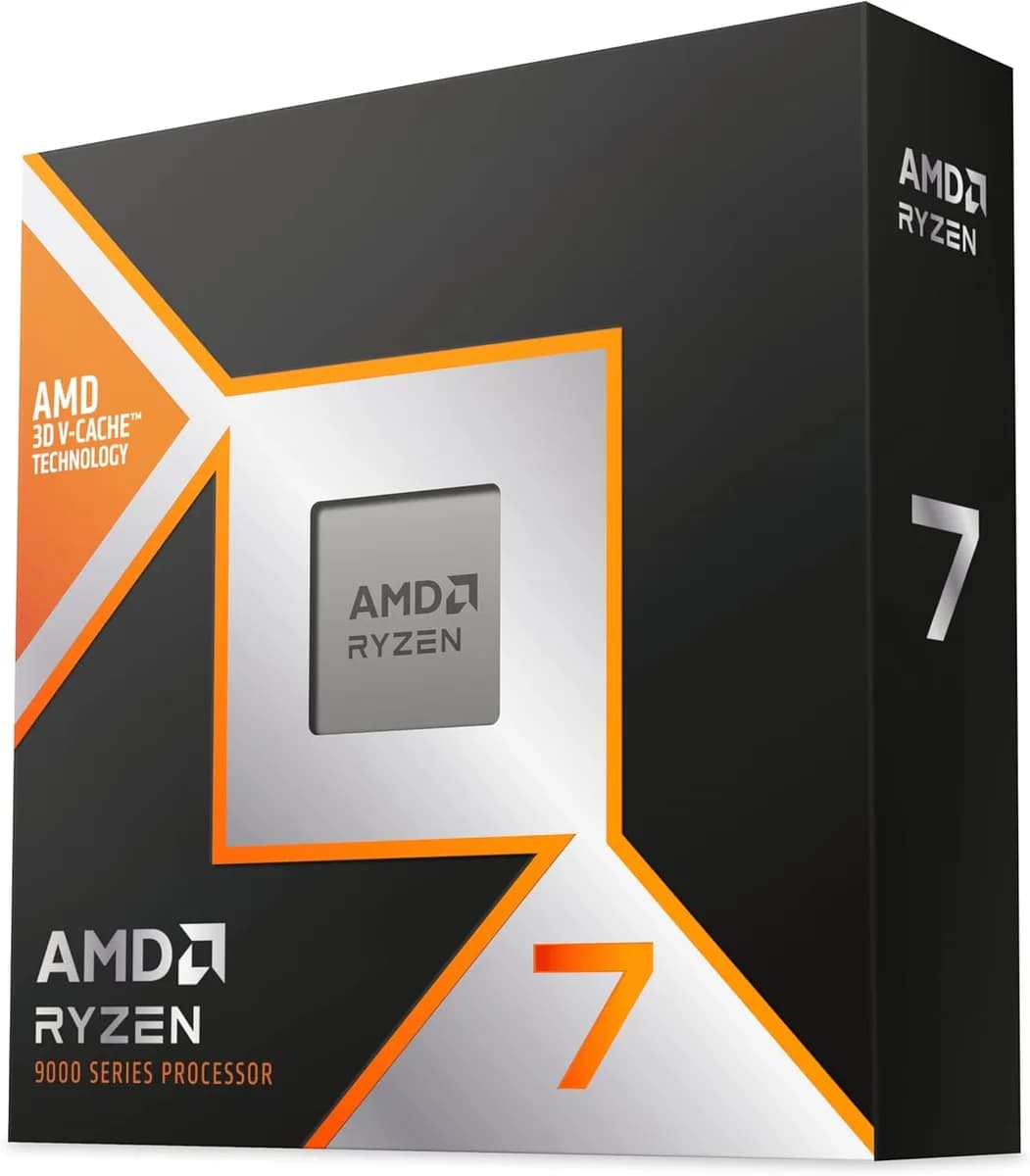
AMD Ryzen™ 7 9800X3D 8 Cores 16 Threads 4.7Ghz Turbo 5.2Ghz
60.000 L
In stock

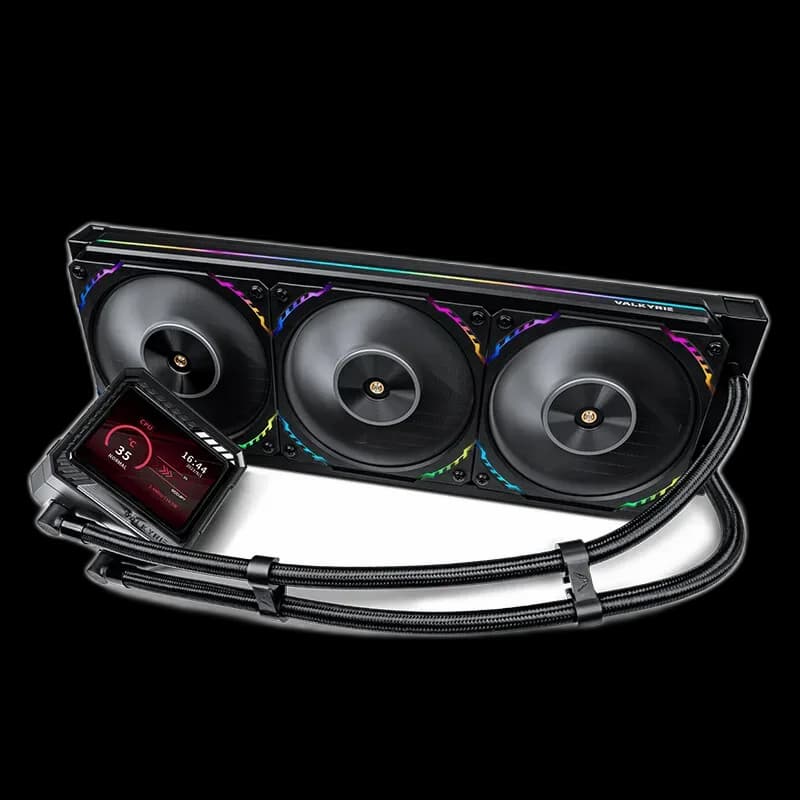
Valkyrie V360 LCD Black combines a 360mm radiator and three S12 ARGB fans with a 3.5-inch IPS screen. A display-equipped cooler for a case with a confirmed three-fan radiator position.
Estimated courier delivery: 24–48 hours after dispatch.
The same rate applies to every city in Albania.
For 1 of this product. The final fee is recalculated at checkout for your full basket.
Cash on delivery, or pay in store when collecting.
Collect in Durrës with no delivery fee. Wait for confirmation that your order is ready.
36 months warranty
Optional extras, sold separately.
60.000 L
In stock
28.000 L
In stock
22.000 L
In stock
16.000 L
In stock
Extras total: 0 L
One of each selected item. Add the main product separately.
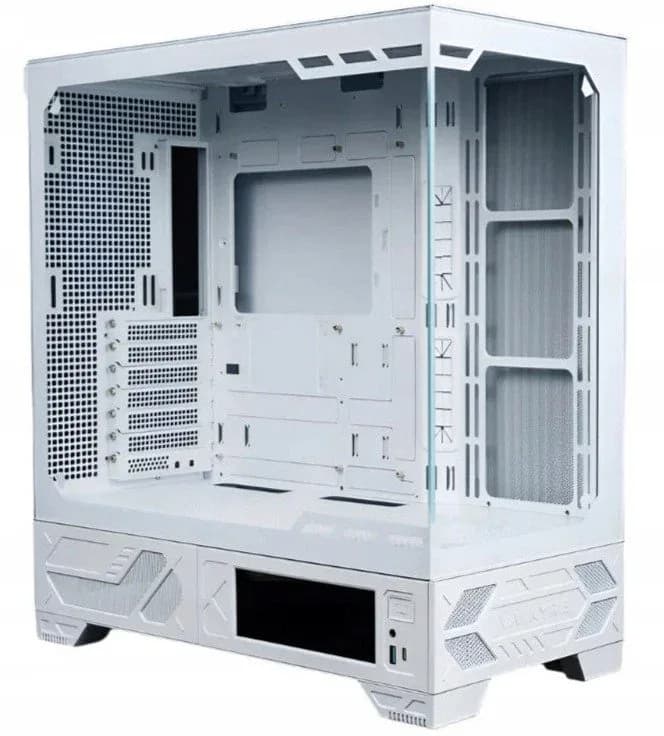
The V360 LCD Black puts a 3.5-inch IPS display next to the CPU and a row of three S12 ARGB fans along the radiator. In a larger glass-panel case, those two areas can work together as the main visual features. The important first decision is where the complete 360mm assembly will sit.

Valkyrie specifies a 60Hz refresh rate for the IPS display. Choose a simple visual arrangement that is clear from your normal seat, then make sure the tube route leaves it unobstructed. A screen that looks good from directly above may be less visible once the case is beside the desk.
The black surround provides a neutral edge around the picture. Matching the fan lighting to one colour in that picture is an easy way to connect the two areas without filling the case with unrelated effects.
The radiator body measures 379 × 120 × 27mm, before adding the fans. Check the actual clearance at the ends and the depth above the motherboard. A mounting rail can be long enough while still leaving too little room for tall RAM or a heatsink.
For a front installation, consider the space left for the graphics card and how the tubes return to the CPU. Arrange the parts loosely first; that makes it easier to find a natural route before tightening everything.
The included S12 ARGB fans use PWM speed control. Set a gradual response, run a familiar workload, and observe the system after it has warmed up. Radiator size alone does not tell you the noise or temperature of the finished PC.
Keep lighting and speed adjustments separate. A quiet-looking lighting effect is a visual choice; the cooling settings still need to suit the processor, case airflow and workload.
V360 LCD Black fits a build that has room for its radiator and a clear view of its screen. Treat both as part of the layout, then finish with settings that work for everyday use.