
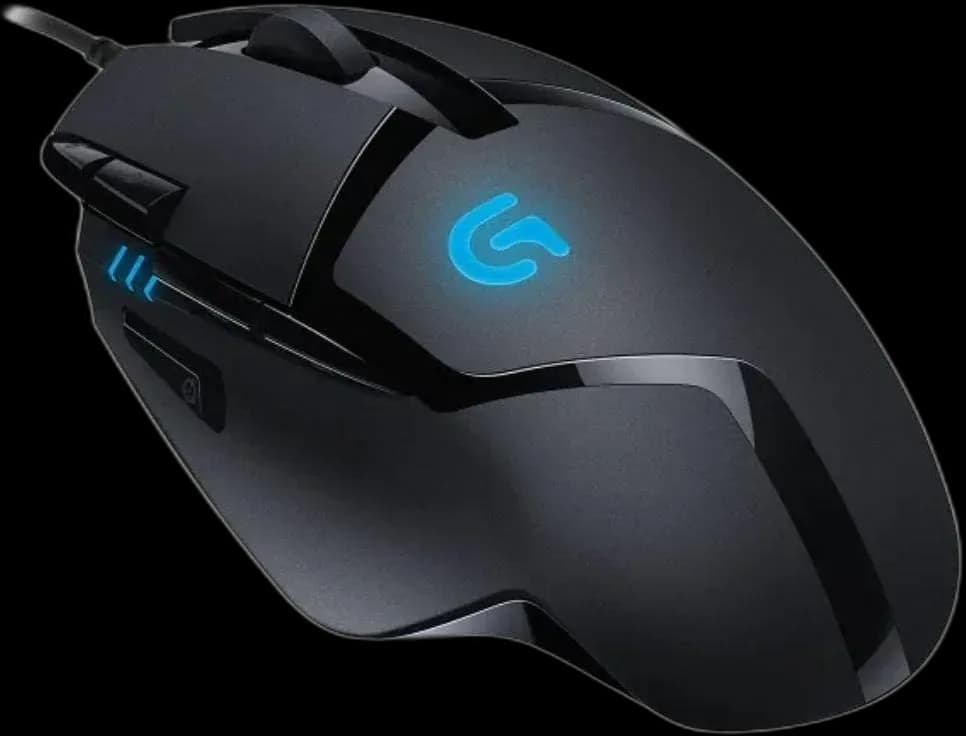
Logitech G402 Hyperian Fury
6.000 L
In stock

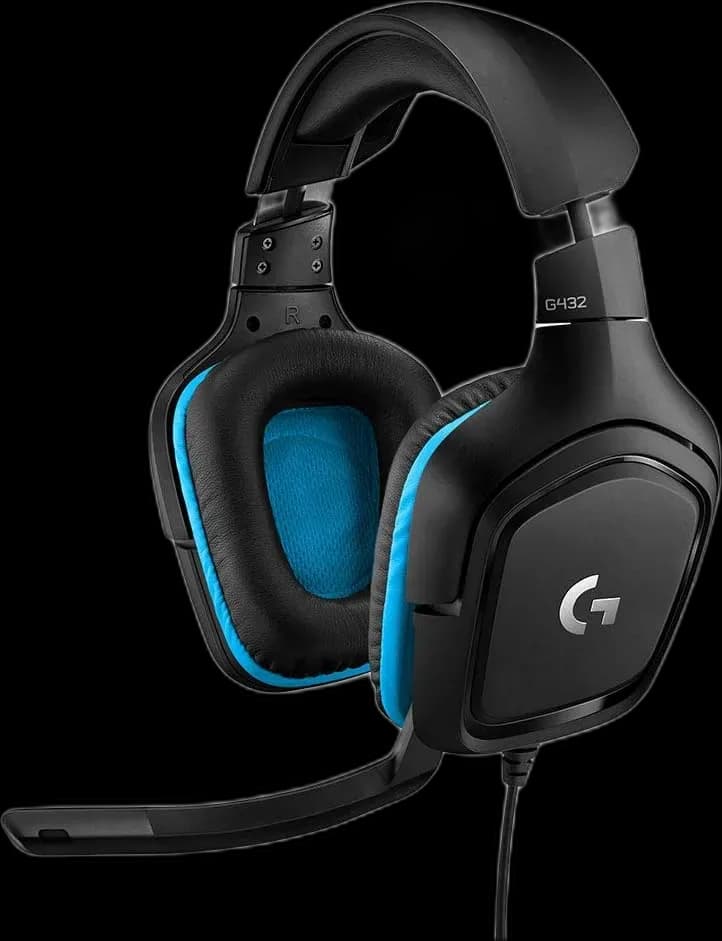
Logitech G432 Black/Blue combines 50mm drivers and a flip-to-mute microphone with 3.5mm audio and an included USB DAC for compatible devices.
Estimated courier delivery: 24–48 hours after dispatch.
The same rate applies to every city in Albania.
For 1 of this product. The final fee is recalculated at checkout for your full basket.
Cash on delivery, or pay in store when collecting.
Collect in Durrës with no delivery fee. Wait for confirmation that your order is ready.
24 months warranty
Optional extras, sold separately.
6.000 L
In stock
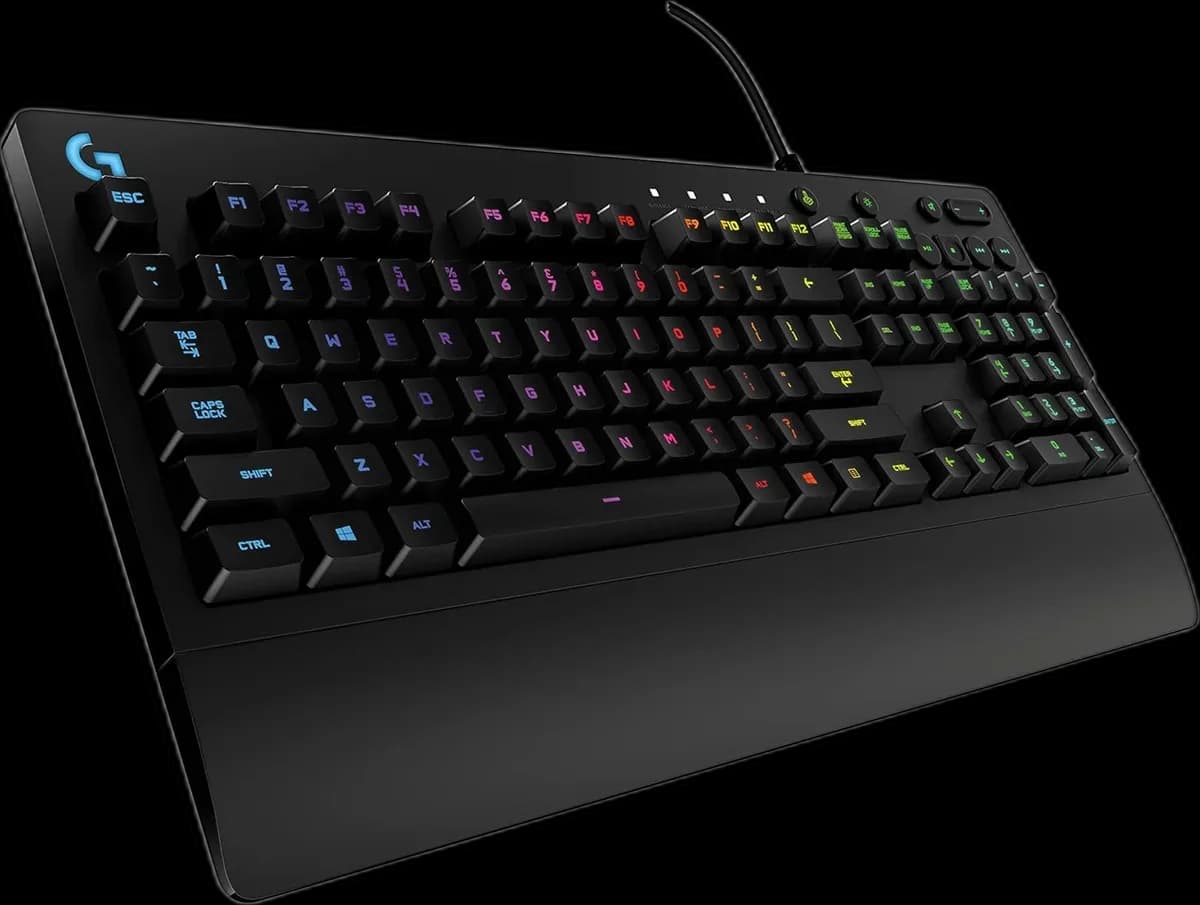
6.500 L
In stock
Extras total: 0 L
One of each selected item. Add the main product separately.
The black-and-blue G432 can connect through a familiar 3.5mm jack or its supplied USB DAC. That makes the connection choice part of the setup: use analogue audio on a compatible controller or mobile device, and USB where the platform supports it. The attached microphone flips upward to mute without searching for a software button.
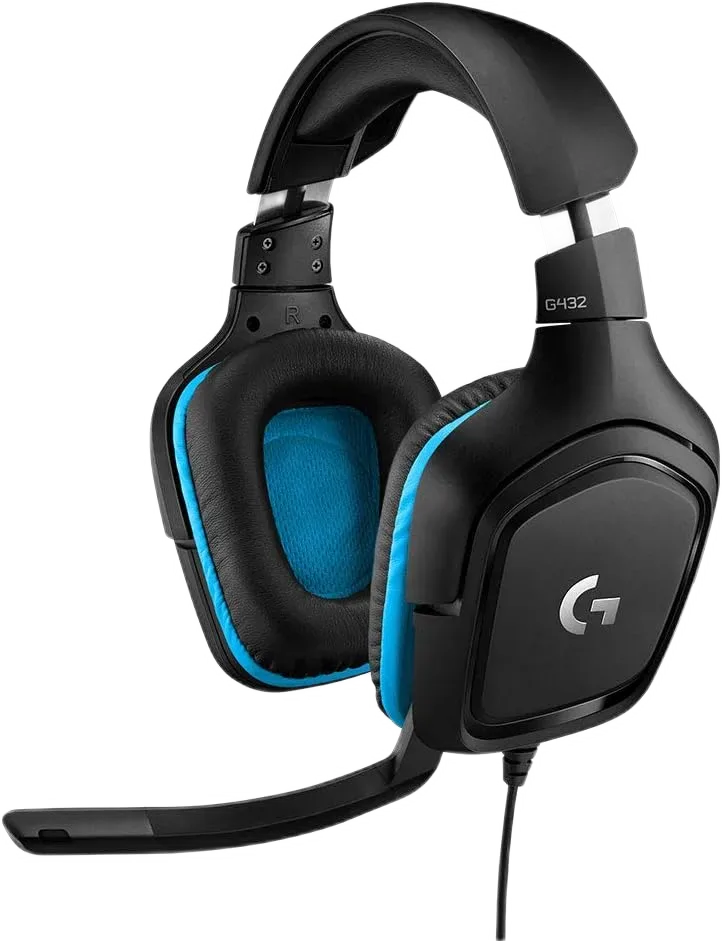
The 3.5mm connection suits devices with a compatible headset socket. The USB DAC adds another route for supported PC, Mac, PS4 and docked Nintendo Switch use. Platform support for basic sound does not mean that every software feature is available there.
On a computer, select the headset input and output after connecting. If voice chat is silent, check the recording device and microphone position before changing the game’s other audio settings.
The 6mm cardioid microphone mutes when raised. A volume control on the earcup keeps listening adjustments within reach. These physical controls are helpful when you need to respond to someone in the room without leaving the game.
The earcups rotate through 90 degrees, while the padded leatherette contact surfaces surround the ears. At 280g, the headset still needs an even headband adjustment; a comfortable seal matters more than tightening it as much as possible.
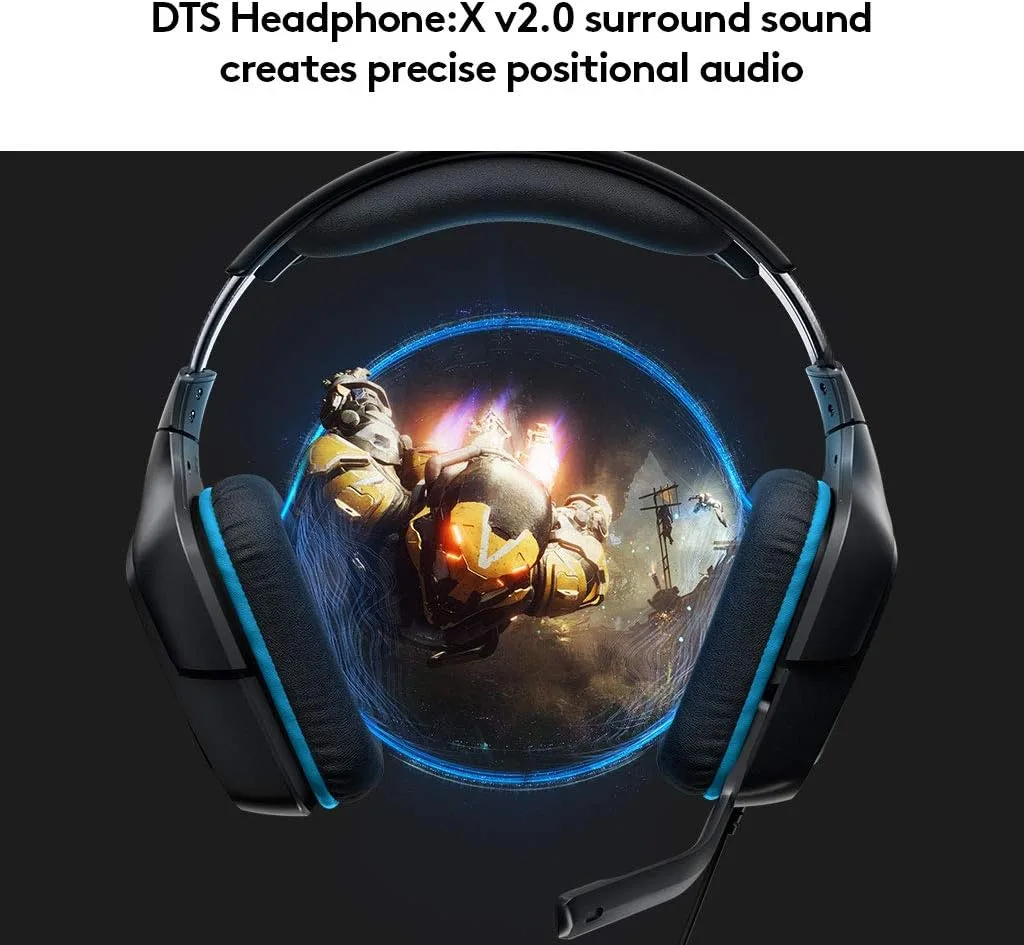
The 50mm drivers provide the headphone output. DTS Headphone:X 2.0 adds spatial processing through compatible Windows software, the USB connection and Logitech G HUB. It is an optional processing layer rather than multiple physical speakers in each earcup.
Try it with a familiar game, then compare with stereo. If the game already offers headphone spatial audio, test one system at a time so that two effects are not working over each other.
G432 fits a wired setup that moves between devices and benefits from straightforward mute and volume controls.